OfficeServ 7400 INSTALLATION
TECHNICAL MANUAL PART 7 MAY 2010
7.17
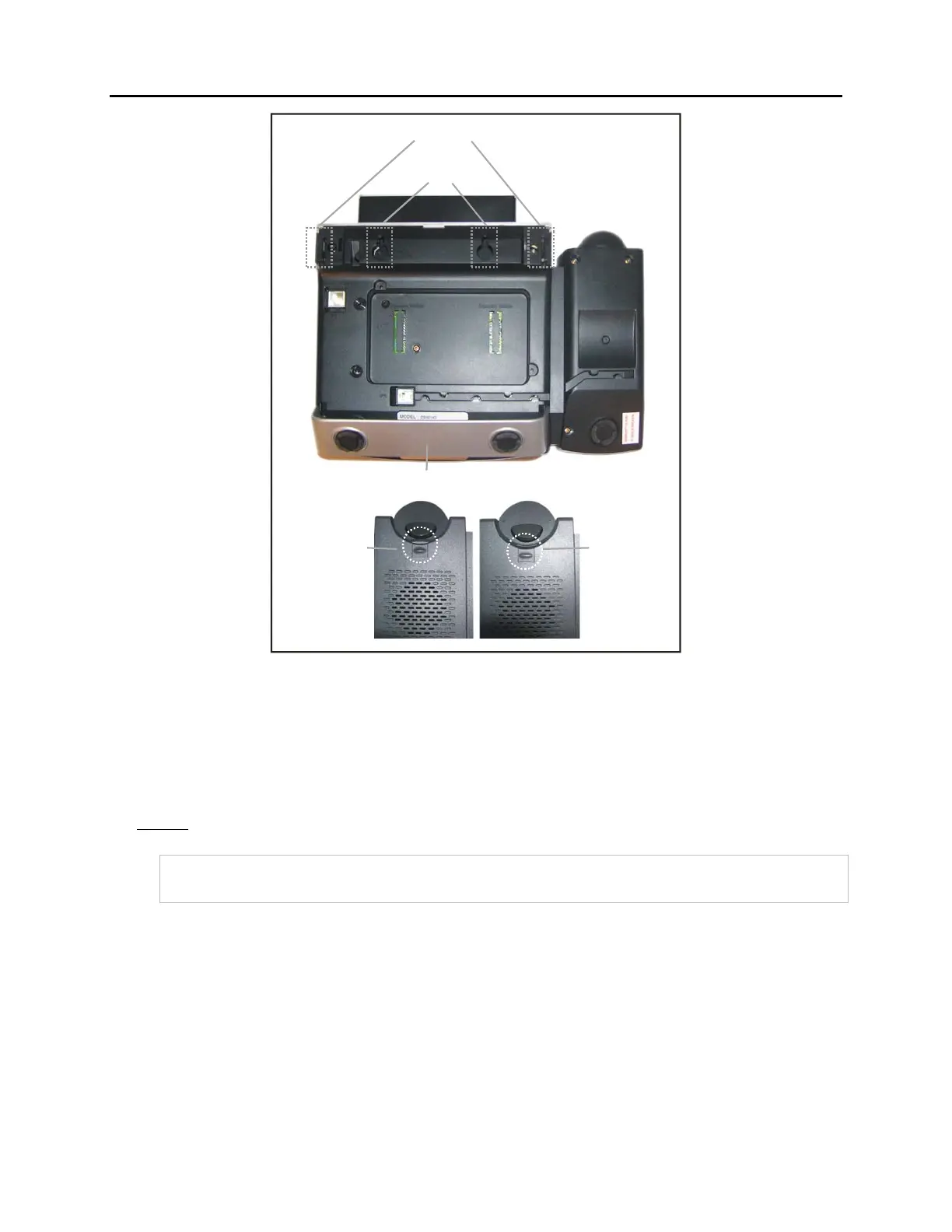
BASE STAND SLOTS
BASE STAND
SCREW HOLES
1
2
HANDSET
RETAINING CLIP
IN DESKTOP
POSITION
HANDSET
RETAINING CLIP
IN WALL-MOUNTING
POSITION
Figure 7.21 Wall-Mounting DS 5000, ITP-5121D and ITP-5107S Keysets
WALL-MOUNTING SMT-i5200 KEYSETS
Assemble the wall-mount bracket where you want to use the phone. The wall-mount bracket
is an optional item.
To install the wall-mounting bracket follow the steps below:
1. First, choose the location where you want to install the phone, and then determine the
positions of the screws by placing the phone at the target location on the wall.















 To Next Page