OfficeServ 7400 INSTALLATION
TECHNICAL MANUAL PART 7 MAY 2010
7.22
METAL
CONNECTOR
CLIP
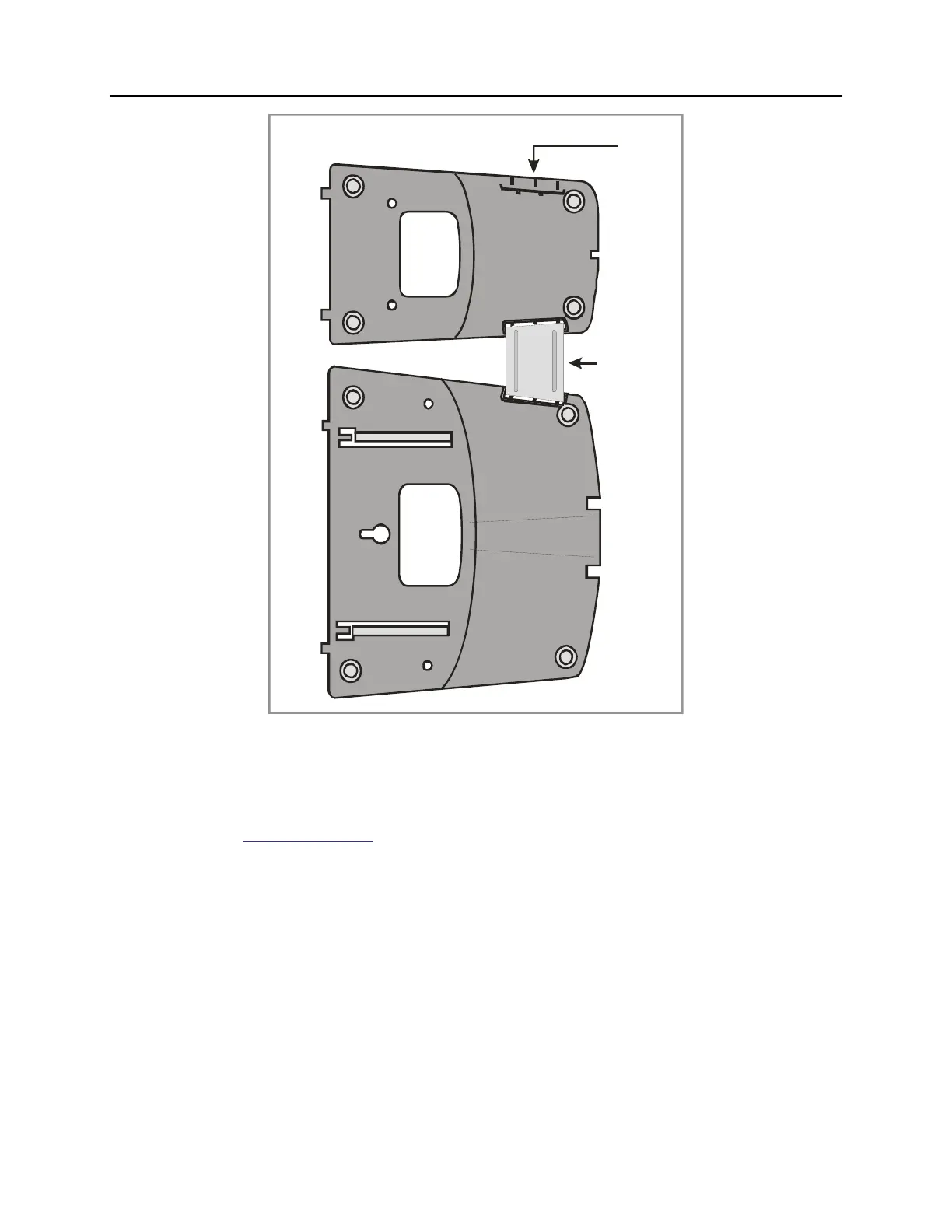
24B / 12B ULTRA BASE WEDGE AOM ULTRA BASE WEDGE
GROOVE FOR
ADDITIONAL
CONNECTOR
CLI P
Figure 7.23 Attaching 24B/12B to AOM
ATTACHING iDCS 64 BUTTON MODULES TO AN iDCS KEYSET
First, remove the base wedge from the iDCS 64BM and attach the bracket to it with two of the
screws provided (see Figure 7.24).
Remove the base wedge of the keyset and place it to the right of the 64BM and attach the
bracket/64BM to the keyset with the remaining two screws.
The base wedge can now be replaced.
NOTE: If you wish to attach two 64BMs to a keyset, connect the 64BMs together first and
then attach them to the keyset.















 To Next Page