OfficeServ 7400 INSTALLATION
TECHNICAL MANUAL PART 7 JANUARY 2011
7.41
5. Ports
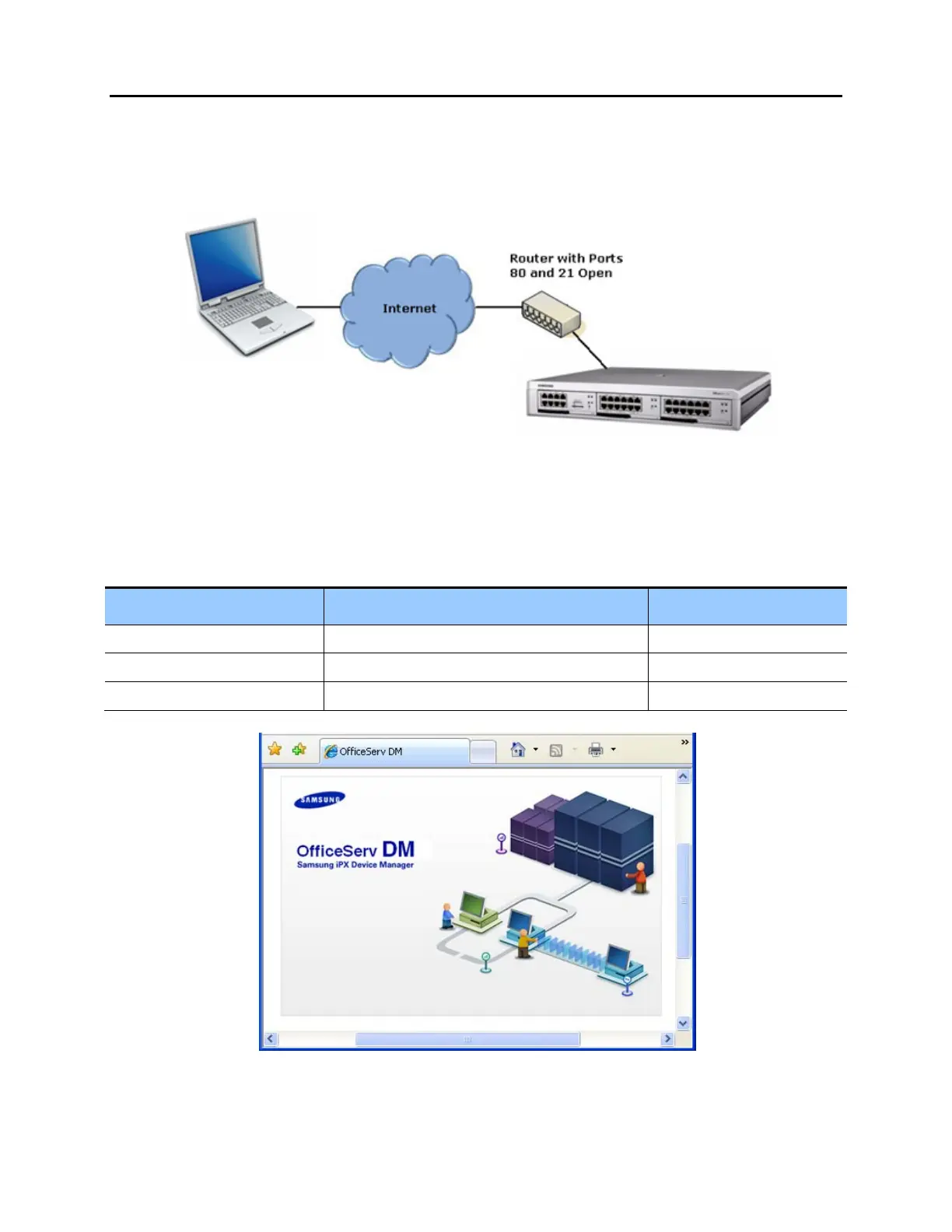
When using a public network to access an OfficeServ system with Device Manager, firewall
ports 80 and 21 must be opened on the router.
Figure 7.38 Firewall Ports
CONNECTING TO THE EMBEDDED DEVICE MANAGER
Device Manager is launched with a web browser. Depending on the environment, one of the
following addresses should be used to access the embedded Device Manager.
Environment Command Example
Private Network http://OfficeServ System IP Address/dm/ http://192.168.45.56/dm/
Public Network http://OfficeServ System IP Address/dmp/ http://192.168.45.56/dmp/
MP20S Processor Card https://OfficeServ System IP Address https://192.168.45.56
Figure 7.39 DM Splash Screen















 To Next Page