OfficeServ 7400 INSTALLATION
TECHNICAL MANUAL PART 7 JANUARY 2011
7.42
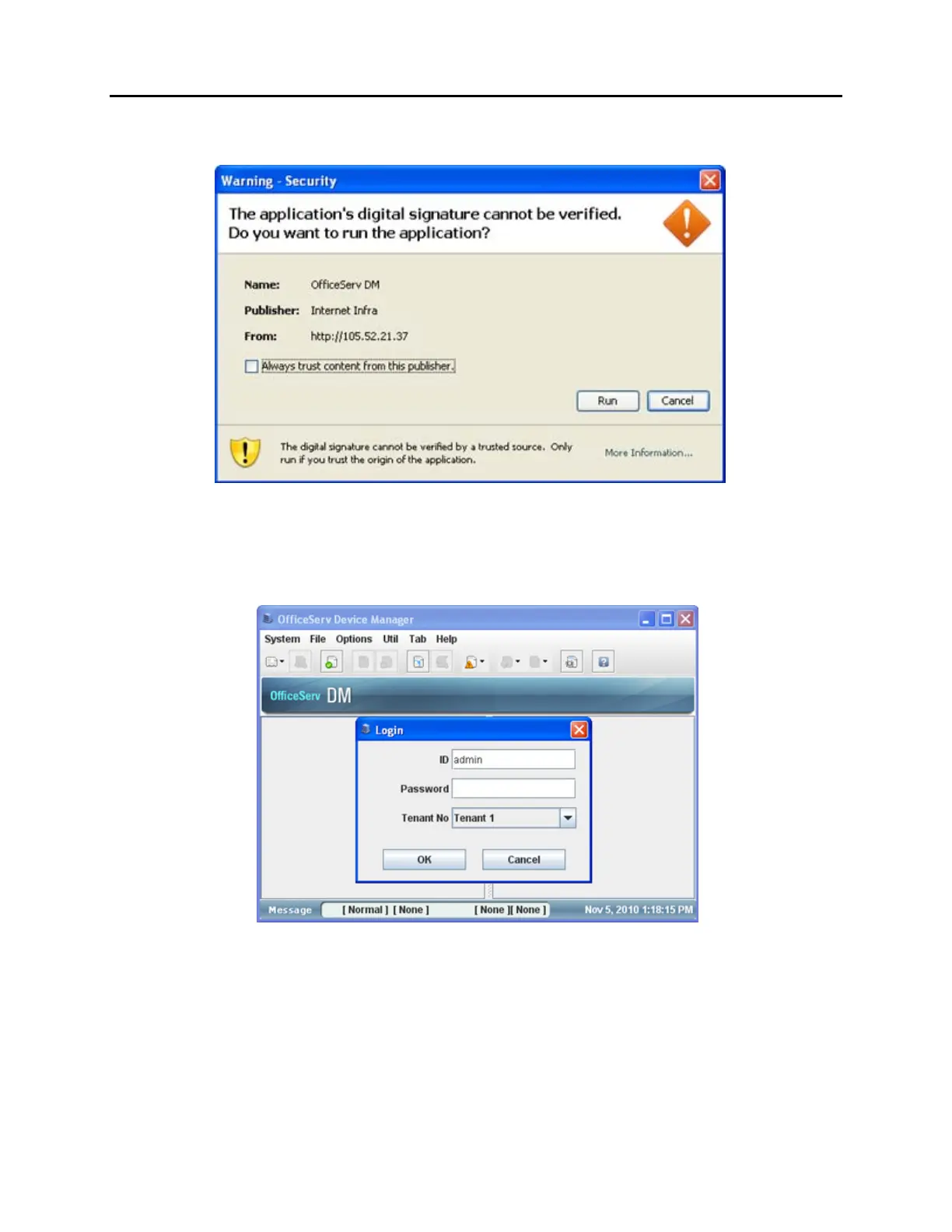
You may see the following warning screen. Simply click on the Run option if you do.
Figure 7.40 Security Warning
Device Manager will open in a separate window. This may take up to 15 seconds to open.
The default Login ID is admin and the default password is samsung.
Figure 7.41 DM Login Page















 To Next Page