OfficeServ 7400 INSTALLATION
TECHNICAL MANUAL PART 3 MAY 2010
3.40
connected to GPLIM/GPLIMT/PLIM causes the total current draw per cabinet to exceed
6600mA. It does not provide power to DLI ports, MWSLI ports and other system interface
cards.
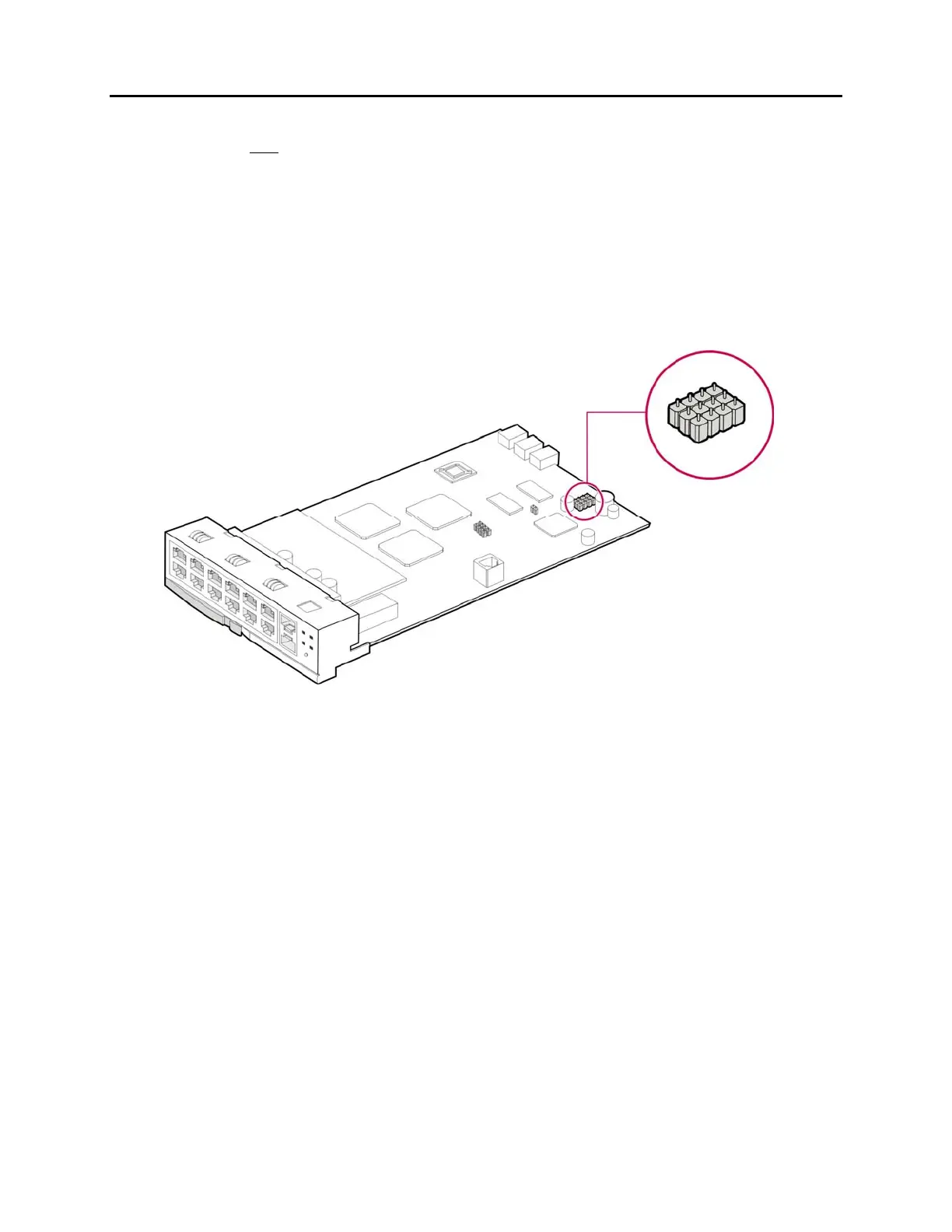
To force the GPLIM/GPLIMT to get power from the external OfficeServ 7150 PoE unit, you
must connect shunt pins 2 and 3 for each jumper J1, J2, J3 and J4 (EXT setting). Shunt pins 1
and 2 are connected at factory default (this setting causes the GPLIM/GPLIMT to get power
from the internal OS7400 power supply).
Set jumpers J1~J4 in the GPLIM/GPLIMT module.
Figure 3.41 Setting the Jumpers of the GPLIM/GPLIMT module
J1
J4
J2
J3
J1
J2
J3
J4















 To Next Page