Installation and Operation Manual
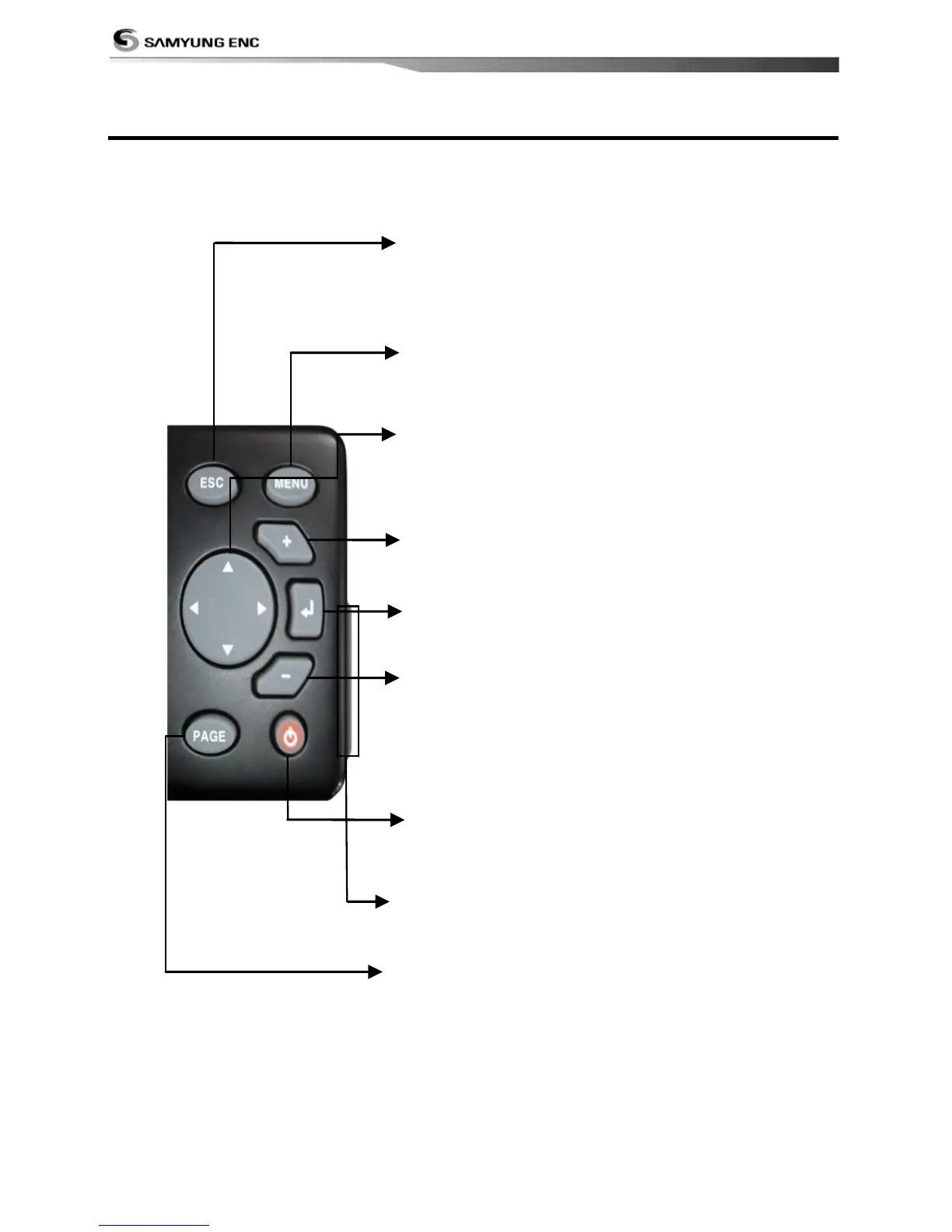
ESC – Exit from menu and return to previous
menu or window. In chart window, it
places own ship at center. (If press and
hold ESC in chart window, you can access to
track option)
PAGE – Show main windows and allow you to
setup displays as you like.
CURSOR – Moves the cursor on the display screen.
- – zoom out to multiple chart level.
POWER – Turns power on/off. Opens display
Brightness, Night mode and settings.
SD Card – Open the cover to install SD card.
(SD 2GB is not available.)
MENU – Show available options of current
window.
ENT – Select the desired option or to (If press and
hold ENT in chart window, you can access to mark
option.)
+ - zoom in to multiple chart level.



 To Next Page