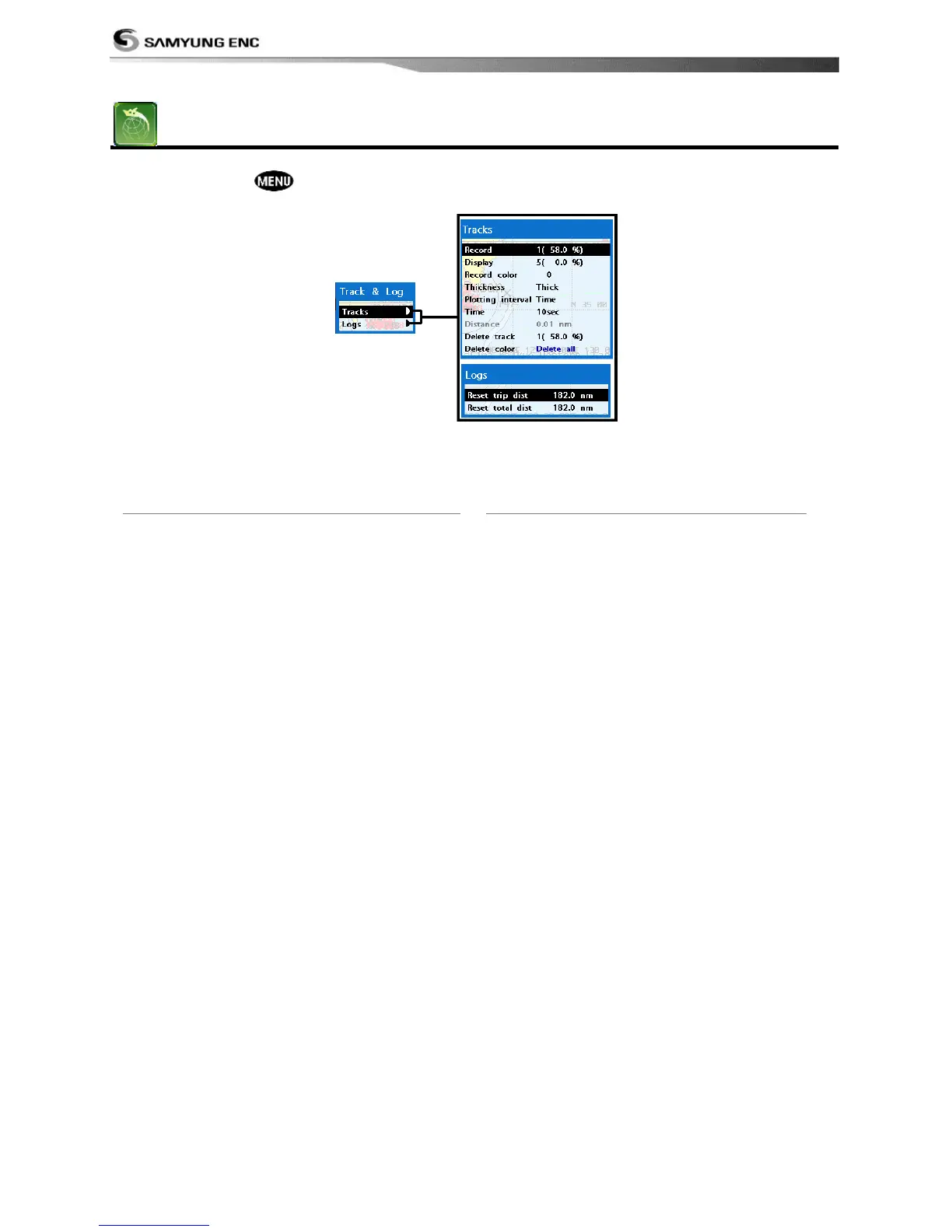
The unit has the capability to store 10 individual tracks and record up to 15,000 track points.
Before using the track function you will need to setup the track function that suits your boat.
4-4-1 Track
Record
Off: Stop a recording of Track
1 to 10 (select a track number): Start a
recording of the boat’s course.
Display
Off: Display no track on the chart.
1 to 5 (select a track number): Display a
selected track on the chart.
Record color
Select the color of recording track.
Thickness
Select the thickness of recorded track.
Plotting Interval
Select the method of plotting interval
between time and distance.
Distance
Select the distance of plotting interval.
Time
Select the time of plotting interval.
Delete track
Delete a selected track record.
4-4-2 Log
Reset trip dist
Shows you the trip distance. If you select this
option it resets the trip distance.
Reset total dist
Show you the total trip distance. If you select
this option it resets the total trip distance.



 To Next Page