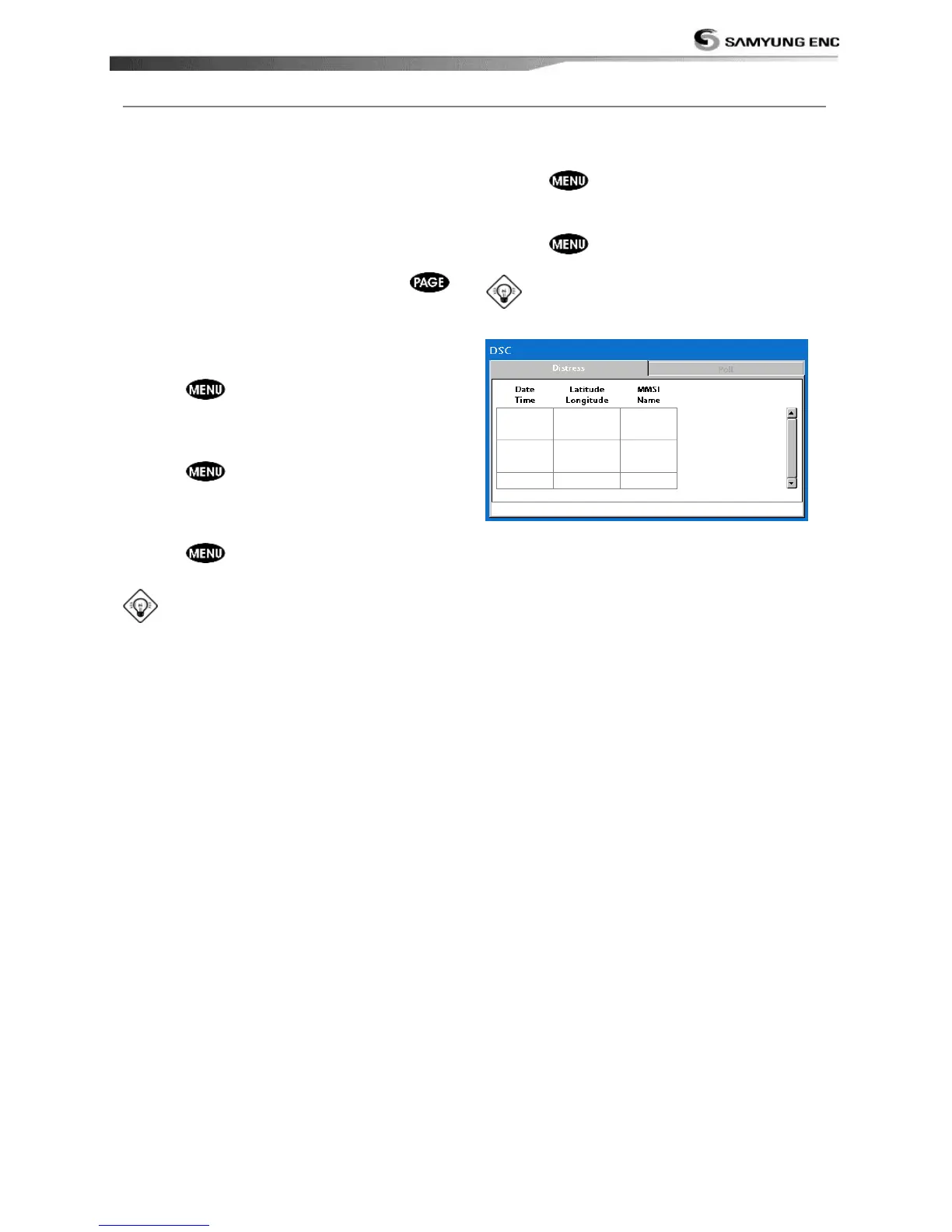
Poll
A compatible radio with the unit can request
the position of other DSC VHF radio equipped
vessels around its position. When the position
of a vessel is received, the location is
displayed on the screen and it is logged into
Poll window
To display the Poll tab, press and hold
.
Displaying an poll vessel in the chart
window
1 Highlight a poll you want to display.
2 Press and select Display.
Going to the poll vessel position
1 Highlight a poll you want to go.
2 Press and select Goto.
Edit a distress waypoint
1 Highlight a poll you want to edit.
2 Press and select Edit Waypoint.
3 Change data field and select Save
Tip: When receiving a poll from other
vessel, it does not create a waypoint as a
distress call
Deleting a poll
1 Highlight a received distress call you want
to delete.
2 Press and select Delete.
Deleting all poll
1 Press and select Delete all.
Tip: Even though you delete a DSC call,
the DSC waypoints still exist.



 To Next Page