Installation and Operation Manual
Manual power on
Press
and hold until the display shows
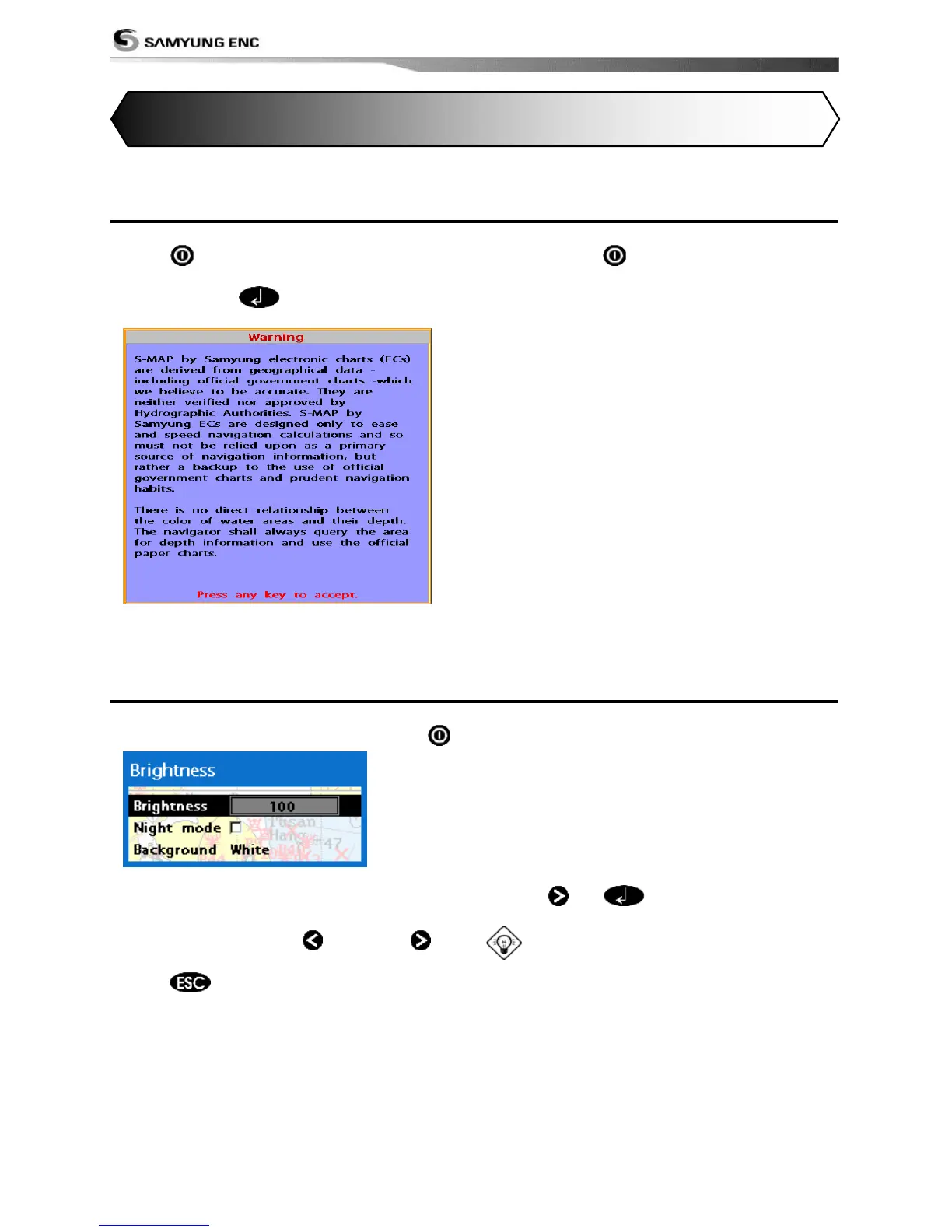
the start up page. When the Warning screen
appears, press to accept.
Manual power off
Press and hold for 5 seconds. A counter
timer appears on the screen, if you release
the button before the countdown timer
reaches zero, the chart plotter will remain On.
3-2 Brightness, night mode and Background
You can change the screen setting for the
display. To change settings, shortly press .
Brightness
To change the brightness, select
Brightness, and press
to dim or to
brighten.
Press
to return to the previous
screen.
Night mode
The chart plotter has preprogrammed
settings allowing you to customize the look of
the Chart window. The default is daytime
view. Select Night mood depending on what
mode the display is in at the time of
selection.
To change mode:
1 Highlight Night mode.
2 Press
or .
Tip: The screen will be difficult to read if
the chart plotter is in night mood when the
sun is too bright
Background
You can Changes the background color if
necessary. This selection is a personal
preference. Select the option that gives you
the clearest viewing in your weather
conditions and viewing angle.



 To Next Page