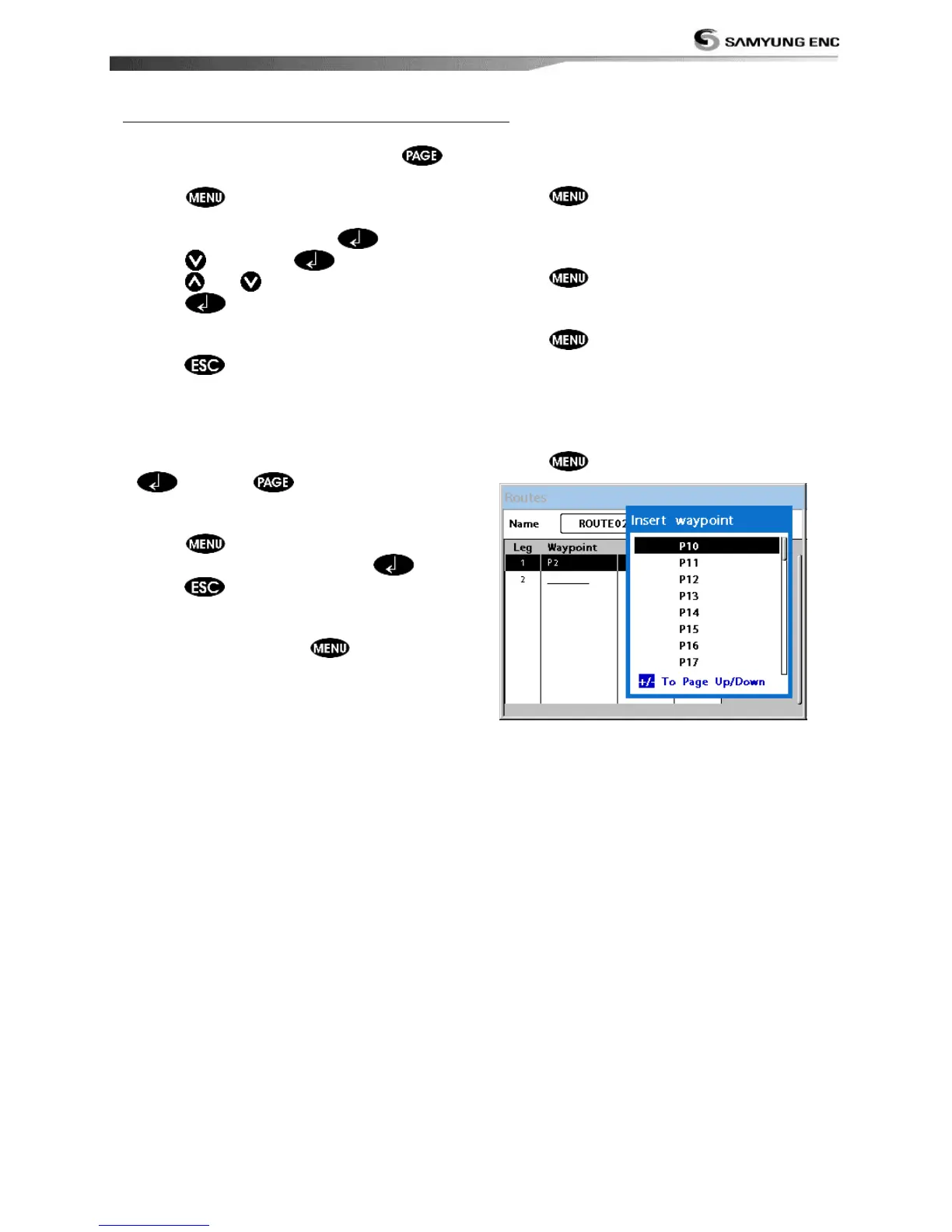
Creating a rout from the route window
1 To go to the Route window, press
and select the Route icon
2 Press select Create
3 If you want to enter a route name,
highlight name and press .
4 Press and press .
5 Press
or to highlight a waypoint
6 Press to insert a waypoint
7 Repeat step 5 and 6 until you create a
route
8 Press to exit
Inserting a waypoint between two
waypoints
1 In the Route window, select a route you
want to insert in the route list and press
or press and select Edit.
2 Highlight a leg where you want to insert a
waypoint
3 Press and select insert
4 Highlight a waypoint and press .
5 Press to exit
Editing a route in the chart window
1 In the route list, press and select
Edit on chart.
2 Follow the procedure of “Editing a waypoint
in route while creating a route “
Deleting a waypoint in the waypoint list
1 Highlight a waypoint you want to delete in
the waypoint list.
2 Press and select Remove.
Deleting a route in the route window
1 Highlight a route you want to delete.
2 Press and select Delete.
Deleting all route in the route window
1 Press and select Delete All.
Displaying a route in the Chart window from
the route list:
1 Highlight a route you want to display in the
Chart window.
2 Press and select Display.



 To Next Page