SY75C Excavator OMM Monitor Settings
SANY Operation and Maintenance Manual — 0220 4-7
TABLE OF
CONTENTS
INTRODUCTIONSAFETY
MACHINE
CONTROLS
MACHINE
OPERATION
MAINTENANCESPECIFICATIONS
OPTIONAL
EQUIPMENT
MONITOR SETTINGS
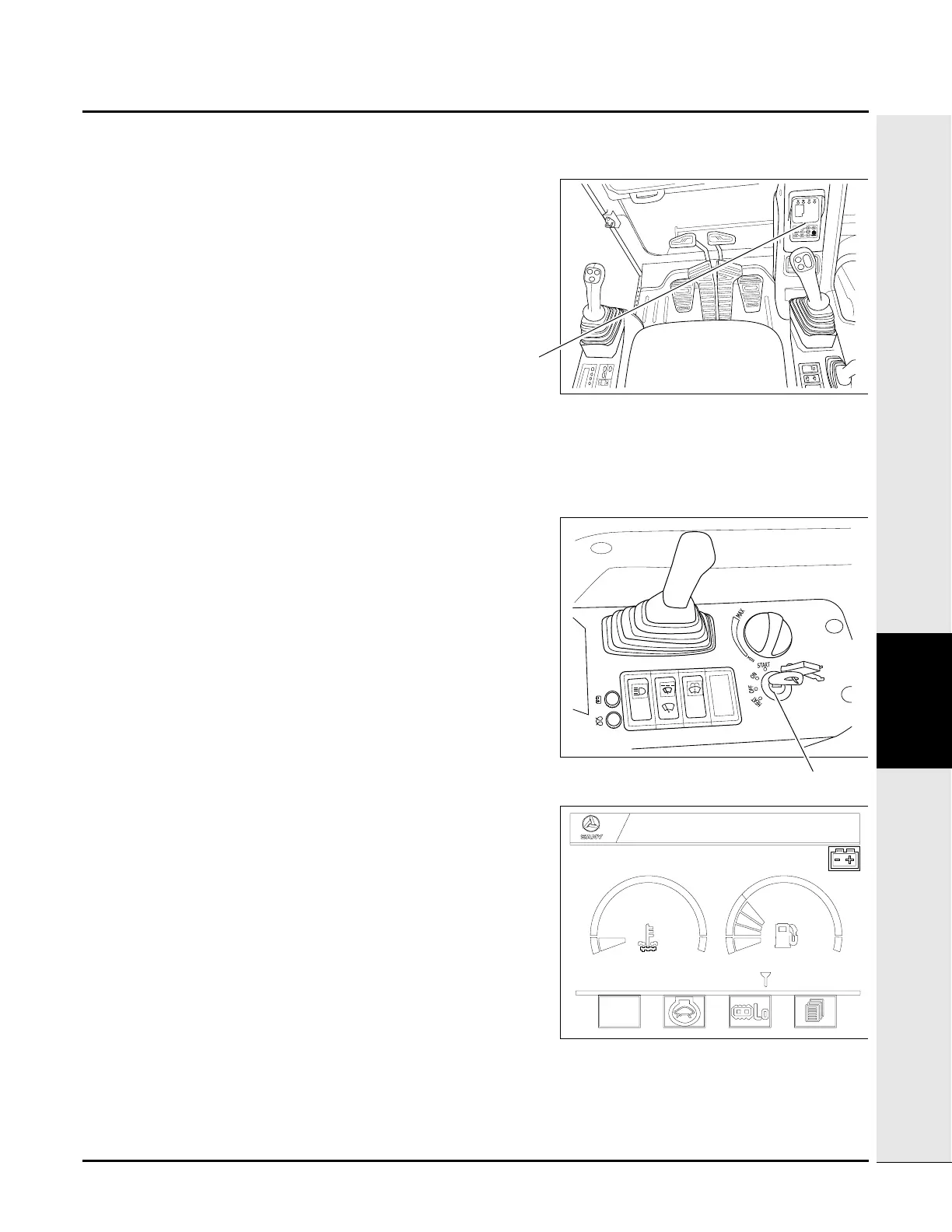
Monitor (a) is mounted in the front right of the cab.
First-Time Setup
Access the Main Menu
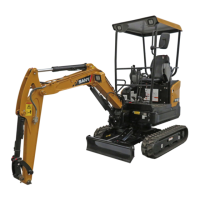
1. Turn ignition key (a) to the ON position.
NOTE: Main Screen displays.
S
Sany Hydraulic Excavator
S1
h
m
00006
20
14:15:21
2013/12/09


 To Next Page