SX215/EX, U (VPC-MZ2 GB) Mon. March 25/2002
USING THE VARIOUS PLAYBACK FUNCTIONS
Automatic playback (slideshow)
Still images can be automatically played back in a slideshow fashion. If voice
memos are attached, they can also be heard.
1
Select the still image playback mode (see page 80).
œ If the Playback Setting Screen or Playback Information Screen
appears, press the MODE button to exit it.
2
j l
œ The Sli
œ
l
or 10 sec.
œ i
4S
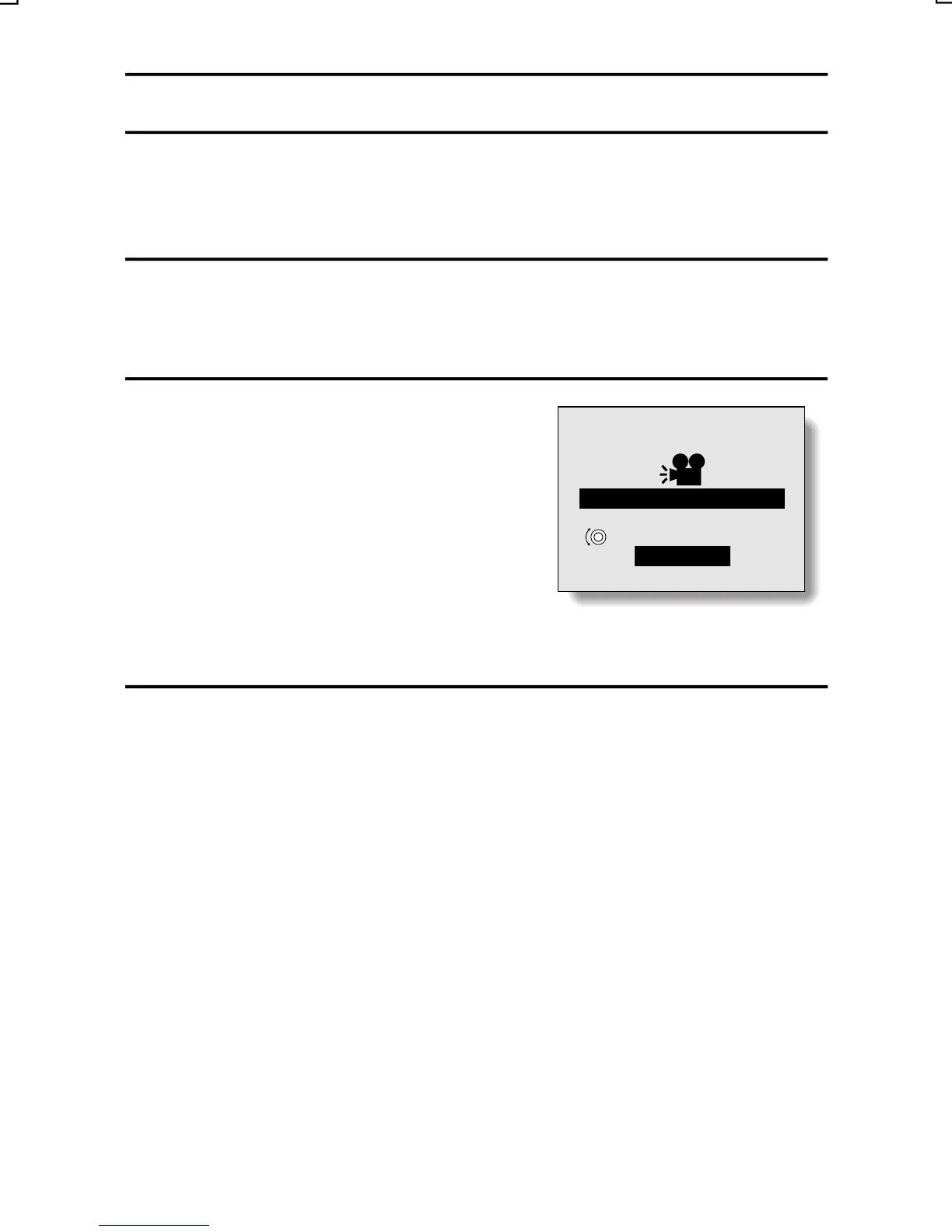
SLIDESHOW
SELECT
TIME
START
Press and hold [ ] or [ ] on the
arrow button until “SLIDESHOW”
appears.
deshow Screen appears.
Select “TIME”, and turn the jog dial
to select the time that each image is
shown. Se ect 1 sec., 4 sec., 7 sec.
If the time s set to 1 sec., voice
memos will not be played back.
3
Select “START”, and press the SET button.
œ Slideshow playback begins.
œ After all the still images have been played back, the slideshow ends.
œ To interrupt the slideshow, press the MODE button, the SET button, or
an arrow button.
English
88



 To Next Page