SX215/EX, U (VPC-MZ2 GB) Mon. March 25/2002
USING THE VARIOUS PLAYBACK FUNCTIONS
Rotating an image
Captured images can be rotated to the correct orientation for viewing.
1
Display the still or sequential shots image you wish to rotate.
2
Display the Playback Setting
Screen (see page 39).
3
Select the rotate image icon Ç,
and press the SET button.
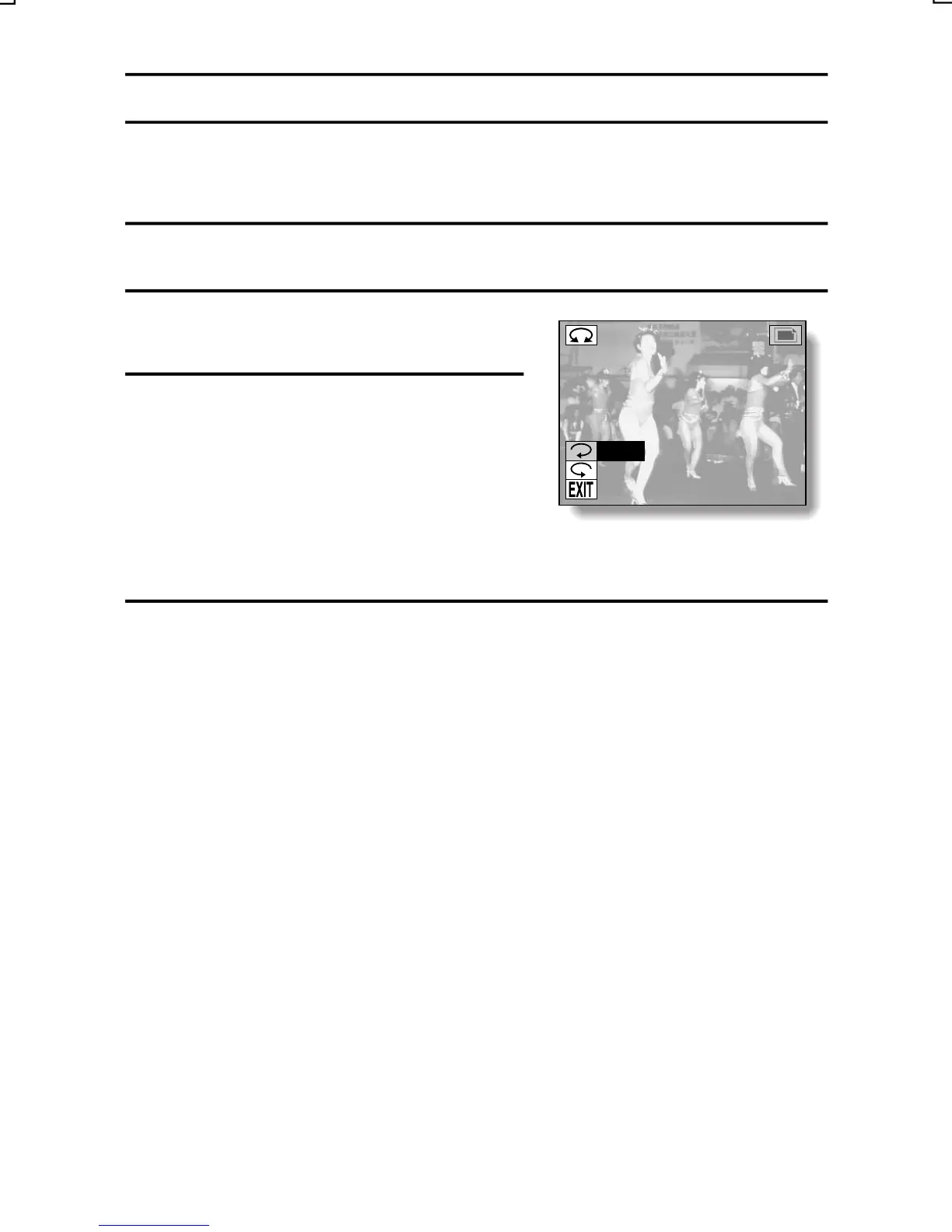
œ The Rotate Image Screen appears.
t: Rotates image clockwise 90
degrees
s: Rotates image
counterclockwise 90 degrees
ROTATE
RIGHT
LEFT
4
Select the rotate right icon t or rotate left icon s, and press
the SET button.
œ Each time the SET button is pressed, the image is rotated 90 degrees.
English
89



 To Next Page