Chapter 3 Internet Connection
This Chapter describes how to setup BRF71N to the internet. The BRF71N is delivered with
the following factory default parameters.
Default IP address: 192.168.1.1
Default IP subnet mask: 255.255.255.0
Web login user name: admin
Web login password: admin
3.1 Using as a broadband router
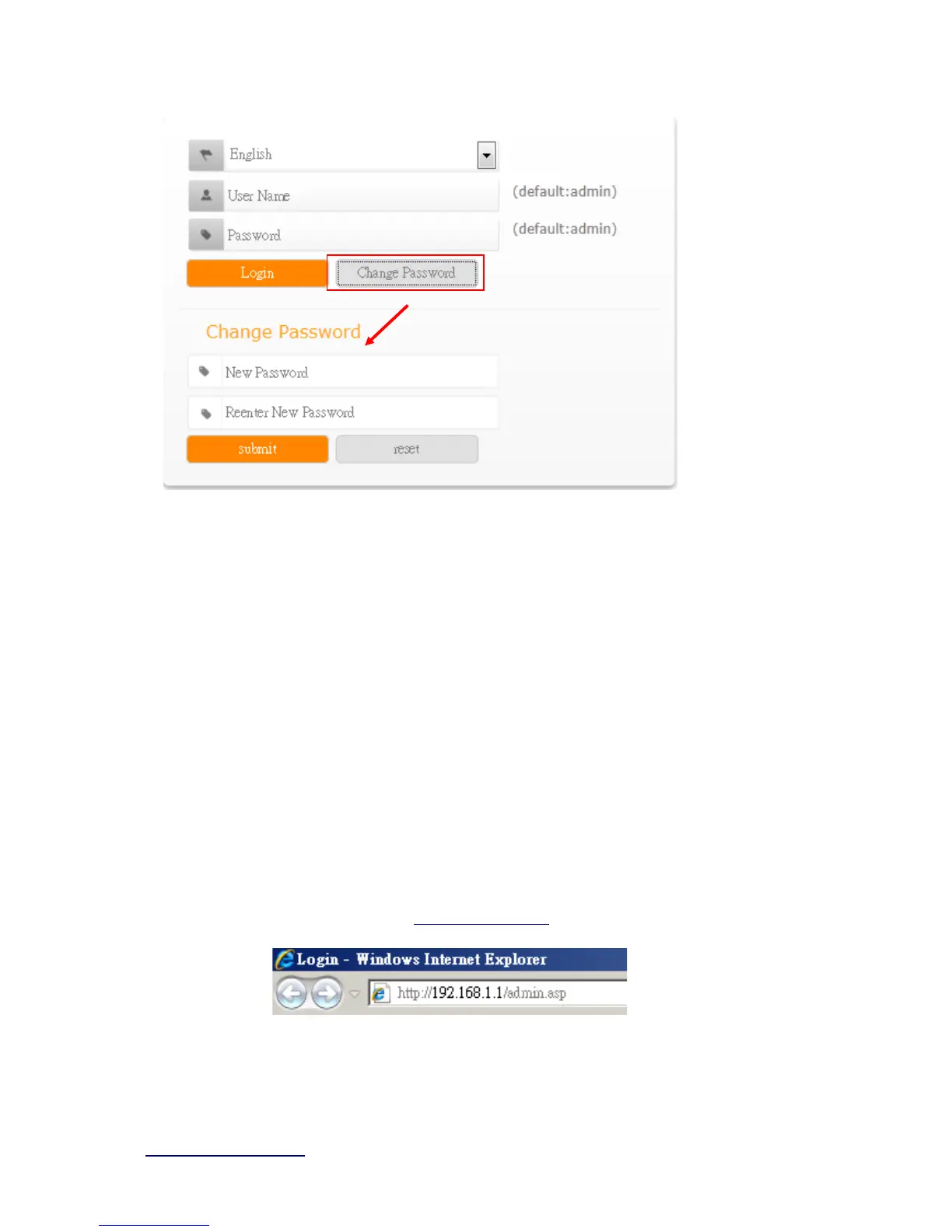
Open a Web browser, and enter http://192.168.1.1 (Default Gateway) into the blank.
Enter the User name and Password into the blank and then click Login. The default
values for User Name and Password are admin (all in lowercase letters).



 To Next Page