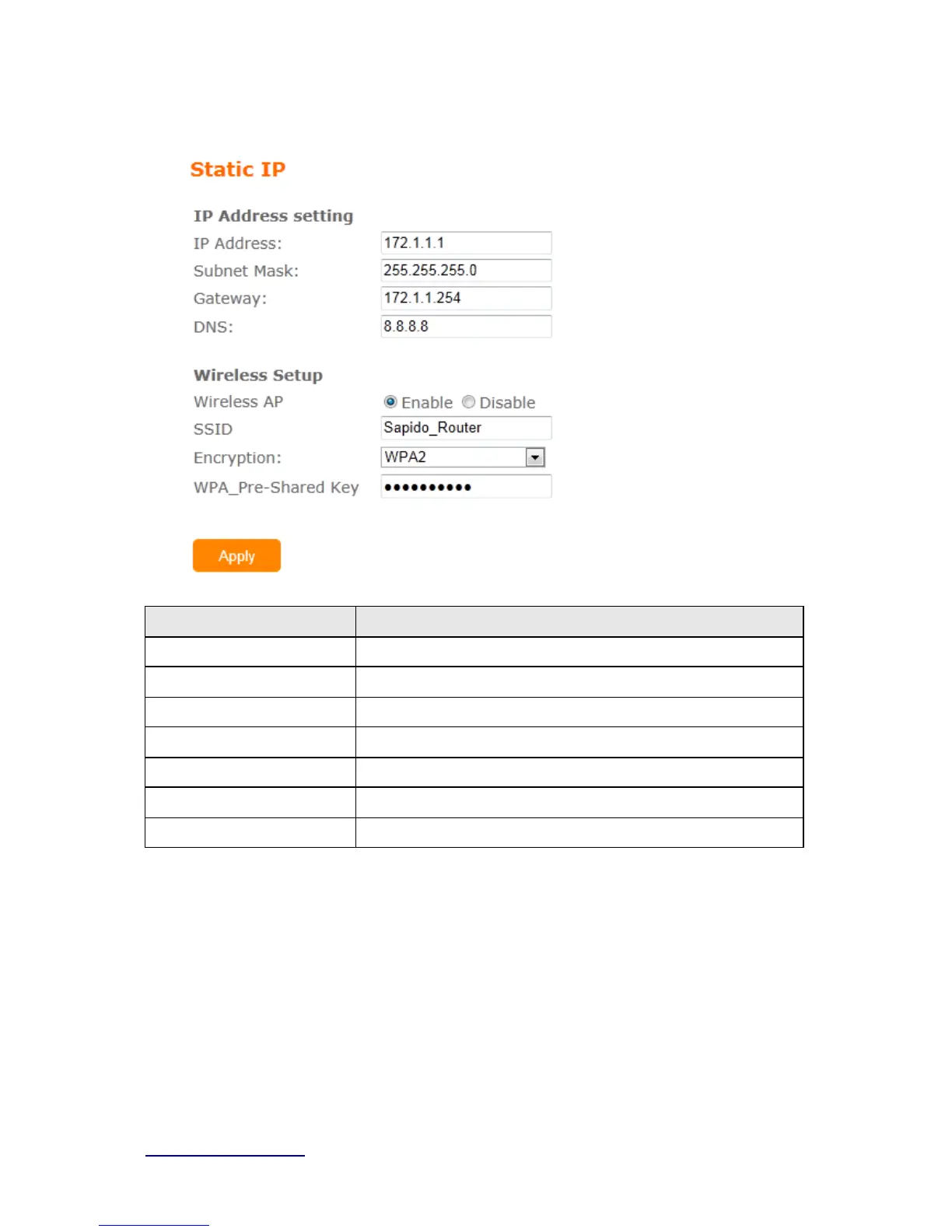
3.3.3 Static IP
Item Description
IP Address Enter the IP address which is provided by your ISP.
Subnet Mask Please enter the Subnet Mask address
Gateway Input ISP Default Gateway Address.
DNS Input DNS information which is provided by your ISP
Wireless AP Turn on/off wireless
SSID Service Set identifier, users can define to any or keep as default.
Encryption Select wireless encryption type form the drop-down list.
3.3.4 PPTP



 To Next Page