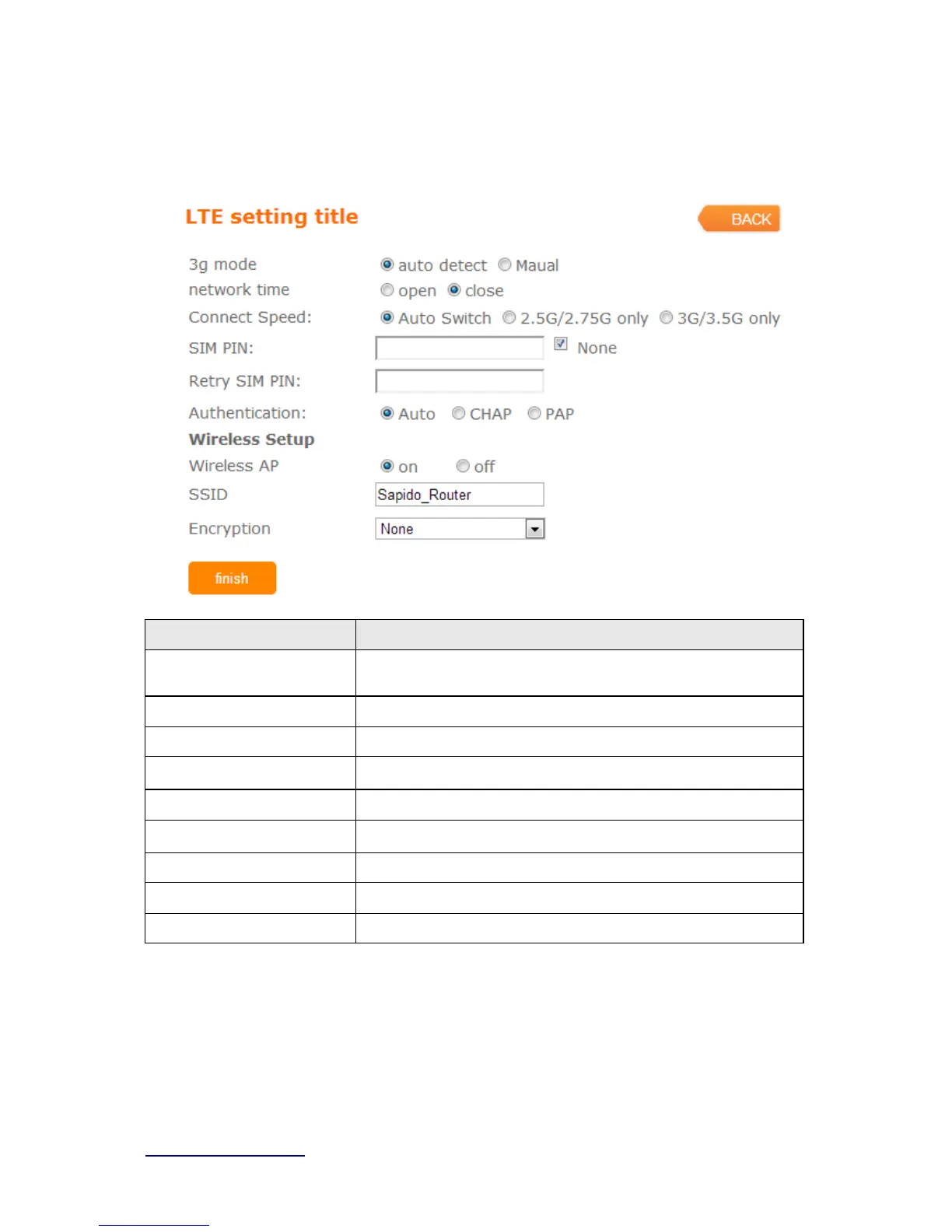
3.3.9 LTE
Item Description
Mode Input your user name provided by your ISP. If you don’t know,
please check with your ISP.
Network Traffic Monitor BRC70n will record 3.5G traffic usage volume
Limit Internet Traffic User can limit 3.5G traffic usage volume to prevent over budget
Connection Speed
Provide 3 kinds of speed,auto is recommended
SIM PIN SIM card PIN number
Authentication
Provide 3 kinds of authentication methods,auto is recommended
Wireless AP Turn on/ off wireless function
SSID Service Set identifier, users can define to any or keep as default.
Encryption Select wireless encryption type form the drop-down list.
3.4 AP(HW switch)
If a router is already set at the house, and you want to make the wireless LAN communication.
This mode does not support
WAN、DHCP、NAT、DDNS、QoS、Firewall、



 To Next Page