5.4.7 Schedule
Please refer Wireless Schedule
5.5 NAT
This section contains configurations for the BRF71N ’s advanced functions such as: virtual
server, and DMZ to provide your network under a security environment.
5.5.1 DMZ
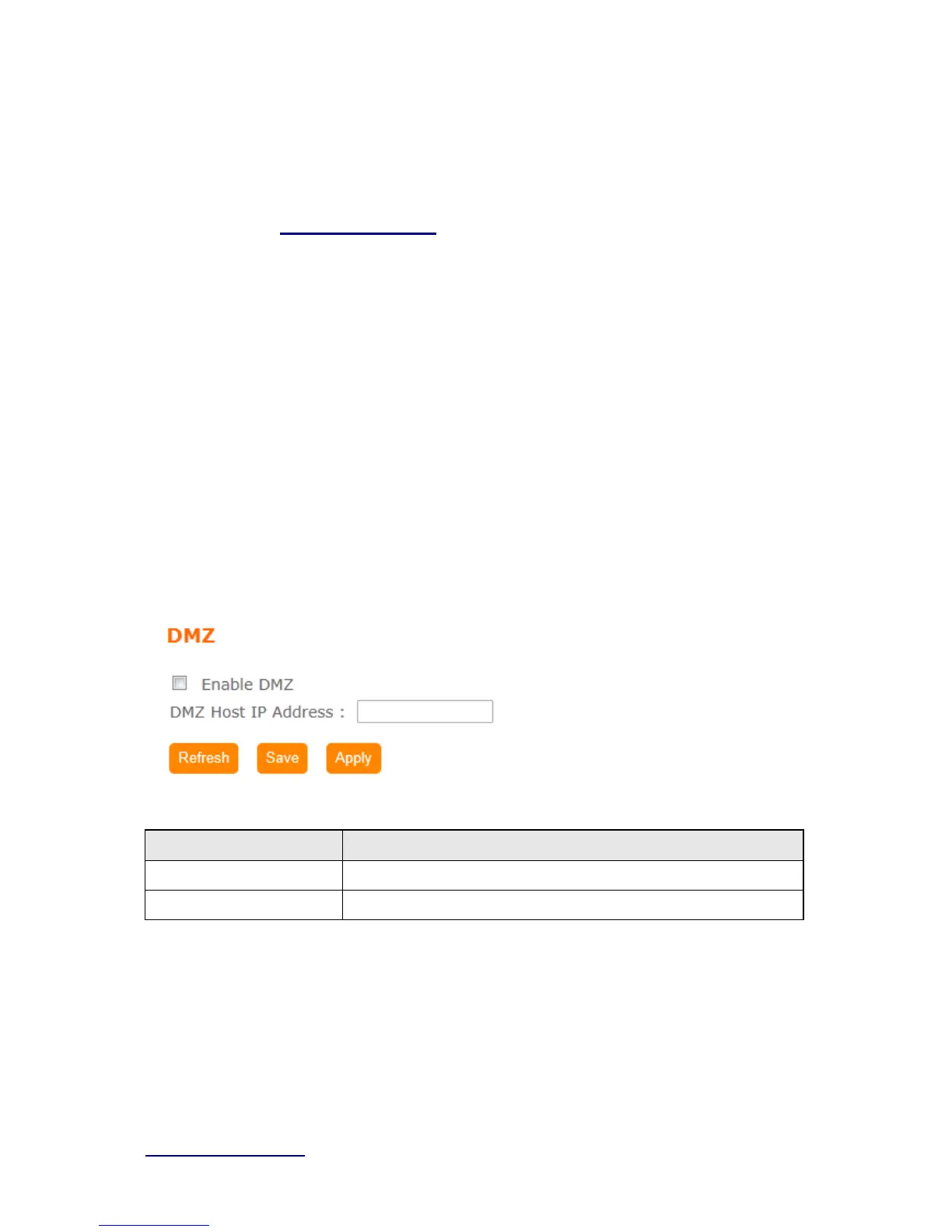
The DMZ feature allows one local user to be exposed to the Internet for special-purpose
applications like Internet gaming or videoconferencing. When enabled, this feature opens all
ports to a single station and hence renders that system exposed to intrusion from outside.
The port forwarding feature is more secure because it only opens the ports required by that
application.
Item Description
Enable DMZ It will enable the DMZ service if you select it.
DMZ Host IP Address Please enter the specific IP address for DMZ host.
5.5.2 Virtual Server
The Virtual Server feature allows users to create Virtual Servers by re-directing a particular
range of service port numbers (from the WAN port) to a particular LAN IP address.



 To Next Page