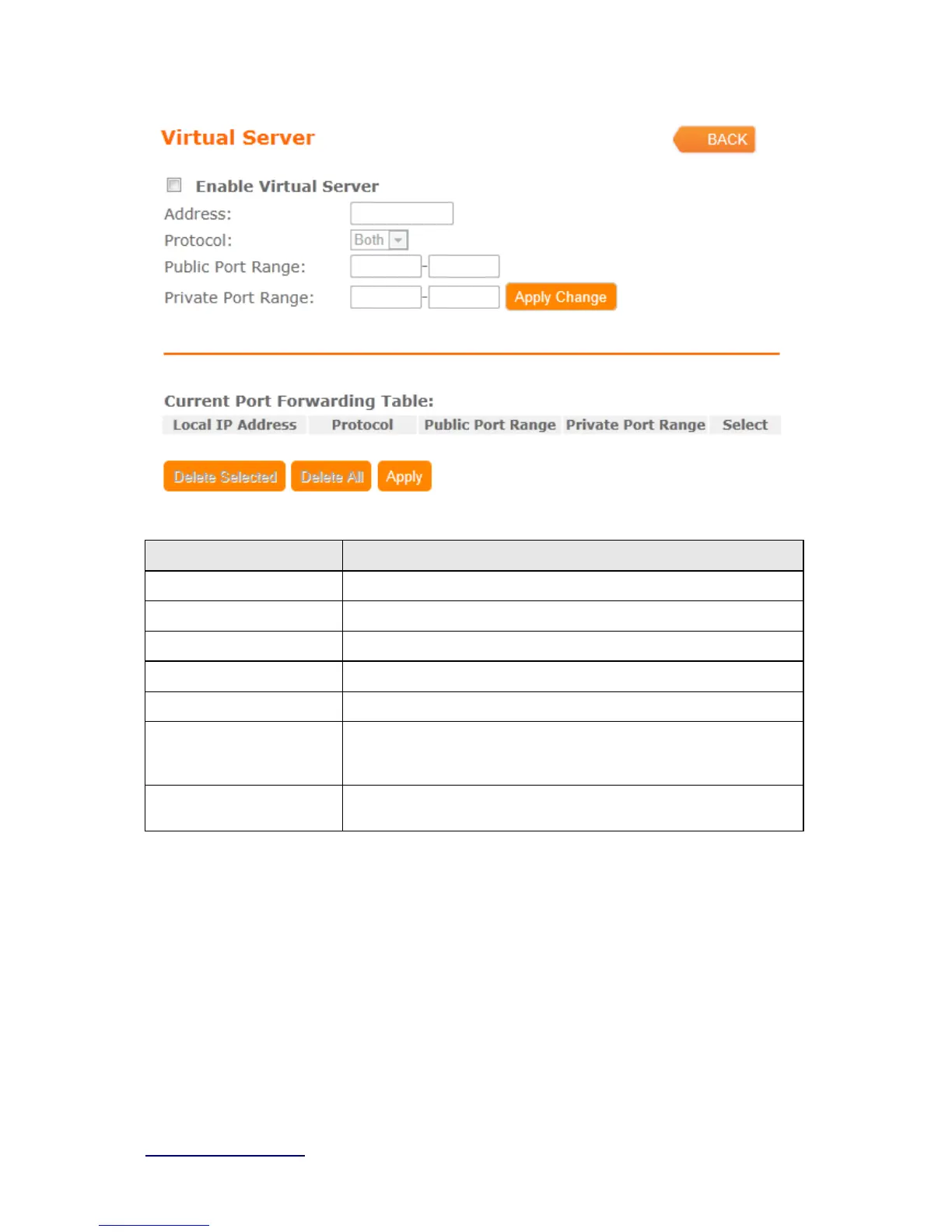
Item Description
Enable Virtual Server Select to enable virtual server or not.
Address Specify the IP address which receives the incoming packets.
Protocol Select the protocol type.
Public Port Range Enter the port number, for example 80-80.
Private Port Range Enter the port number, for example 20-22.
Current Port Forwarding
Table
It will display all port forwarding regulation you made.
All
Click Delete Selected will delete the selected item. Click Delete All
will delete all items in this table.
Please find the following figure to know that what the virtual server is. The web server is
located on 192.168.1.100, forwarding port is 80, and type is TCP+UDP.



 To Next Page