Chapter 4 GUI Function Setup
4.1 Firmware Upgrade
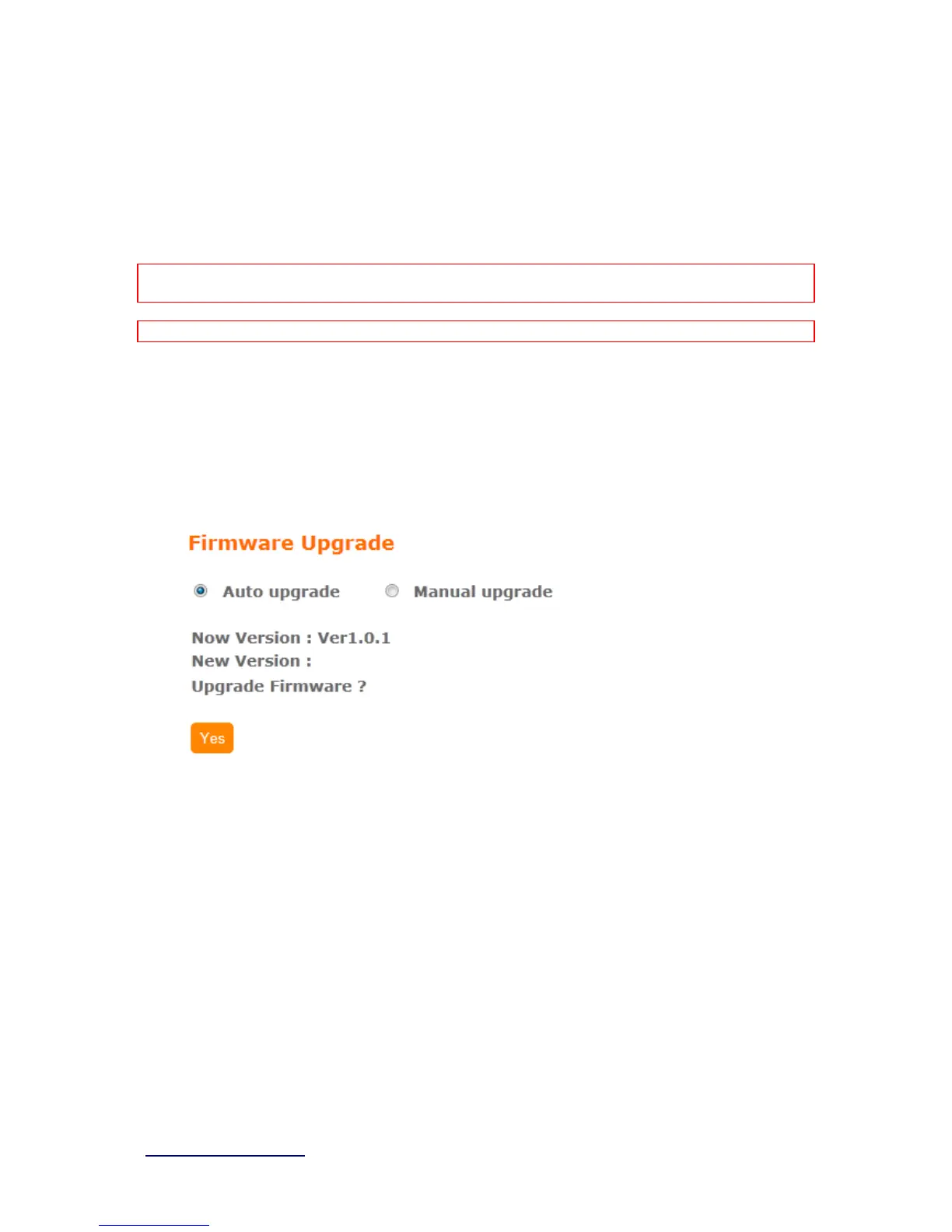
This function can upgrade the firmware of the router. There are two methods for user upgrade
firmware: Auto upgrade and Manual upgrade.
Caution: To prevent that firmware upgrading is interrupted by other wireless signals and causes failure.
We recommend users to use wired connection during upgrading.
Note: The firmware upgrade will not remove your previous settings.
4.1.1 Auto upgrade
It provide auto detect new firmware from Internet, and user can select to
upgrade new version or not.
4.1.2 Manual upgrade
If you download firmware from website, you can upgrade firmware manual
as below.



 To Next Page