NOTE: If the IP address of Gateway is not displayed, or the address followed by ‘IP Address’ begins with
“169.x.x.x”, please recheck network connection between your computer and router, and / or go to the
2.4.1 Log into Web GUI
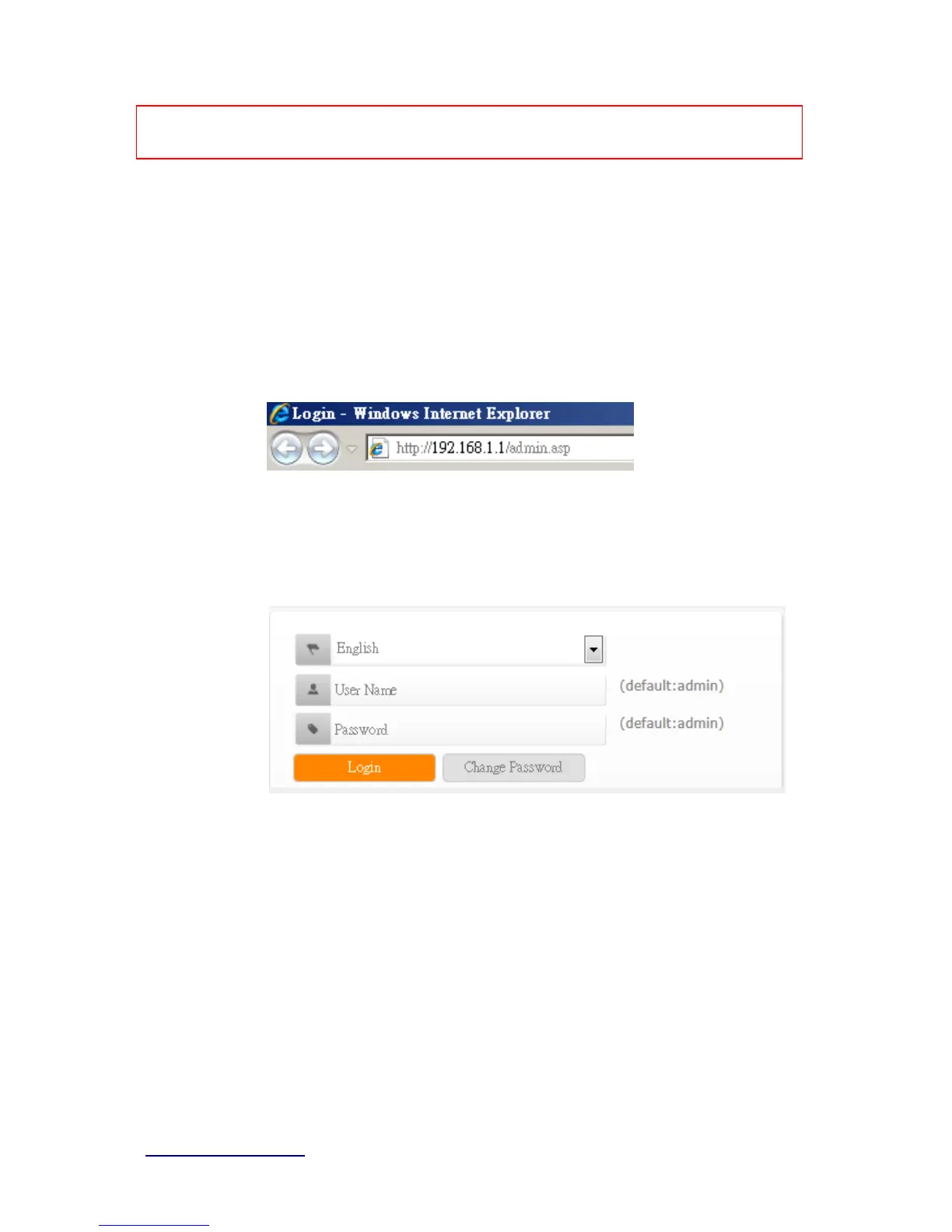
After your computer obtained an IP address from wireless router, please start your web
browser, and input the IP address of the wireless router in address bar, and the following
message should be shown. Please click “admin” to login the BRF71N .
Enter the User name and Password in to the blank and then Click Login. The default values
for User Name and Password are admin (all in lowercase letters).
Users can set or change user name and password used for accessing the web management
interface in this section.
Input User Name and New Password, then input Confirm Password again.



 To Next Page