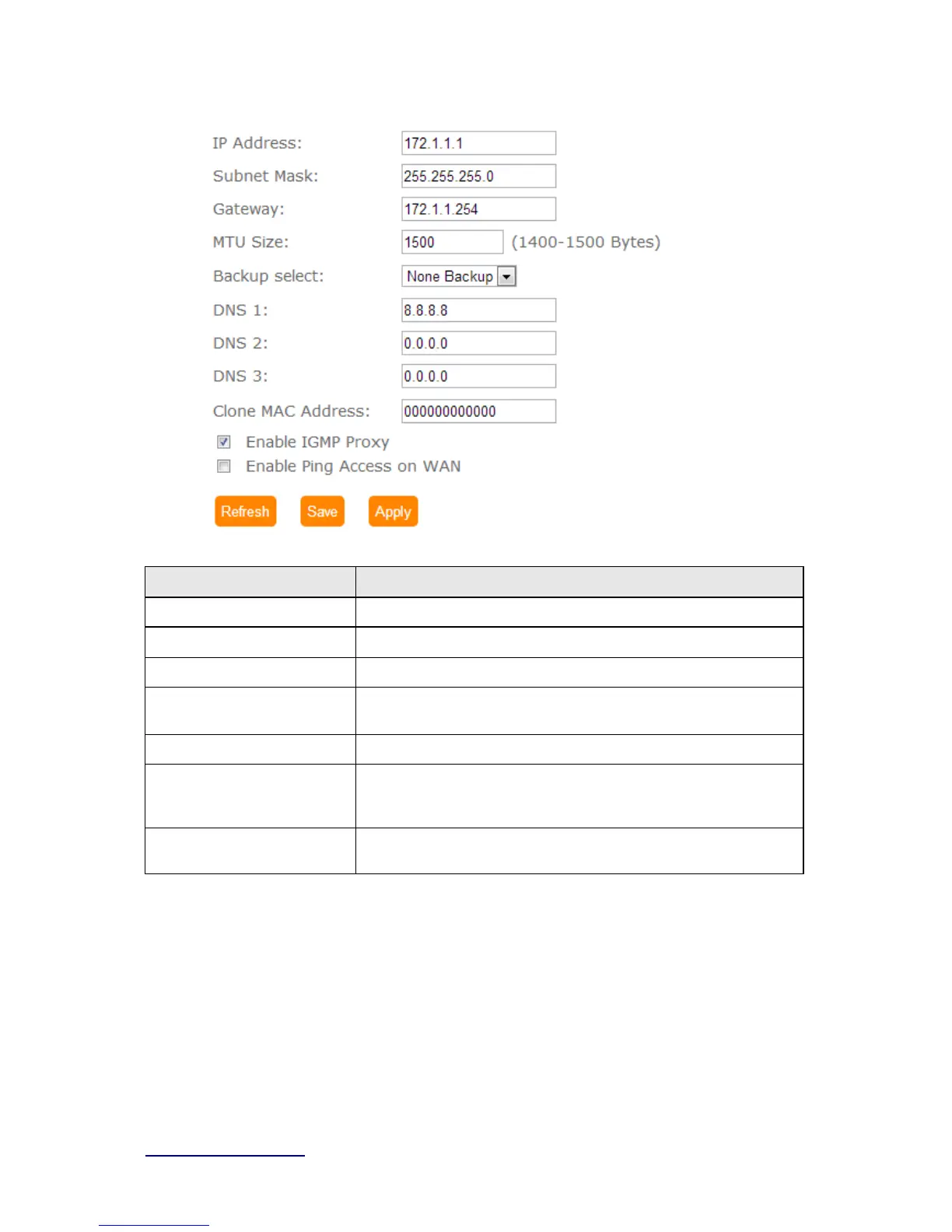
Item Description
IP Address Enter the IP address which is provided by your ISP.
Subnet Mask Please enter the Subnet Mask address
Gateway Input ISP Default Gateway Address, .
MTU Size Maximum Transmission Unit. Usually provide by computer
operation systems (OS). Advanced users can set it manually.
DNS Input DNS information which is provided by your ISP
Clone Mac Address Some ISPs require MAC address registration. In this case, enter
the MAC address registered to the provider to "Clone MAC
Address"
Save & Apply Click on Sa ve to save the setting date, the Apply button for execute
current configuration.
5.2.1.4 PPTP



 To Next Page