3.3 Internet Setup
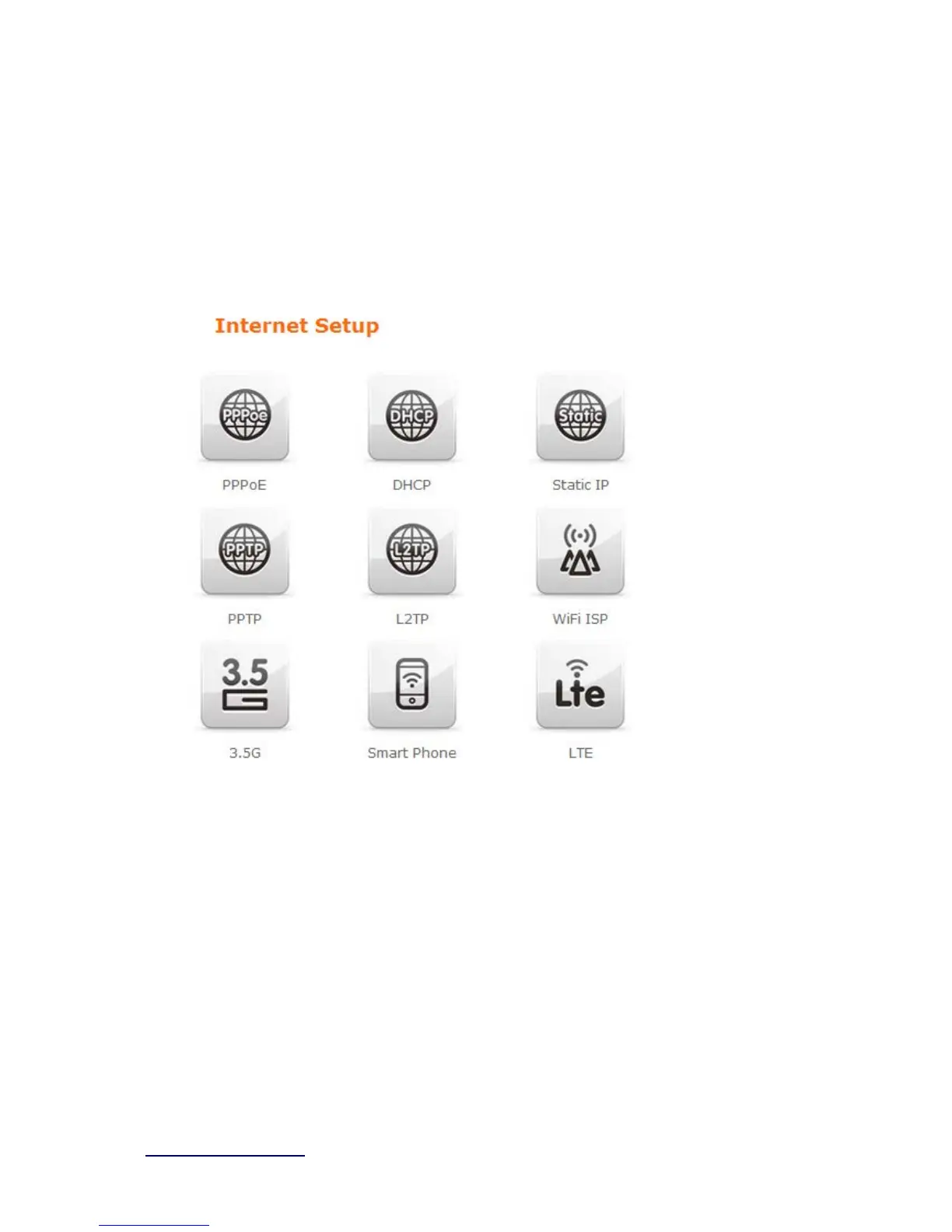
Click Internet Setup icon to enter WAN setup as below. The Internet Setup is
depended on the service that you contract with the provider. The BRF71N
provides five selections for the Internet Mode type, PPPoE, DHCP, Static IP ,
PPTP and L2TP
、WiFi ISP、3.5G、Smart Phone、LTE. Check with your ISP if
you don’t know the WAN type.
.



 To Next Page