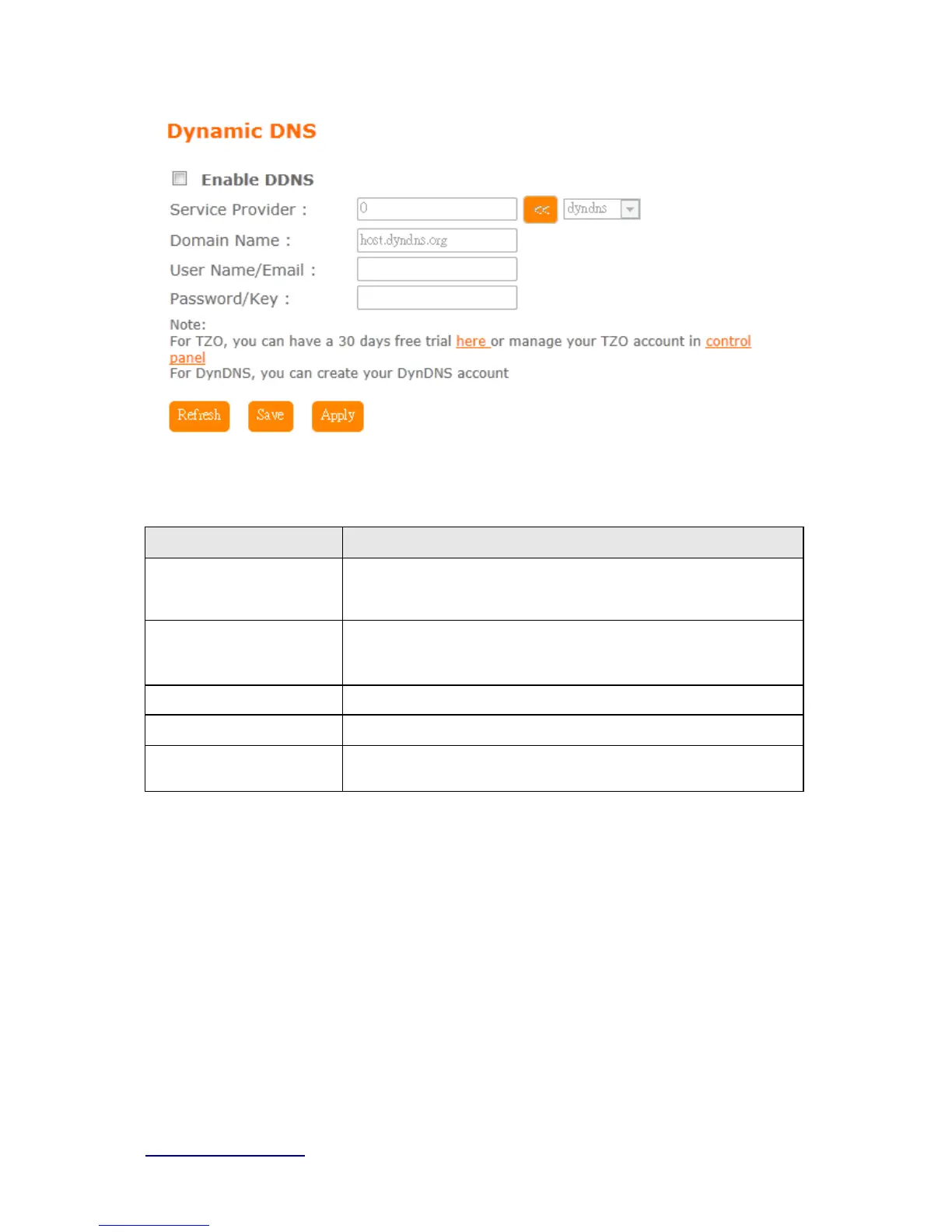
Please enter Domain Name, User Name/Email, and Password/Key. After entering, click on
Apply Changes to save the setting, or you may click on Reset to clear all the input data.
Item Description
Enable/Disable DDNS Select enable to use DDNS function. Each time your IP address to
WAN is changed, and the information will be updated to DDNS
service provider automatically.
Service Provider Choose correct Service Provider from drop-down list, here including
DynDNS, TZO, ChangeIP, Eurodns, OVH, NO-IP, ODS, Regfish
embedded in
BRF71N .
User Name/Email User name is used as an identity to login Dynamic-DNS service.
Password/Key Password is applied to login Dynamic-DNS service.
Save & Apply Click on “Save” to save the setting data. The “Apply” button can
execute current configuration
5.3 IPv6 Config



 To Next Page