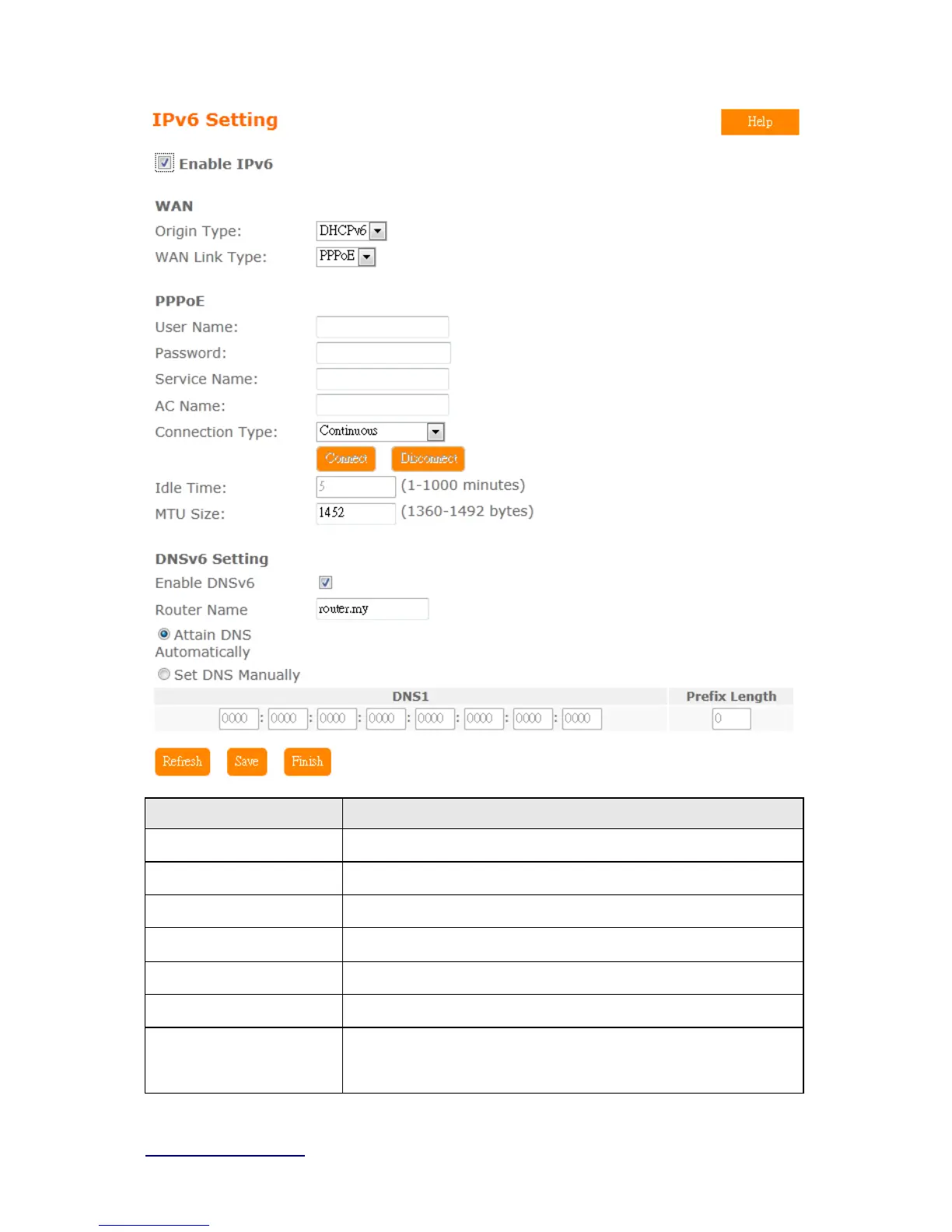
Item Description
Origin Type
SLAAC、DHCPv6、IP 。Pleas e check ISP to get correct ty pe
WAN Link Type
PPPoE、IP
PPPoE
Use IPv4 PPPoE account and password to do IPv6 connect
Child Prefix Address
Check ISP to get this data
Static IP
Check ISP to get IP address and default gateway IP address
Router Name
Router domain
DNSv6 Select Attain DNS Automatically. Or select Set DNS Manually, if
you want to specify the DNS, and enter the DNS provided by your
ISP in DNS



 To Next Page