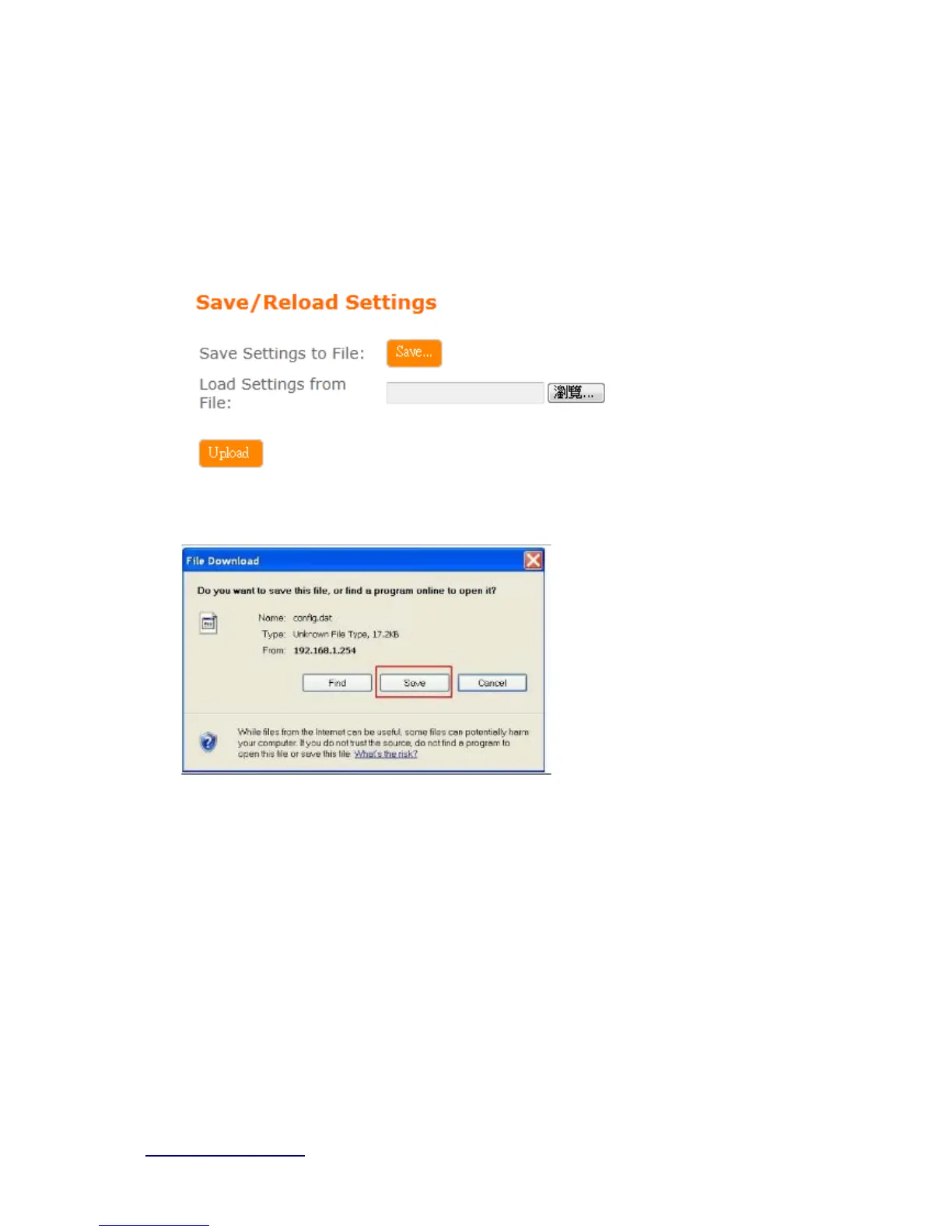
Users can create a backup file that contains current router settings. This backup file can be
used to restore router settings. This is especially useful in the event you need to reset the
router to its default settings.
1. Save Configuration
(1). Click Save
(2). Please click “Save” to save the configuration to your computer.
(3). Select the location which you want to save file, then click Save.



 To Next Page