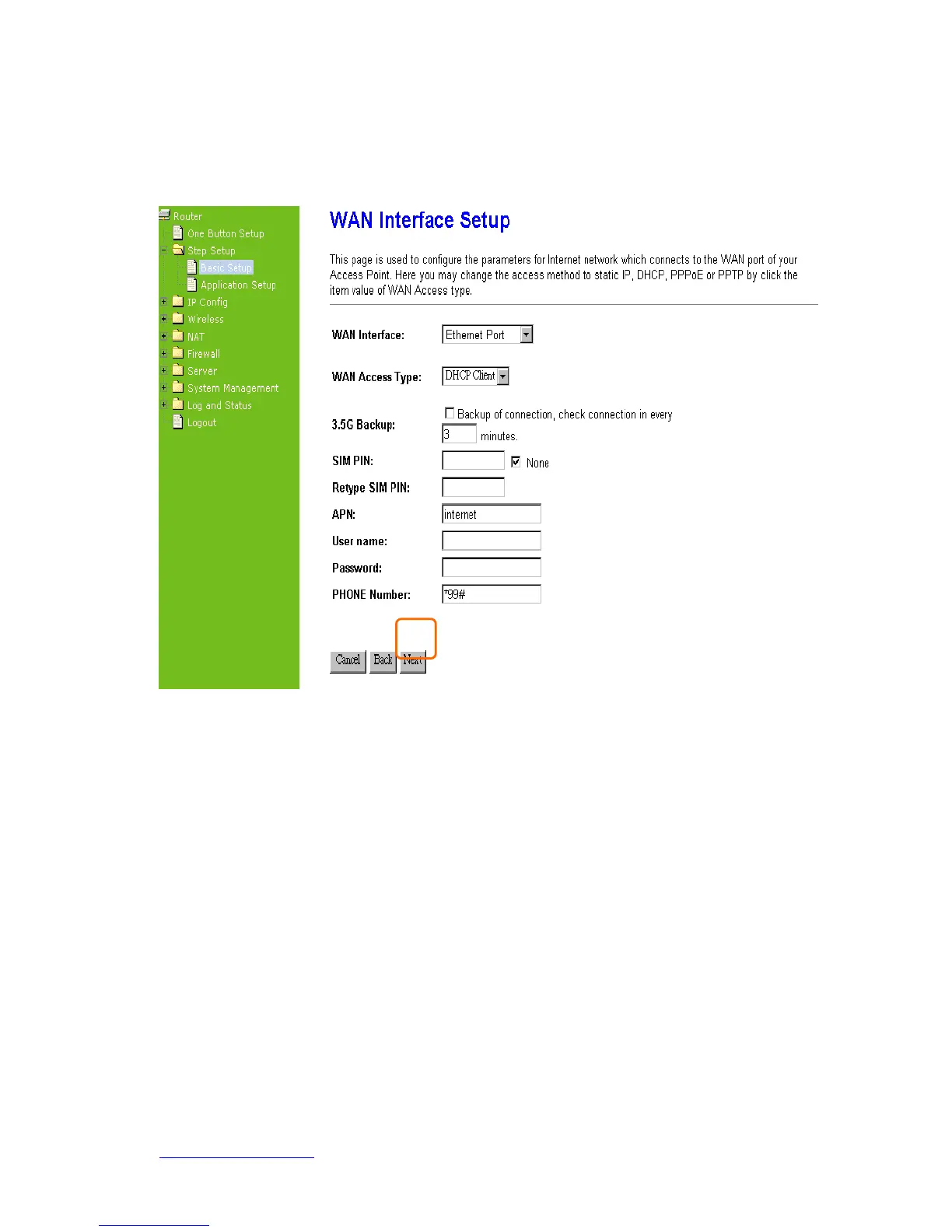
yes, the system immediately switches to 3.5G Internet connection and will not switch
back to the original DHCP Client.
Click on Next button to go on next setting page.
4.2.3.6 WAN Access Type – PPPoE
This option is typically used for DSL services. Choose PPPoE (Point to Point Protocol
over Ethernet) if your ISP uses PPPoE connection. Your ISP will provide you with a
username and password.
Apply 3G or 3.5G transmission rate for the backup. In other words, once PPPoE
connection is disconnected, the system automatically connects Internet via 3.5G adapter.
If 3.5G signal is not available, it starts to search downward for 3/2.75/2.5G signals until
none existed.



 To Next Page