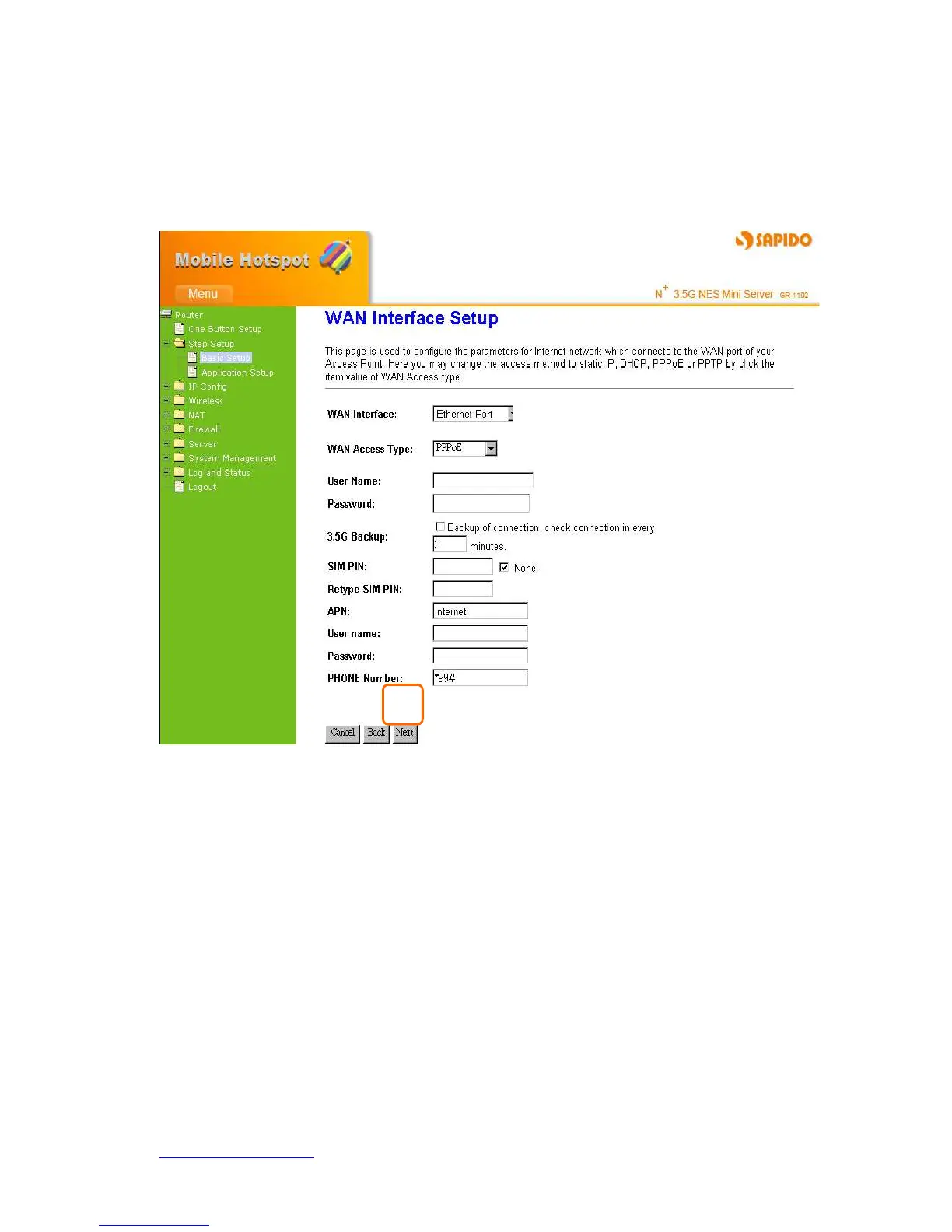
Setting up the interval time to auto detect whether the Internet connection is lost or not. If
yes, the system immediately switches to 3.5G Internet connection and will not switch
back to the original PPPoE connection.
Click on Next button to go on next setting page.
4.2.3.7 WAN Access Type – PPTP
This option is typically used for DSL services. Some DSL service providers supply a
special DSL modem. This kind of modem only supports the PPTP tunnel to access the
Internet, you should create a PPTP tunnel that carries a PPP session and terminates on
the DSL model. Once the tunnel has been established, this kind of DSL modem will
forward the PPP session to the ISP. As long as the PPP session is connected, all the local
users will be able to share this PPP session to access to the Internet.
Apply 3G or 3.5G transmission rate for the backup. Once DHCP Client connection is
disconnected, the system automatically connects Internet via 3.5G adapter. If 3.5G signal
is not available, it starts to search downward for 3/2.75/2.5G signals until none existed.



 To Next Page