25
19 PROGRAMMING THE PRINTOUTS
If in the set-up environment the presence of the printer has been configured correctly, the indicator
carries out the print functions; each functioning mode has specific printouts, shown in the “Print
examples” . In any case, it is possible to define some printing fields, the size of the characters, a
heading and other options depending on the printer and the predefined functioning mode.
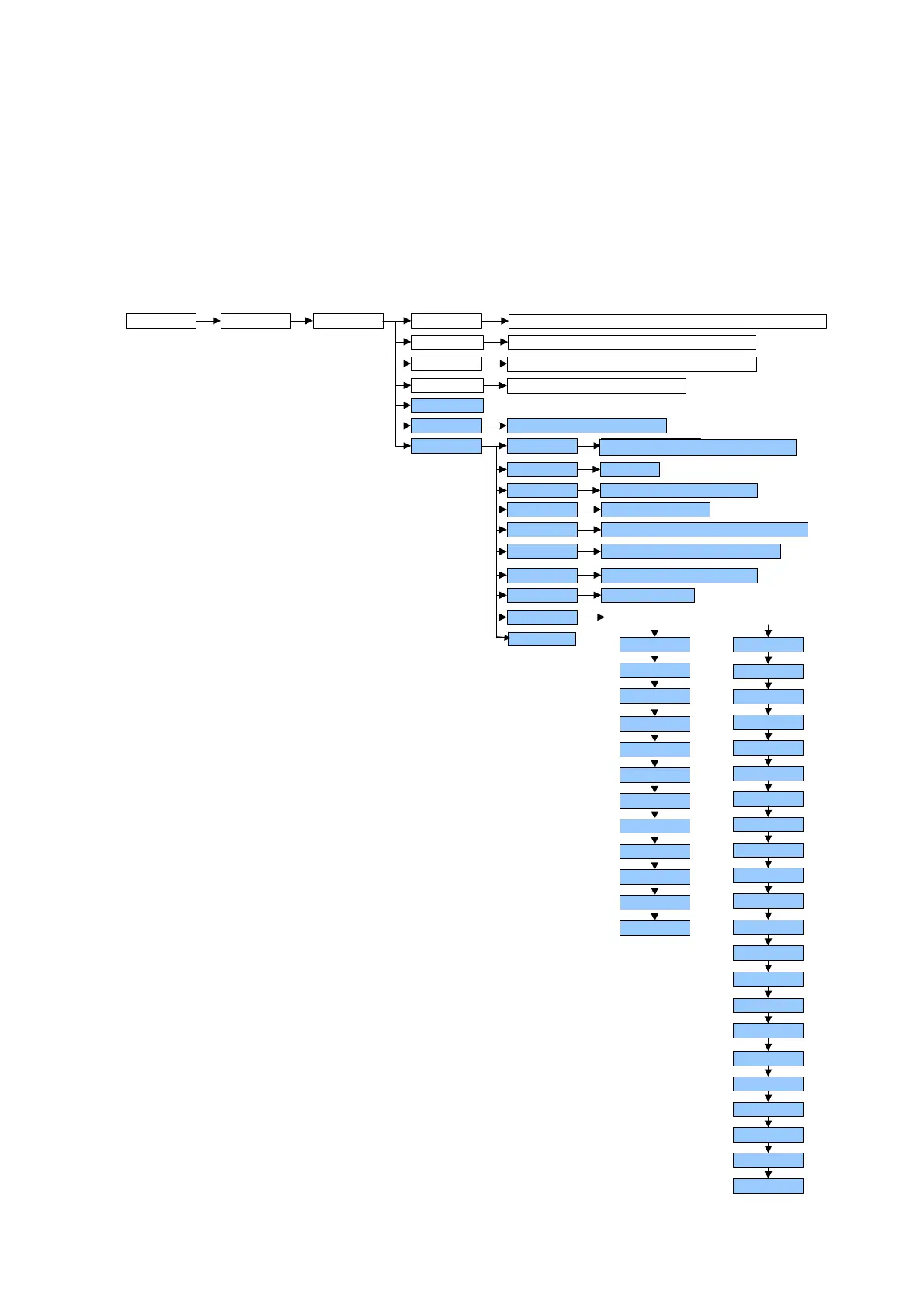
In the “Pr.Mode” step of the set-up environment it is possible to select whether to print on the TP200
printer or the LP542PLUS labeller; see the following steps for all the printing options.
SeriAL CoM.Prn Pr ModE
bAud.Pr
1200, 2400, 4800, 9600, 19200, 38400, 57600
Bit.Pr
tPr, LP542P, ALL.Std, ALL.Ext, Prin.St, Prin.EX, rEPE.6, Pr-no
PWr.Prn
Prno, PWr.Ext, PWr.int, Ext.oFF
noCtS, CtSL, CtSh, EMuCtS
PrConF
Prn.CtS
tErM
EndPAG
ntik
doM
bLinE
LAnG
nuMWEi
n - 8 - 1, n - 8 - 2, n - 7 - 2, E - 7 - 1, E - 7 - 2
PForM
itAL, EnGL, dEut
YES, no
both, no, tot, SuM
dt. no, dt.in.1, dt.in,2, dt.EX.1, dt.EX.2
no, YES.tot, SuM, both, rESEt
YES.tot, SuM, both, no
Cr, CrLF, no tErM
IntES Int no, Int Si, Int Fi, Int.SuM
onPrin
SEtuP
dEFAuL
FiLdS
hEiGt
bArWS
bArFs
bArC
VdbAr
LMbAr
WbAr
hbAr
PtESt
PntVb
dEFAuL
FiLdS
ChAr.t
LMArG
LAbELh
ChAr 1
ChAr 2
tMArG
bArC
LAbELW
bArFs
UdbArC
LMbArC
hbArC
PntUb
PEEL
doWnLd
LALinG
PtESt
tPr
LP542P
GAP
dirECn
dWn.EXt
FrAn, EnGL ,ESPA, dEut, ItAL
Nr. CO



 To Next Page