29
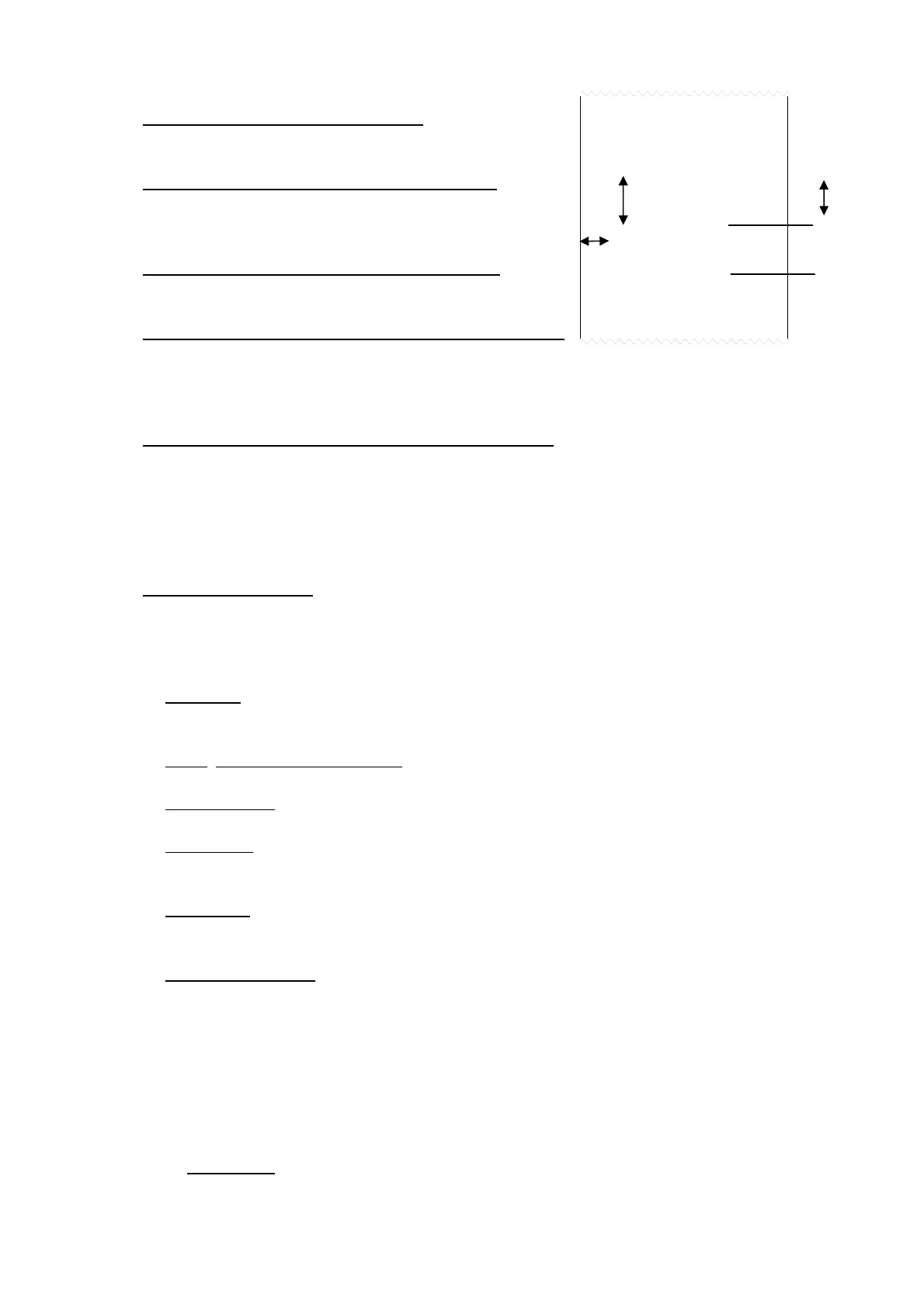
LMbAr SELECTION OF LEFT MARGIN
Expressed in 1/8 of a mm (from 0 to 99). (!) 00
WbAr SELECTION OF BAR CODE FONT WIDTH:
Programmable value: W1…W3
(!) W1
hbAr SELECTION OF BAR CODE FONT HEIGHT:
Expressed in 1/8 di mm (from 0 to 255) (!) 000
bArFS SELECTION OF PRINT FIELDS IN THE BAR CODE:
Programmable value:G; n; t.
In which G is gross weight, n is net weight and t is tare weighing.
(!) G
PntVb PRINTING OF THE BAR CODE’S NUMERIC FIELD
This step allows to select the printing of the bar code’s numeric field:
no the numeric field is not printed.
undEr under the bar code
AboVE above the bar code
Ab/un both above as well as below the bar code.
PtESt PRINTING TEST
By pressing PRINT, a test label is printed of previously selected fields, but with fixed weight
values.
The print test depends on the selected functioning mode:
STD mode: the first time the fields with the kg unit of measure are printed, the second time the
fields with the lb unit of measure are printed, and so on.
NTGS
, VISS, Alibi, INOUT modes: simple printing.
MASTER mode: not settable.
HOLD mode
: the first time the fields without the “HOLD” message are printed, the second time
the ones with the “HOLD” message are printed, and so on.
PEAk mode: the first time the fields without the “PEAK” message are printed, the second time
the ones with the “PEAK” message are printed, and so on.
Tot o and tot s mode: when the PRINT is pressed a selection menu appears with the following
items:
" TOT.1.0": simulates the printing of the first totalisation relative to the zero registry.
" TOT.2.0": simulates the printing of a further totalisation relative to the zero registry.
" SUM 0": simulates the printing of the partial total relative to the zero registry.
" TOT.1.1": simulates the printing of the first totalisation relative to the one registry.
" TOT.2.1": simulates the printing of a further totalisation relative to the one registry.
" SUM 1": simulates the printing of the partial total relative to the one registry.
“ GtotAL”: simulates the printing of the general total.
COUN mode: the first time the fields with the pieces number and apw are printed, the
second time the ones without the pieces number and apw are printed.
GROSS 1.000kg
TARE 0.000kg
NET 1.000kg
001000
001000
LMbAr
hbAr
VdbAr



 To Next Page