5
17 SELECTABLE OPERATING MODES
In addition to the STANDARD weighing mode with TARE deduction and transmission of data, the
indicator can carry out one of the following functions:
kg/lb CONVERSION, NET/GROSS SWITCH, SET POINT ON THE GROSS WEIGHT, SET POINT ON
THE NET WEIGHT, IN/OUT, ALIBI, DISPLAY WITH SENSITIVITY X 10, HOLD THE DISPLAY, PEAK,
HORIZONTAL TOTALIZER, VERTICAL TOTALIZER, PIECE COUNTING.
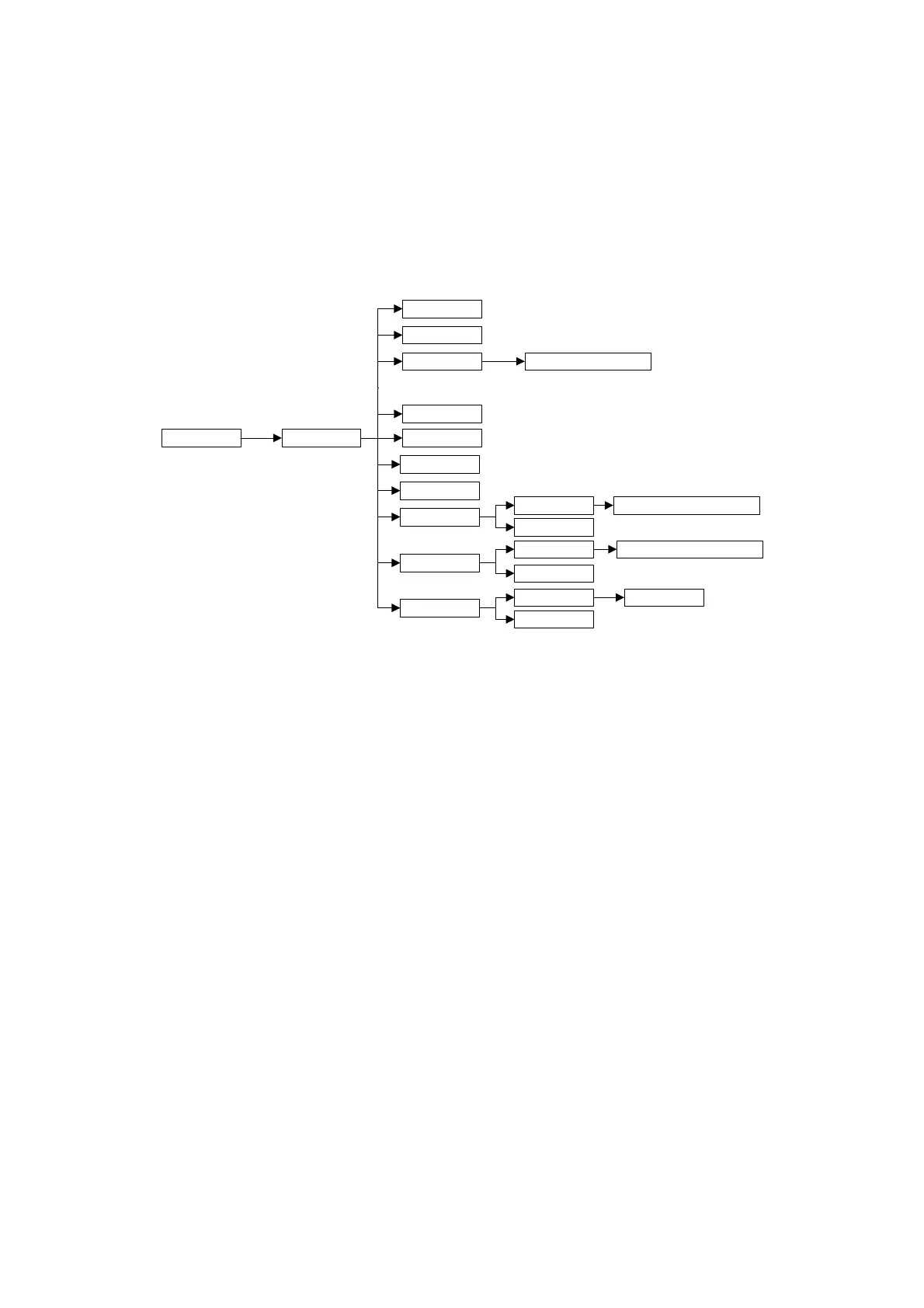
F.Mode FunCt.
inout
Alibi
hLd
ntGS
PEAk
Std
G. t., 1St.2nd, in.out
MAStr, nuMSL (01...04)
UiSS
tot o
tot S
Coun
norM.t, FASt.t, Auto
norM.t, FASt.t, Auto
uM.APW
Wait.t
g, kg, t, lb
MAx.tot
Max.tot
tot.Mod
tot.Mod
To set the operating mode, carry out the following procedures:
- Turn on the unit, L. 1.06 and after 07.xx are displayed, press the ->0<- key when 07.xx is
displayed, after 09.01, DGT9 and the version of the software are displayed, press ->T<- key during
the countdown (the display shows the “F.ModE” menu).
- Press ENTER to enter the menu (the display shows the “FunCt” menu).
- Press ENTER to enter the parameter.
- With the ->0<- or ->T<- keys select the possible options:
Std kg / lb conversion
ntGS net weight / gross weight conversion
inout Input / output weighing
ALibi memory Alibi / DSD (option)
UiSS Sensitivity (x10)
hLd Hold
PEAK Peak detector
tot o Horizontal totalizer
tot S Vertical totalizer
Coun Counting
- Confirm with ENTER if one has selected the inout, tot or, tot S or Coun mode, one will be asked to
select another operating parameter; refer to the specific functioning mode section for the relative
description.
- Once the functioning mode is selected, one is asked to enable the standard printouts: the “dEF.Pr?”
message appears on the display: press ENTER to enable the printouts and C to exit without making
any modifications.



 To Next Page