CV-LS Dashboard
D20980.022 Rev C CV-LS User Manual Page 51
CV-LS Dashboard
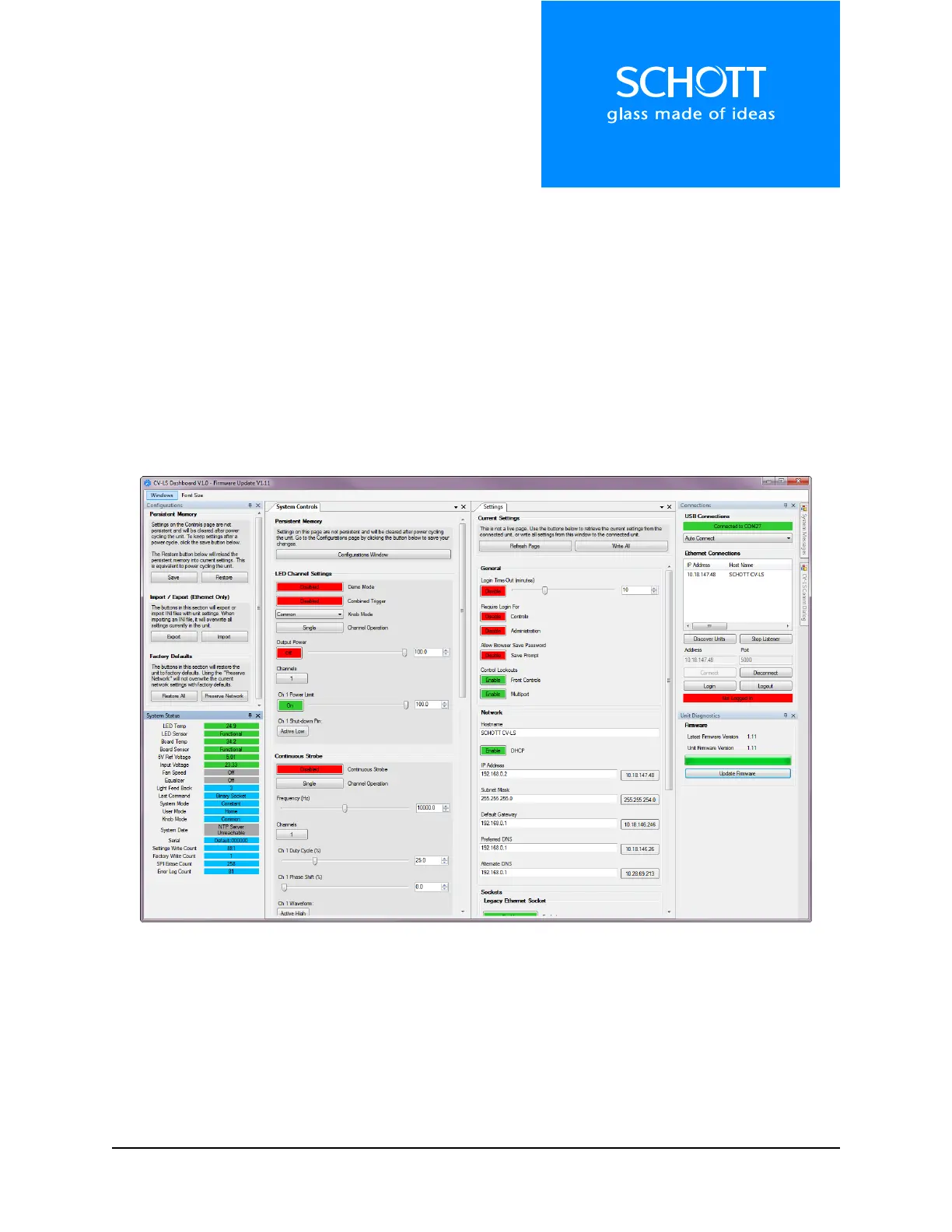
The CV-LS Dashboard Application has many features that can be used to control any CV-LS. Some
advanced settings are currently available only through the web interface, which can be launched from
the Dashboard.
There are many features built into the Dashboard that are beyond the scope of this manual. Most are
self-explanatory, while some may be covered in more detail in Webinars.
Each section of the Dashboard corresponds to a section of the web interface. In the following sections
there will be a screenshot from both the Dashboard and Web Interface. Descriptions of features will
indicate which interfaces they are accessible from.
Figure 2: CV-LS Dashboard
All windows in the Dashboard are dock-able. If a window is closed, it can be reopened from the
“Windows” menu. Windows can also be undocked from the dashboard into a separate window. Multiple
undocked windows can be docked in the same external window. This can be seen in Figure 3 below.



 To Next Page