CV-LS Dashboard
D20980.022 Rev C CV-LS User Manual Page 58
Configurations (ADMIN Level)
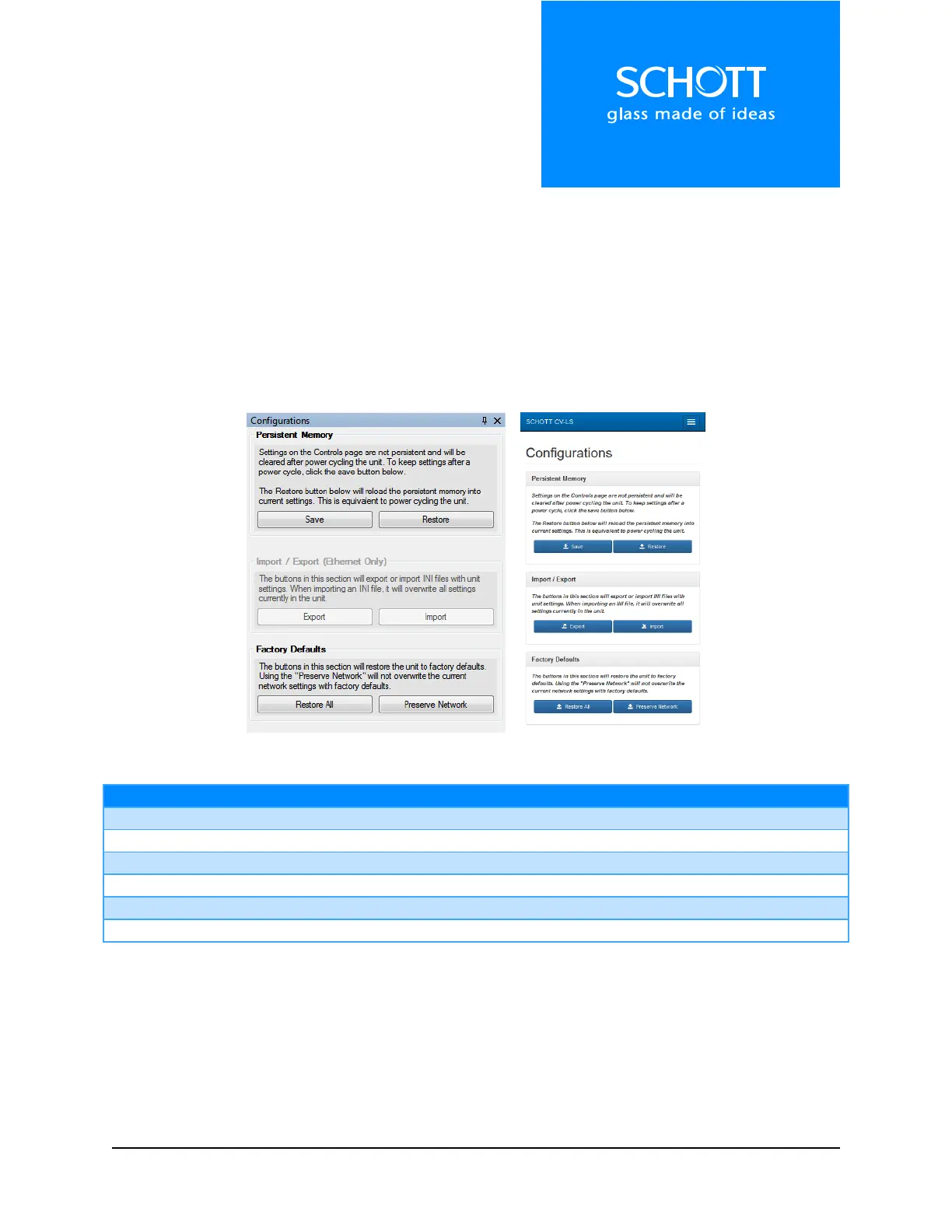
The Configurations section is used to modify the unit memory. Current settings can be saved / restored,
or reset to factory defaults in this section. All settings can also be stored as a standard format INI file,
and imported into other units. These features can be accessed from both the Dashboard, as well as the
Web Interface.
Note: Keep in mind that settings changed in the Controls section (page 58) are not persistent until saved
in the Configurations section. This allows the user to test new settings without losing those previously
saved. Once the settings are saved, the unit will return to those settings upon powering up.
Figure 7: Configurations (Left: Dashboard, Right: Web Interface)



 To Next Page