CV-LS Dashboard
D20980.022 Rev C CV-LS User Manual Page 71
General
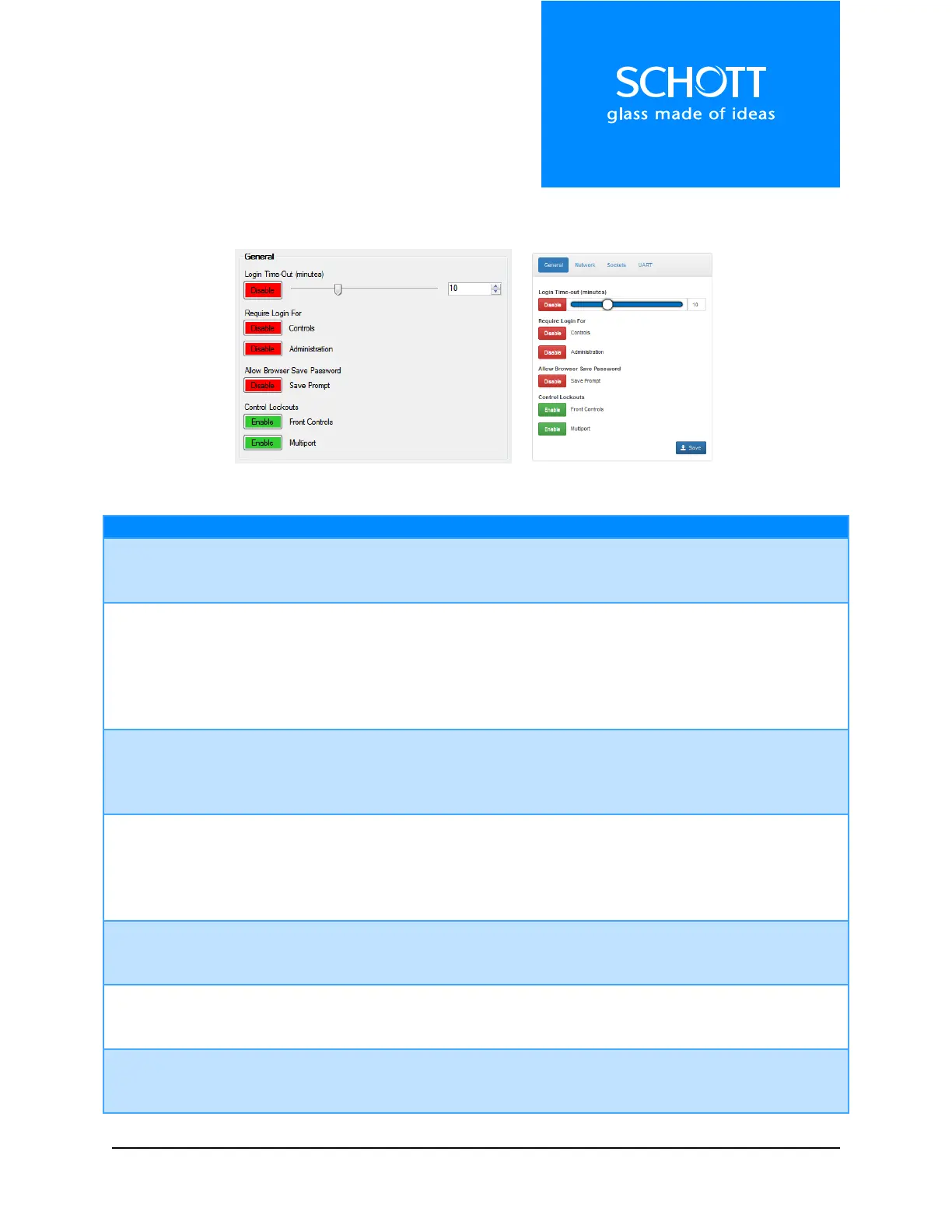
The General section controls how users log into the device, and which interfaces are active.
Figure 19: General (Left: Dashboard, Right: Web Interface)
Options: Enable, Disable
When enabled, the user will only stay logged in for a pre-set time before the
unit will log them out.
Login Time-Out Slider
and Numeric Up Down
Range: 1 – 30 minutes
If logins are enabled, this time is the delay before the user is automatically
logged out. Anytime a new page is viewed or a setting is changed, this
timeout is renewed to the full time.
Note: The user can also manually log out using the controls available.
Require Login for
Controls
Options: Enable, Disable
When enabled, the system will require a login of USER level or higher to use
USER pages. The Controls page is currently the only page requiring a USER
level login.
Options: Enable, Disable
When enabled, the system will require a login of ADMIN level to use ADMIN
pages. In the Web Interface, any pages under the Administration menu
require an ADMIN level login. These include: Settings, Configurations, Users,
Upgrade, and Diagnostics.
Allow Browser Save
Password
Options: Enable, Disable
When enabled and a user logs into the Web Interface, the browser will
prompt to save the password.
Options: Enable, Disable
When enabled, the unit will ignore the front button and knob, except when
using the front button to performing a factory reset.
Options: Enable, Disable
When enabled, the unit will ignore analog signals to the multiport. Digital
signals are still processed.



 To Next Page