CV-LS Dashboard
D20980.022 Rev C CV-LS User Manual Page 70
Settings (ADMIN Level)
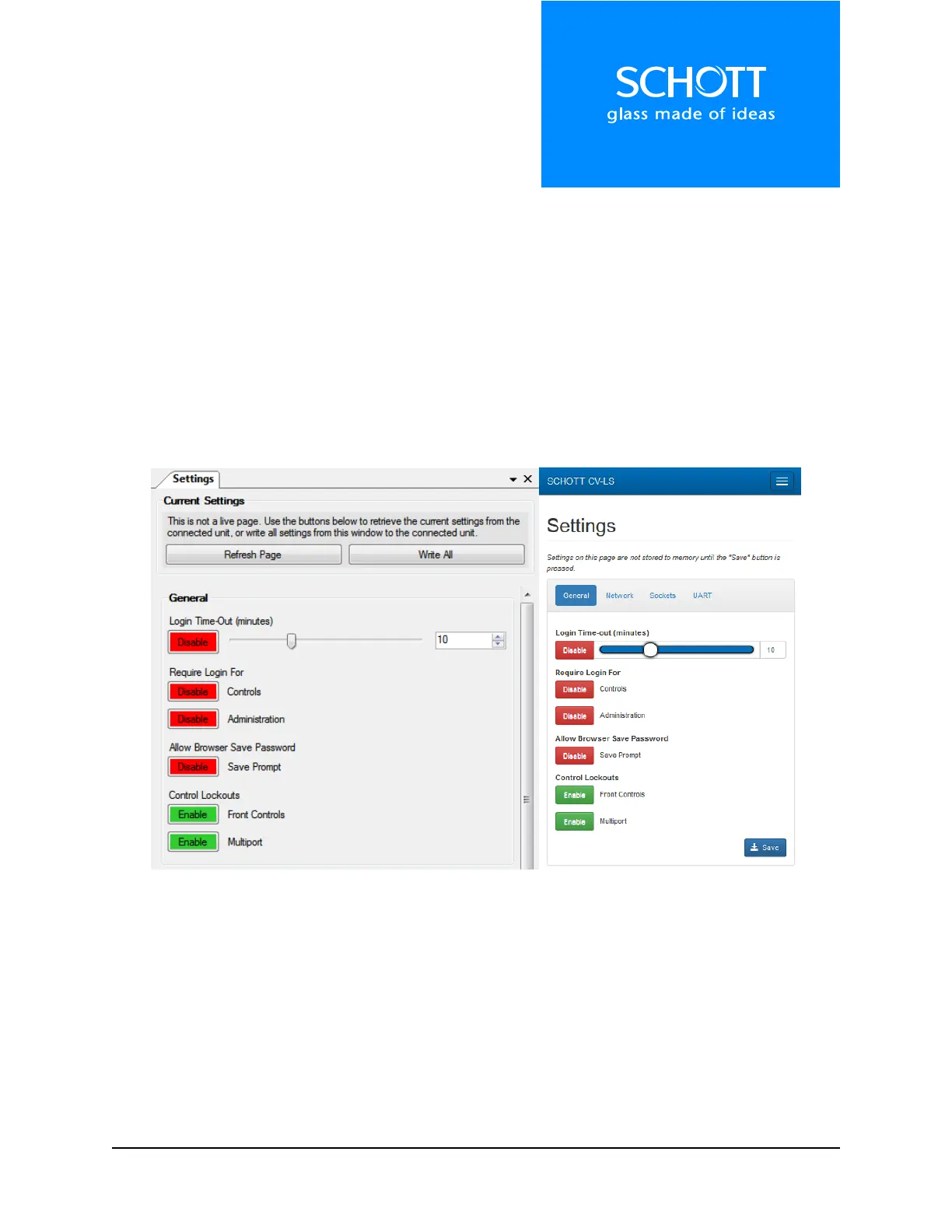
The Settings section of the controls are static pages on all interfaces. Any changes that are made on this
window must be saved to memory before they can be made live before they take effect. This is because
the settings on this page require restarting core parts of the processor, and cannot be done without
disrupting the connection to the user.
The following sections will describe in detail the controls in each part of the Settings windows.
Note: To save changes, click “Write All“ in the Dashboard, or “Save“ in the Web Interface.
Note: The controls are nested inside tabs in the Web Interface, but are tiled down the page in the
Dashboard Window.
Figure 18: Settings (Left: Dashboard, Right: Web Interface)



 To Next Page