CV-LS Dashboard
D20980.022 Rev C CV-LS User Manual Page 53
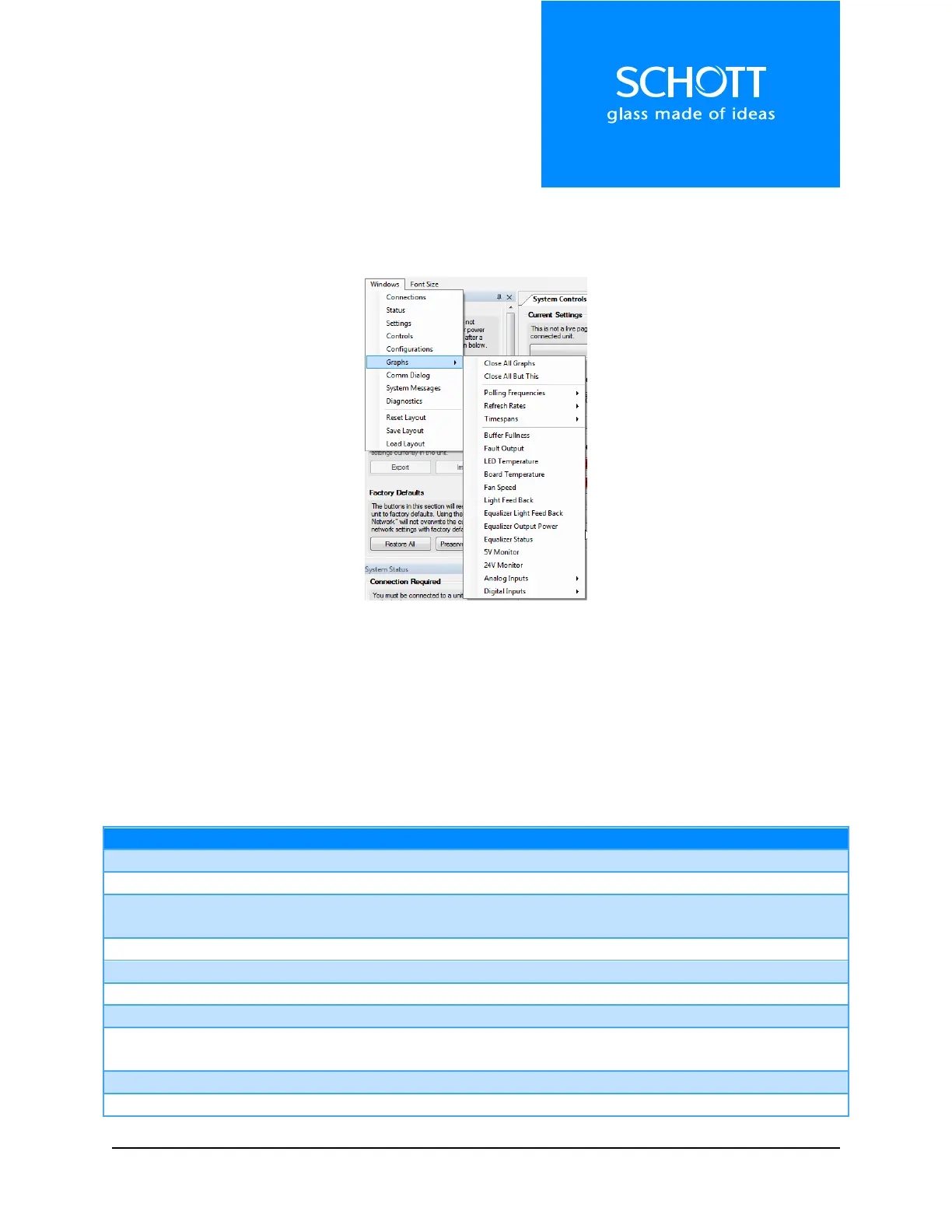
Windows Menu
The Windows Menu allows the user to open windows that are currently closed. This menu also allows
the user to save / load / reset the interface.
Figure 4: Window Menu
Graphing functions are highly dependent on the speed of the computer being used. The default polling
rate of graphs is 100Hz. This can be increased to 5KHz, but is not recommended unless either a very
powerful computer is being used or only a few graphs are being displayed. If the graphs get too back-
logged with data, the connection will reset.
Note: The graph options under the Windows menu will affect all graphs in the application. You can
change the settings of individual graphs by right-clicking in the graph.
ADMIN level login. Contains settings for: Login, Controls Lockout, Network,
Socket, and UART.



 To Next Page