CV-LS Dashboard
D20980.022 Rev C CV-LS User Manual Page 74
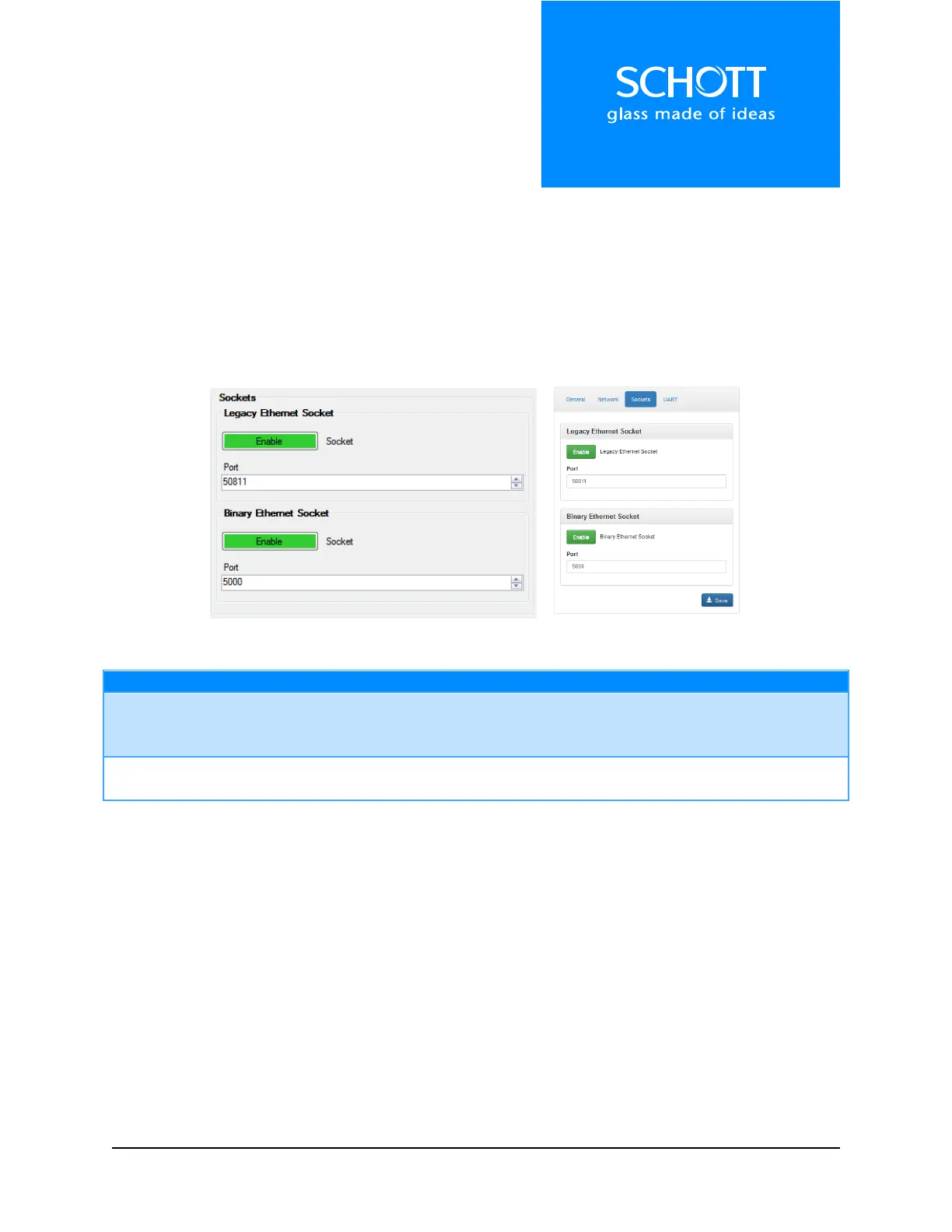
Sockets
The sockets are used to communicate with the unit over the network programmatically. The Legacy
Socket is a standard text based telnet socket, and uses the same command structure as the UART and
USB interfaces.
The Binary Ethernet Socket is a new interface based on a binary protocol with packets and error
checksums. This interface is much faster and easier to program, and is best used for continuous
interaction with the unit.
Figure 21: Sockets (Left: Dashboard, Right: Web Interface)



 To Next Page