CV-LS Dashboard
D20980.022 Rev C CV-LS User Manual Page 73
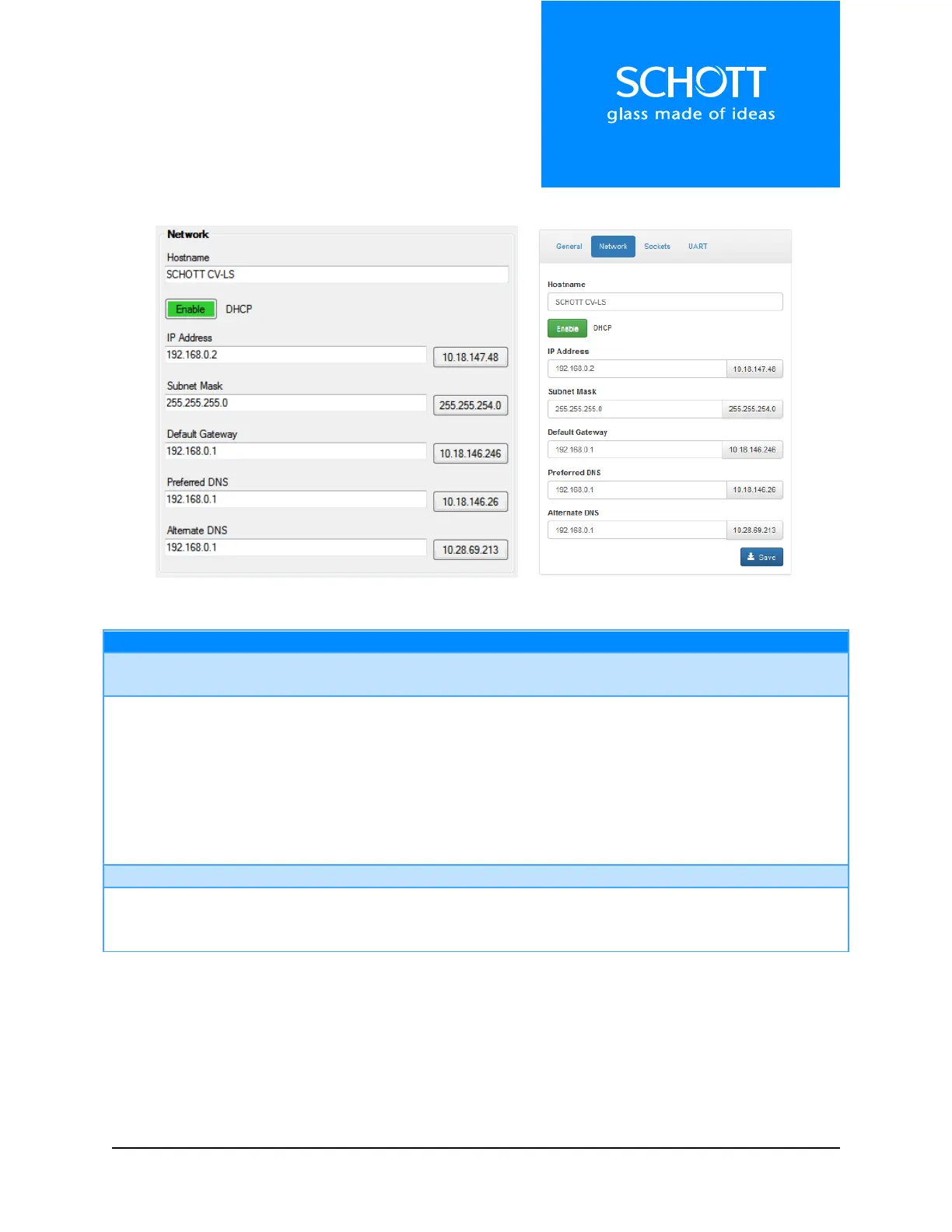
Figure 20: Network (Left: Dashboard, Right: Web Interface)
The name that will display in the finder application. Used to easily identify
multiple units on the same network.
Options: Enable, Disable
When enabled, the unit will first request network information from the local
DHCP server. If this fails, it will fall back to the static network information
stored in memory.
Note: The unit will be available more quickly on the network if DCHP is
disabled when no DHCP server is present. Otherwise, a timeout must occur
before falling back to the static IP in memory.
The static network values of the system.
The current DHCP values assigned to the unit.
Note: These will be 0.0.0.0 if DHCP is disabled.



 To Next Page