CV-LS Dashboard
D20980.022 Rev C CV-LS User Manual Page 77
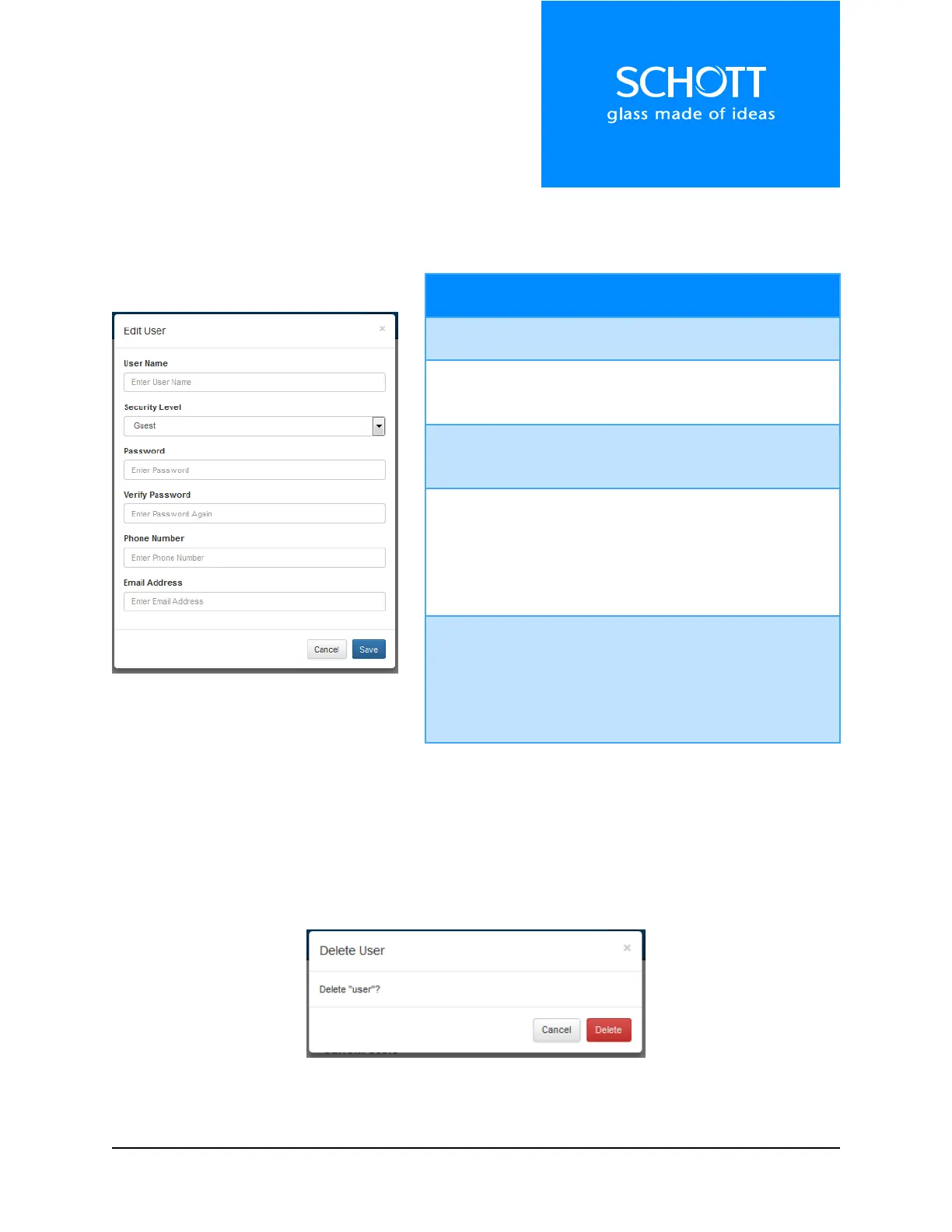
Add / Edit User
When adding or editing a user, different fields are required. If any field is incorrect, a message will be
displayed with the error.
Figure 24: Add / Edit User
Required For: Add, Edit
This used to log in.
Required For: Add, Edit
This limits what the user can view when
logged in.
Password
/ Verify
Password
Required For: Add
When editing a user, leaving this field blank
will keep the old password.
Required For: None
This field is for a planned firmware
upgrade, where software errors /
exceptions will cause a notification to be
texted to the ADMIN level phone numbers
stored in the unit.
Required For: None
This field is for a planned firmware
upgrade, where software errors /
exceptions will cause a notification to be
emailed to the ADMIN level emails stored
in the unit.
Delete User
When clicking the “Delete” button to the right of the user, the confirmation dialog shown in Figure 25
below will be displayed. Once the “Delete” button on this dialog is clicked, the user will be deleted and
non-retrievable.
Figure 25: Delete User



 To Next Page