CV-LS Dashboard
D20980.022 Rev C CV-LS User Manual Page 68
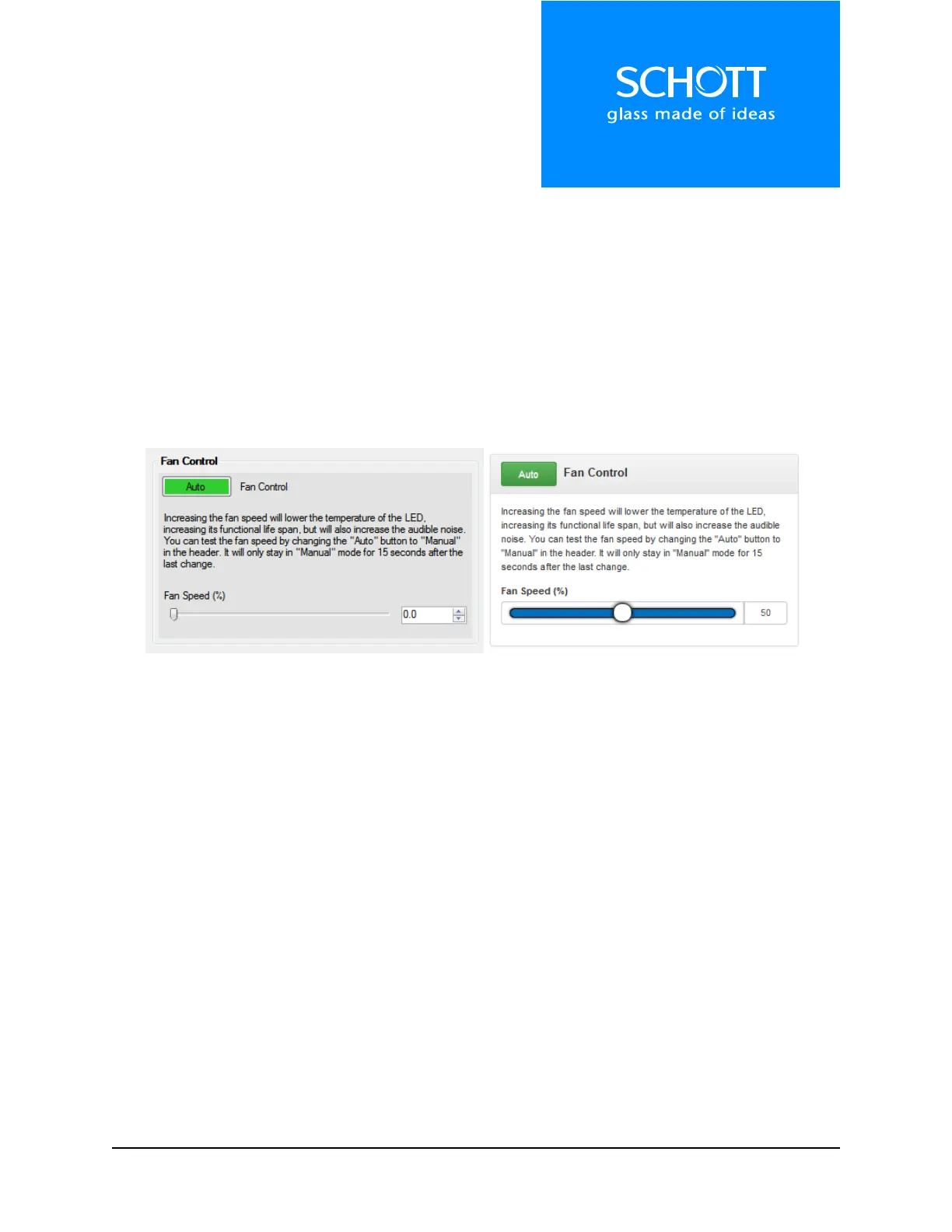
Fan Control
The CV-LS has a variable speed fan to optimize fan noise versus cooling needs. The higher fan speeds
allow for operating the LED at max intensity under warmer ambient temperature, but is much louder.
The minimum fan speed still allows 70% light output at room temperature and is much quieter.
The user can test the noise of the fan by changing the “Fan Control” from “Auto” to “Manual”. The
manual mode will allow for the fan to be on at the speed shown, even if the LED is off. The fan will stay
in “Manual” mode for 15 seconds after each speed change, and will then change back to “Auto” mode.
The status windows can be used to monitor the LED temperature to find the optimal tradeoff of fan
speed and LED temperature for the intended application.
Figure 16: Fan Control (Left: Dashboard, Right: Web Interface)



 To Next Page