Installing the PGD Application 13
SCOTT SAFETY 087-0065 REV B
Installing the USB
driver
This section describes the installation of the USB driver for the monitor.
1 Download the USB driver from our website and save the file in a desired location.
Open the .zip file and extract the .exe file to the same folder.
2 Double check the .exe file to start the installation procedure.
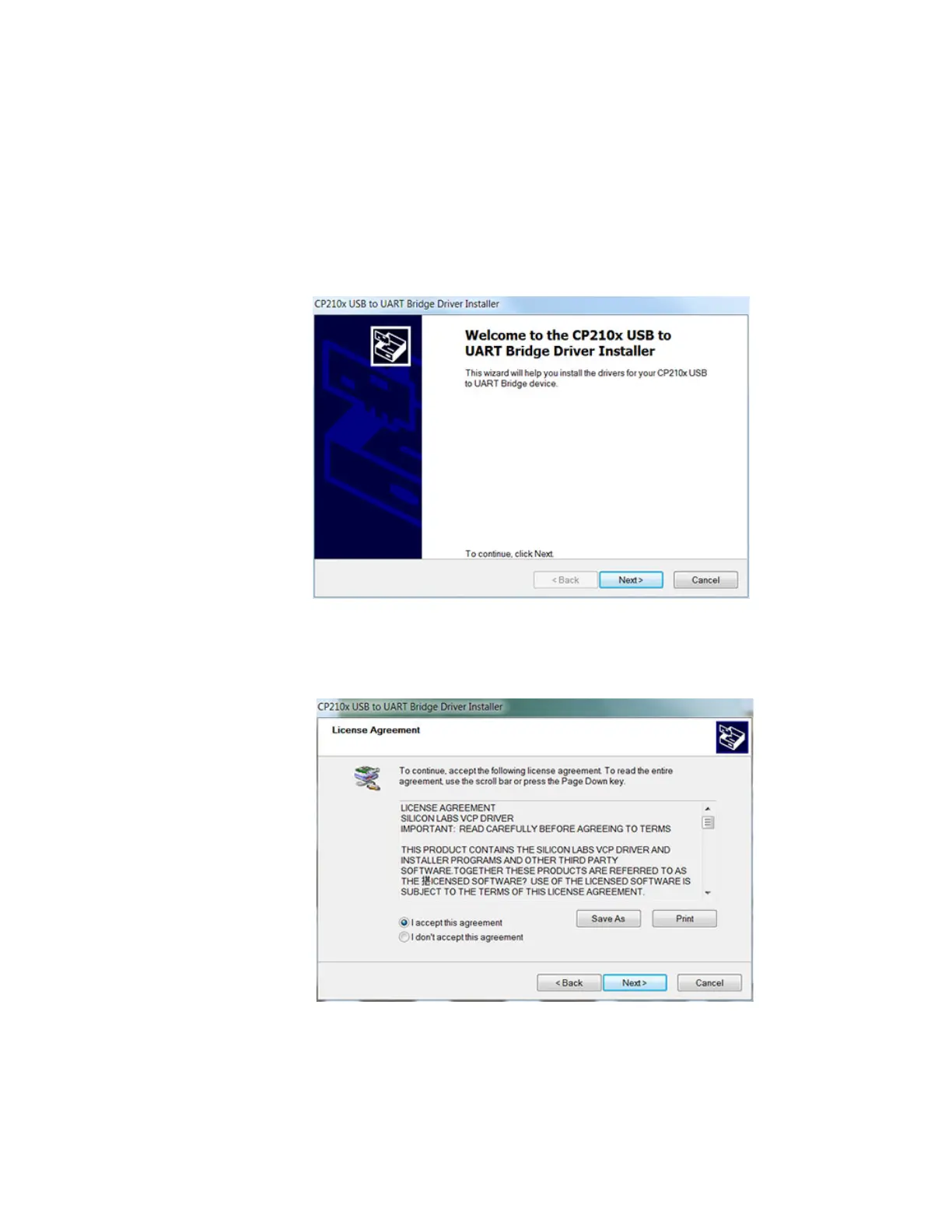
3 When prompted, click Next to proceed with the installation, see Figure 2.
Figure 2 USB Driver Installation (1 of 4)
4 Select I accept this agreement and click Next to continue.
Figure 3 USB Driver Installation (2 of 4)


 To Next Page