Error Codes 41
SCOTT SAFETY 087-0065 REV B
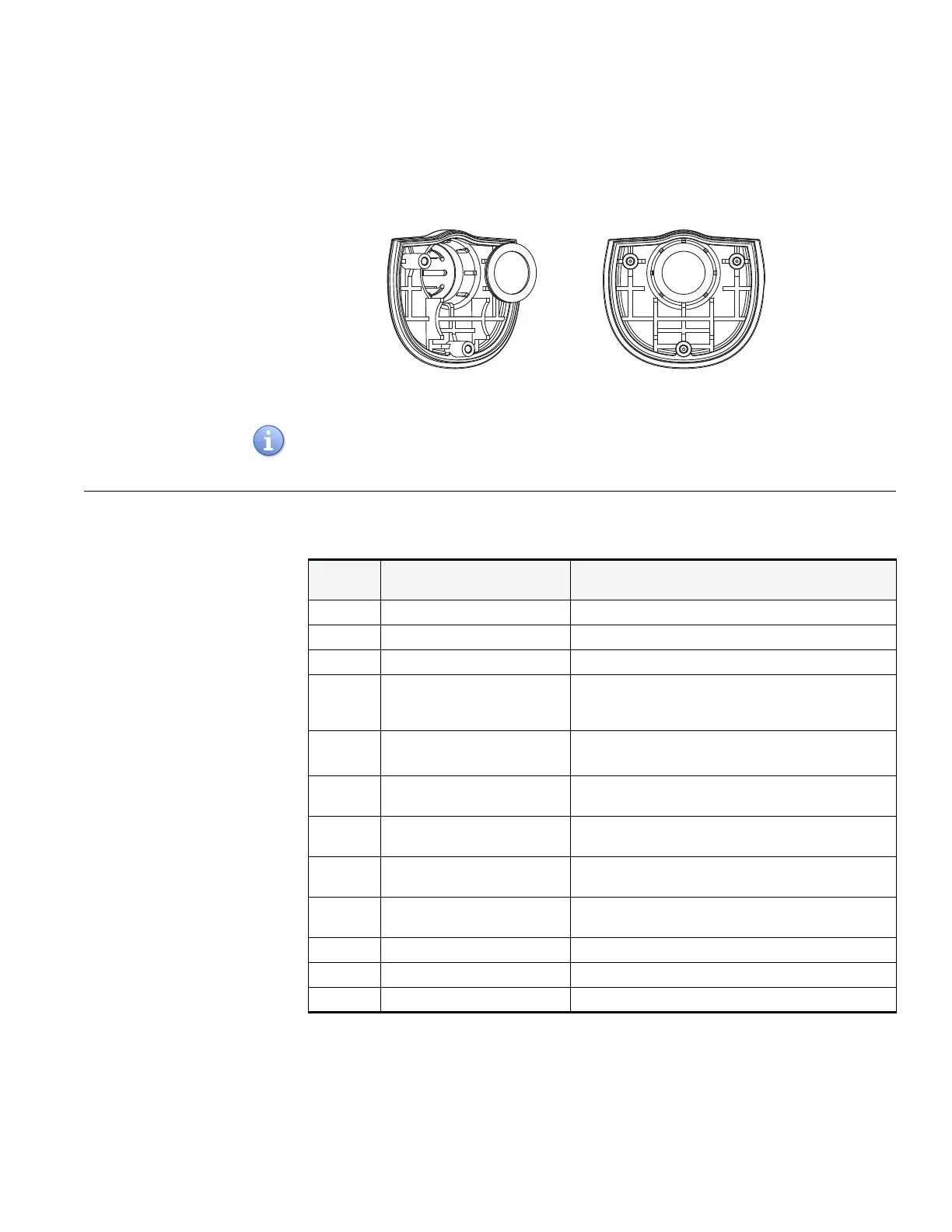
3 Replace with the new sensor filter.
Figure 22 Replacing with the New Filter
4 Reinstall the sensor cover and tighten the screws with the sequence in Figure 18.
Recommend rubber gloves when handling the new sensor filter to avoid damage from
fingernails or natural skin oils.
Error Codes Table 18 provides a list of error codes for the Protégé Single Gas.
Table 18 Protégé Single Gas Error Codes
ERROR
CODES CAUSE SOLUTION
E01 Configuration memory error Reset the monitor configuration
E02 Datalog memory error Erase the datalog memory
E03 Program memory error Reprogram monitor firmware
E04 Datalog memory is full Use the PGD software to read the datalog and save
the datalog file. Then delete the datalog throgh the
PGD software, refer to PGD software user guide.
E05 Battery Depleted Chargeable battery: charge the battery
un-rechargeable battery: replace the battery
E06 Missing sensor/wrong sensor
installation
Reinstall the sensor or contact the service center.
E07 Sensor can not communicate
with Mipex sensor
Re-install sensor module and restart the monitor.
E08 Temperature sensor error or
exceed the range
Take the monitor to a normal temperature area.
E09 Temperature of Mipex
sensor has a dramatic change
Take the monitor to a normal temperature area.
E10 G-sensor error This is not applied to the Protégé Single Gas.
E11 Charge error This is not applied to the Protégé Single Gas.
E12 ADC full Contact the service.


 To Next Page