Operating the Monitor 23
SCOTT SAFETY 087-0065 REV B
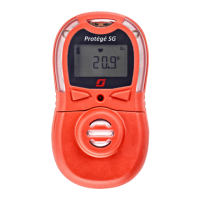
The heart beat icon indicates that the monitor is in the gas reading mode and is
working properly.
Backlight The device is equipped with the backlight LEDs (white) for better viewing the LCD.
When the device is in the operating mode, pressing any button will illuminate the
LCD for five (5) seconds.
The backlight duration is set by the administration via the software. Refer to the
Portable Gas Detector (PGD) Application User Guide (
087-0061).
Pushbuttons This section describes the use of function buttons.
6 Percentage by lower
explosive limit (%LEL)
14 Calibration indication
7 Parts per million (ppm) 15 Bump test indication
8 10
-6
= 1 ppm 16 Peak gas exposure
Table 11 Monitor LCD Items and Descriptions (continued)
NO. DESCRIPTION NO. DESCRIPTION
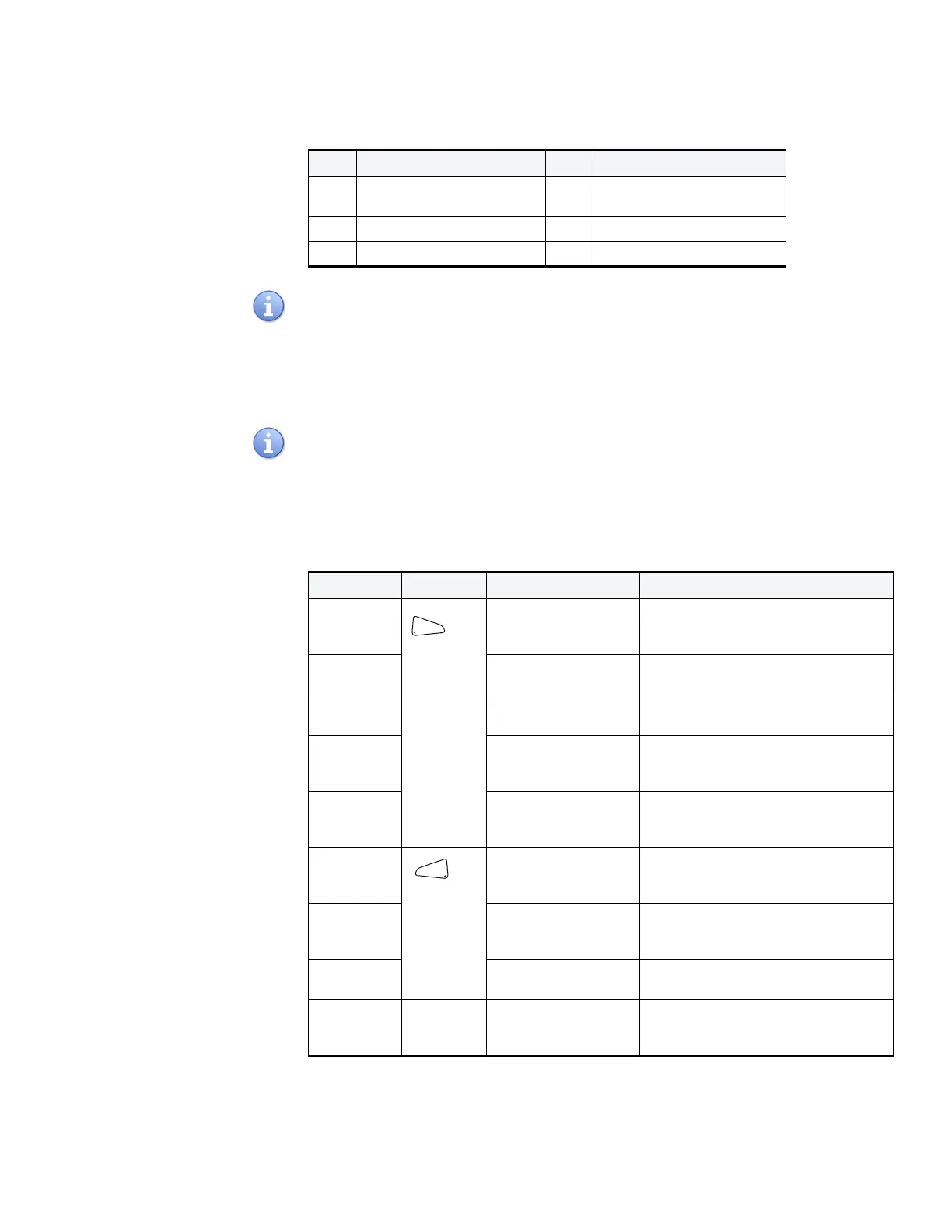
Table 12 Pushbuttons (2)
BUTTON ACTION DESCRIPTION
Turn on Press and hold the left
button until the
countdown is complete
Power on the monitor
Clear Peak or
TWA value
Press the left button Clear the Peak or TWA value
Cancel
Alarm
Press the left button
during alarm
Cancel silent alarm, latch alarm.
Bump test Press and hold the left
button in gas
monitoring mode
Initiate the bump test
Confirm
Operation
Press left button when
operating
Confirm the selection or operation
when operating. For example, confirm
to clear the peak value.
View Alarm
Settings
Press the right button
when viewing peak or
TWA value
View high, low, STEL, TWA and peak
gas exposures
Zero
Calibration
Press and hold right
button in gas
monitoring mode
Initiate the calibration
Cancel
operation
Press right button
when operating
Cancel the operation. For example,
cancel the calibration or bump test.
Turn off Both
buttons
Press and hold both
buttons until the
countdown is complete
Power off the monitor


 To Next Page