40 CHAPTER 5: MAINTENANCE
087-0065 REV B SCOTT SAFETY
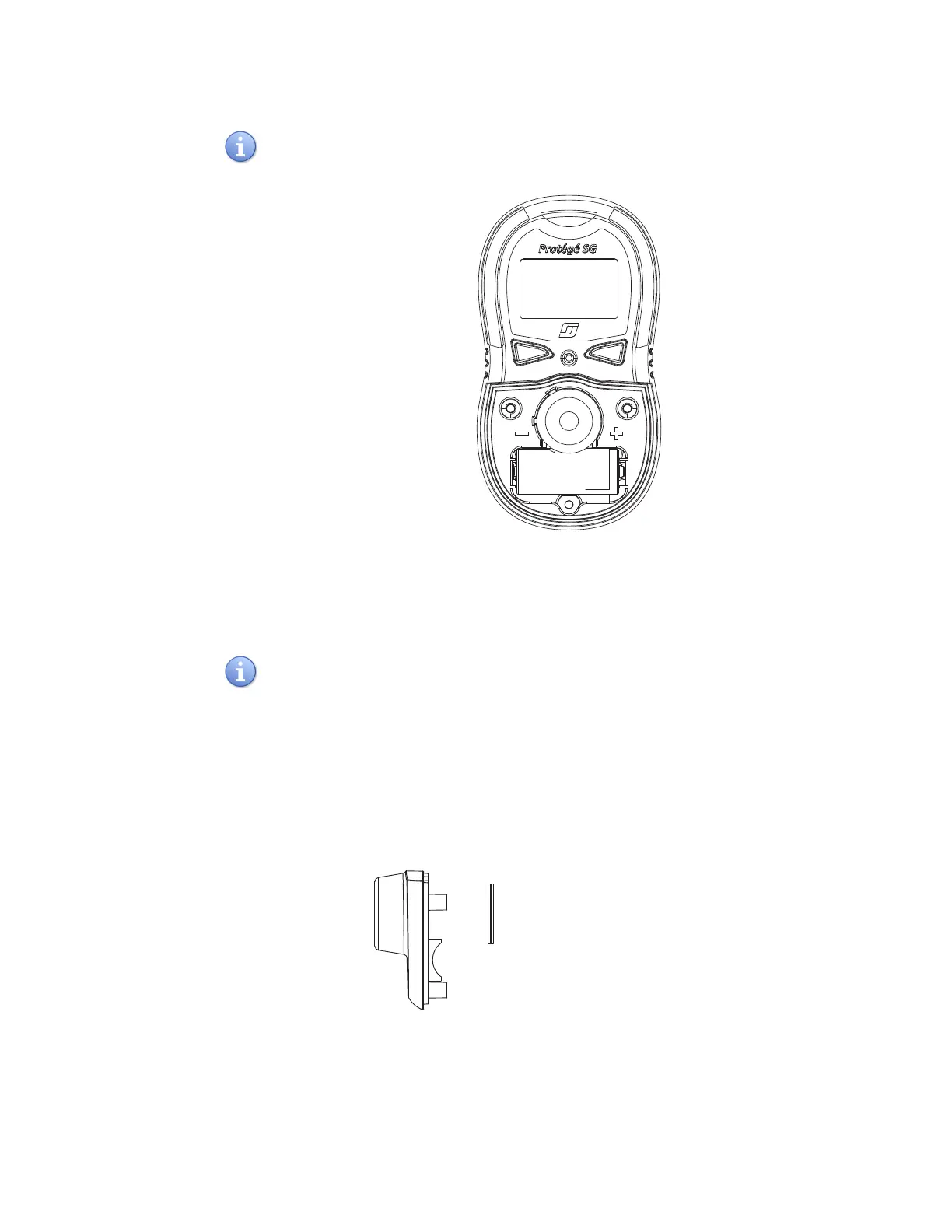
Ensure the orientation of “+” and “-” is correct when installing the new battery.
Figure 20 Polarity Orientation (+/-)
6 Reinstall the sensor.
7 Install the sensor cover and tighten the screws with the sequence in Figure 18.
The torque of the screwdriver should be 3 to 4 inch-pounds to loosen or tighten the
screws.
Replacing the Sensor
Filter
This section describes how to replace sensor filter.
1 Refer to step 2 of “Replacing Sensors” on page 36 to remove the sensor cover.
2 Pull out the old sensor filter with tweezers or other tools (Figure 21).
Figure 21 Pulling out the Old Filter



 To Next Page