Protégé Portable Gas Monitor
Instruction Manual
25 of 61
P/N 087-0038 Rev. J 02/10
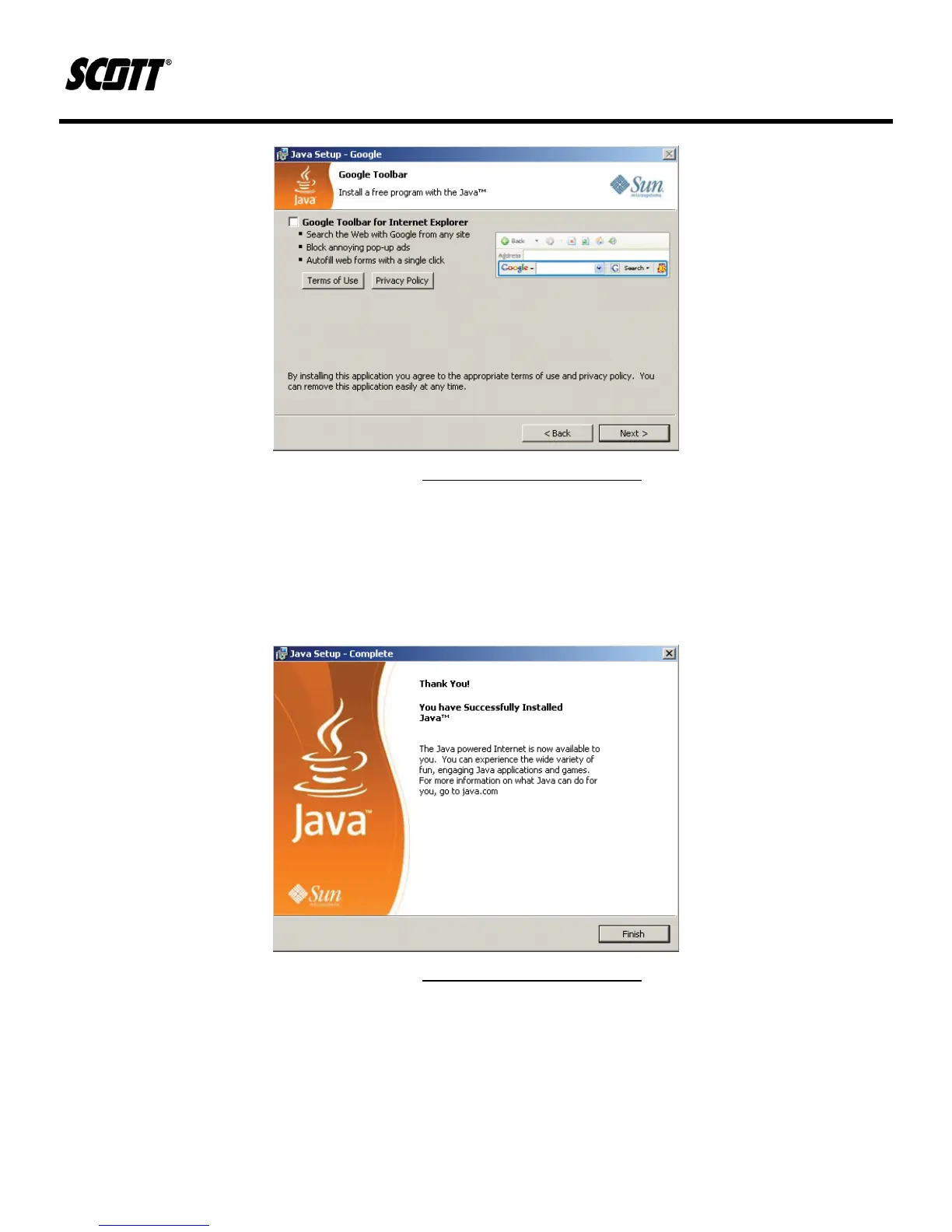
Figure 3-9. JAVA Software Installation
6) Click NEXT to proceed.
7) Observe the installation progress screen progresses through the installation. Installation
times will vary depending on PC performance, but should never take a large period of time.
8) When prompted upon successful completion of software installation, click FINISH to complete
JAVA software installation.
Figure 3-10. JAVA Software Installation


 To Next Page