15.1.6 Getting and saving data
Press the M button:
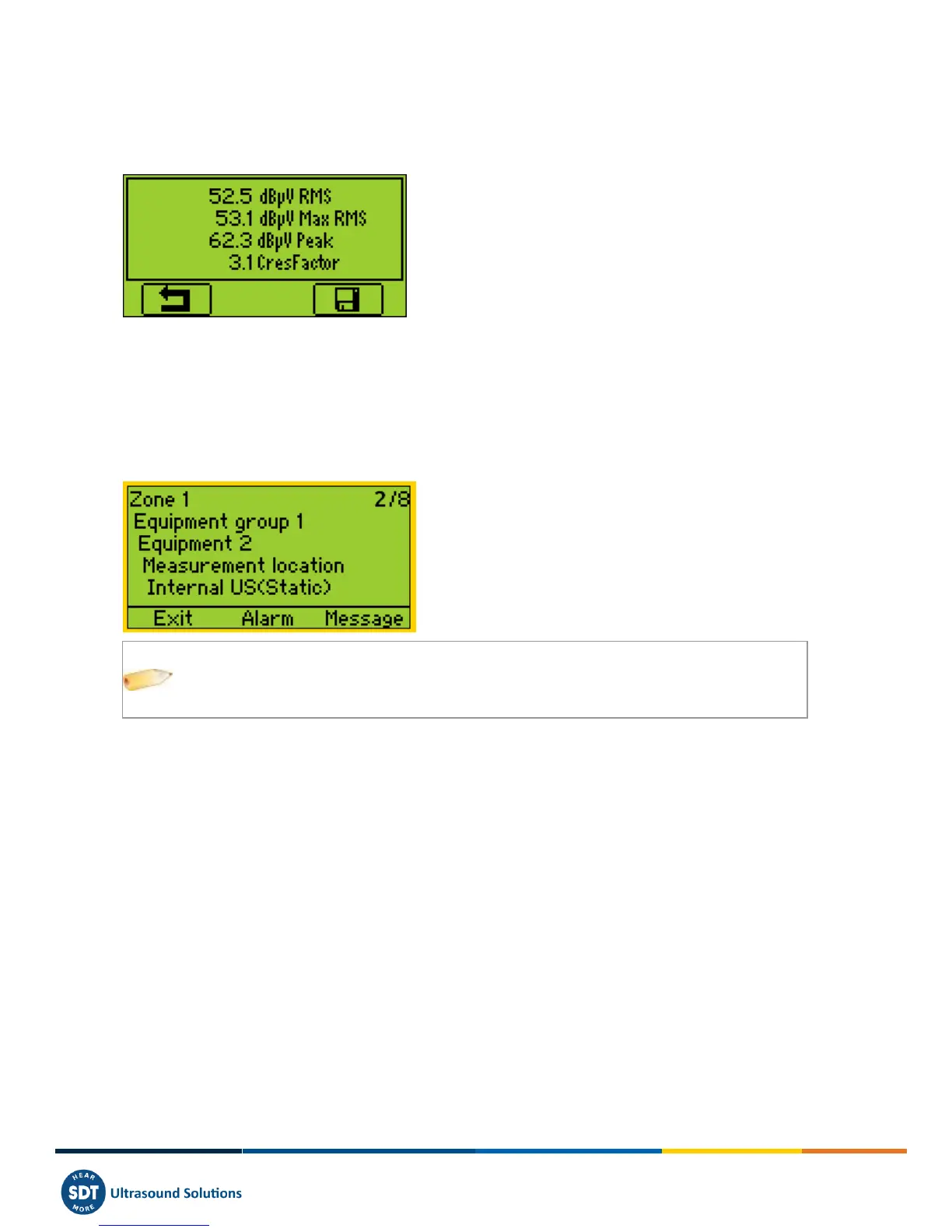
For ultrasonic sensors and accelerometers, at the end of the computation time, a screen detailing RMS, Max RMS (for
Us sensors), Peak and Crest factor values, is displayed:
For RPM, temperature, hygrometer, and mass flow, the value is frozen.
Press the F3 button (or the Disc button) to save the data. A message on the screen confirms the measurement has been
saved.
15.1.7 Selecting the next measurement
Press F1 Button to continue and return to the Measurement selection screen. The SDT270 selects automatically the
following Measurement of the Survey.
If you forget to record Measurements for a planned Survey, they automatically be inserted
in the conditional Survey
15.1.8 Measurement in alarm
When you record a measurement triggering an alarm, the status LED will be lit with the color of the highest level of
alarm reached: blue for the warning level, orange for danger level and red for alarm level. In the same time, a message
will inform you of the alarm levels and thresholds exceeded. Please refer to Ultranalysis Operating Instructions if you
need more details about alarms management.



 To Next Page