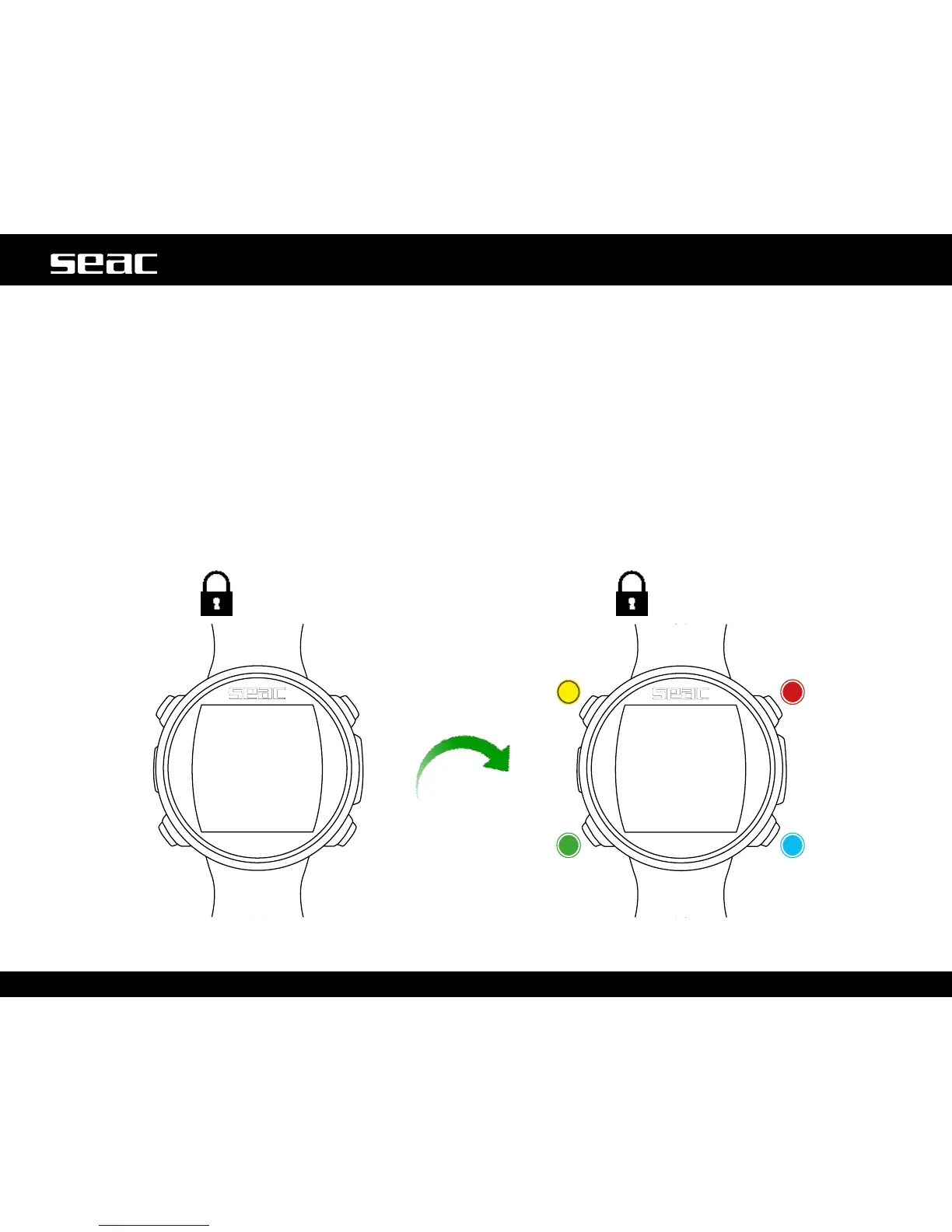
Vibration or
movement
Lock
screen
Unlock Unlock
Unlock
Unlock
JACK OUT OF THE WATER:
Sleep Mode
The JACK computer features a Sleep Mode function.
After 1 minute of complete immobility (such as when set aside for the night), JACK will turn off its screen automatically to save battery.
All the functions of the computer continue to function normally: alarm, desaturation (when needed), time, etc.
Thanks to the built-in accelerometer, the screen will turn on automatically as soon as the computer detects any vibration or movement
(no button need be pressed to turn on the screen).
Sleep mode can be deactivated (not recommended) from the DISPLAY menu (see the dedicated section in this manual).
Sleep
mode



 To Next Page