App Menu
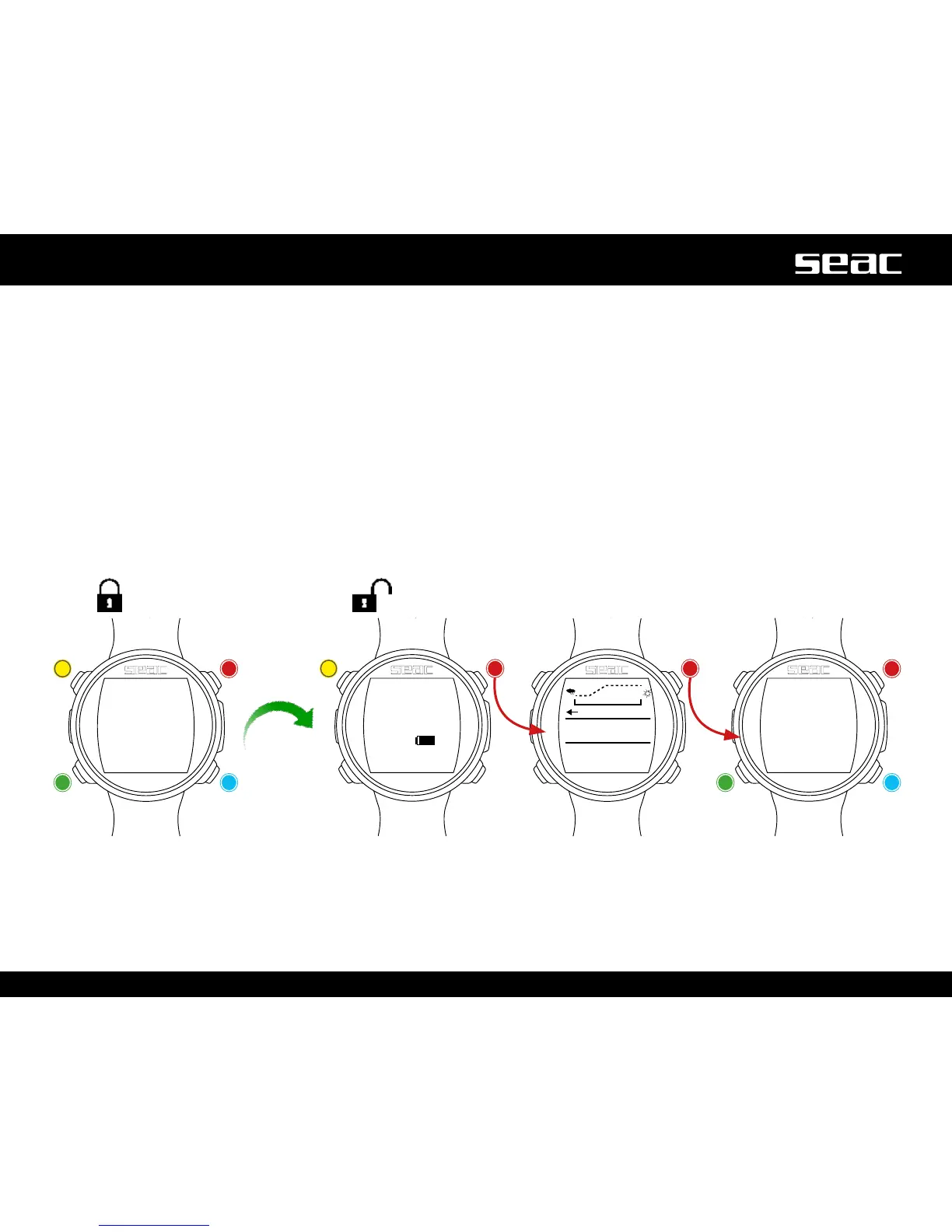
To access the App Menu, press any button to unlock the JACK. Press the B button to access the compass screen and press the B
button again to access the App menu.
Press the B, C and D buttonsasshownintheguretonavigatearoundthemenu.
To exit the App Menu quickly, press the B buttonafterselectingtherstappavailableinthelist,orselectEXIT.
Lock screen
JACK
unlocked
Unlock
Backlighting
Unlock
Compass
Unlock
Unlock
App
Up
DownSelect



 To Next Page