Watch Menu
The watch menu contains all settings not directly related to diving.
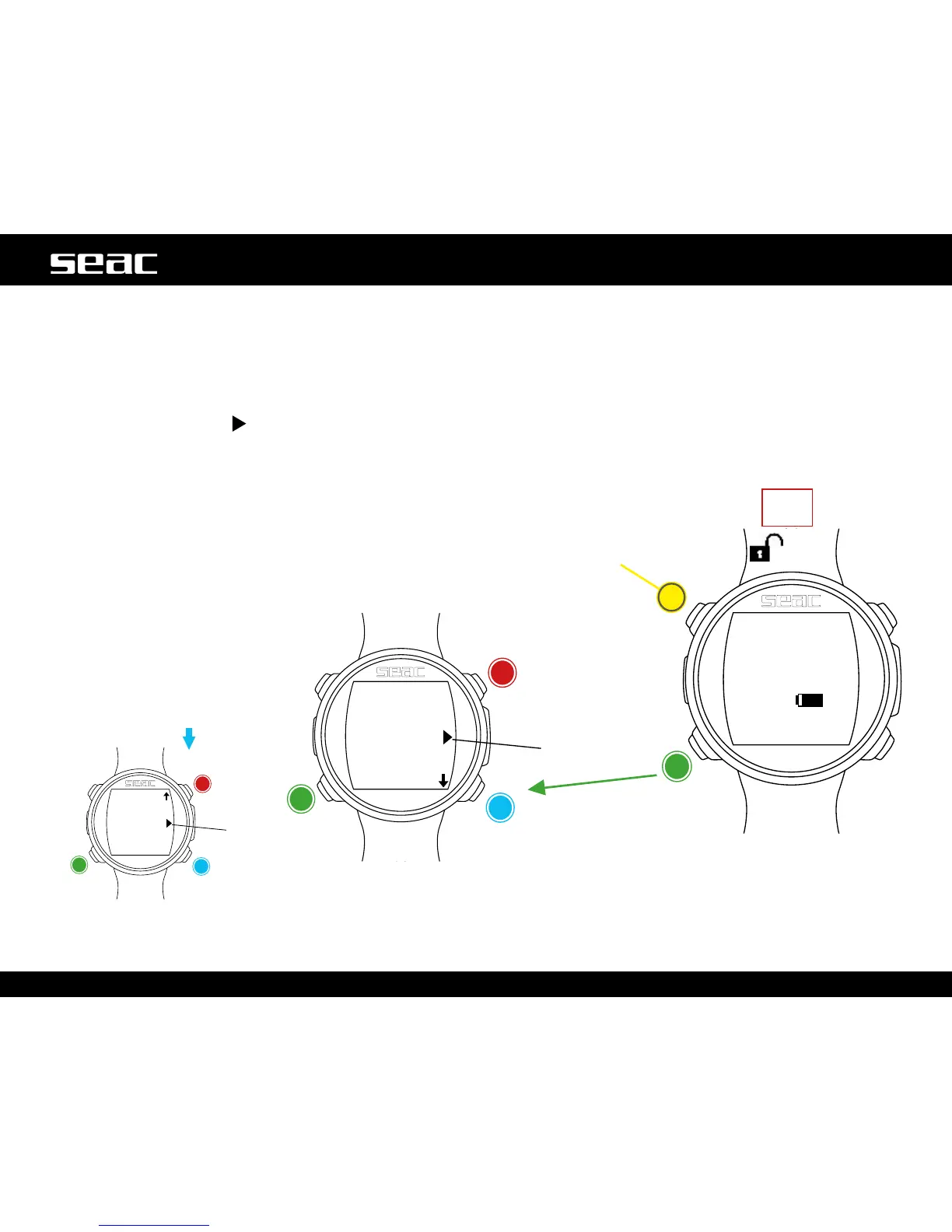
To access the Watch Menu, unlock JACK by pressing any button, and press button C from the watch screen. Press buttons B and D
to scroll through the menu items, and press C to select the desired option.
Keep pressing D to display the second menu page.
To exit the menu, select the
symbol, or simply don't press any buttons for 60 seconds.
Watch
Watch Menu
Up
Exit
Down
Select
Activate backlight (only
function of this button)
JACK
unlocked
Start
here.
Watch
Menu
Up
Exit
Down
Select



 To Next Page