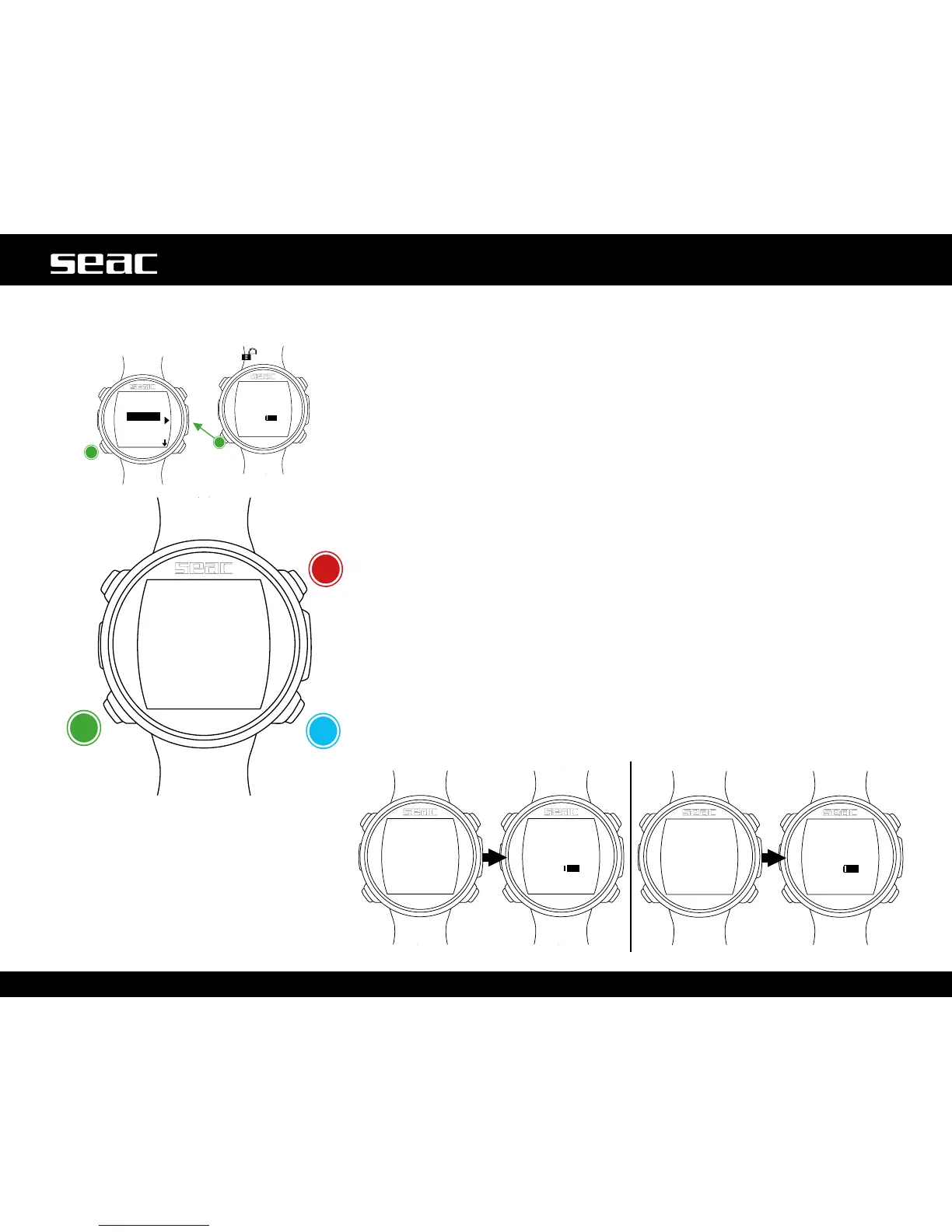
SYS SET (date and time)
Date and time settings can be changed from the SYS SET Menu.
UTC(CoordinatedUniversalTime):Adjuststherst“home”timezone.
UTC 2 (Coordinated Universal Time): Adjusts the second time zone.
Set UTC and UTC 2 with two different values to display double time zones on the
JACK watch screen. Set the same UTC value to display a single time.
TIME: Sets the time (24hr format).
FORMAT: Sets the time format displayed (24hr or 12 hr).
To exit, select EXIT (or wait 60 seconds without pressing any button).
UTC 2 = UTC
UTC2≠UTC
Select
JACK
unlocked
Increase
value
Decrease
value
Next value



 To Next Page