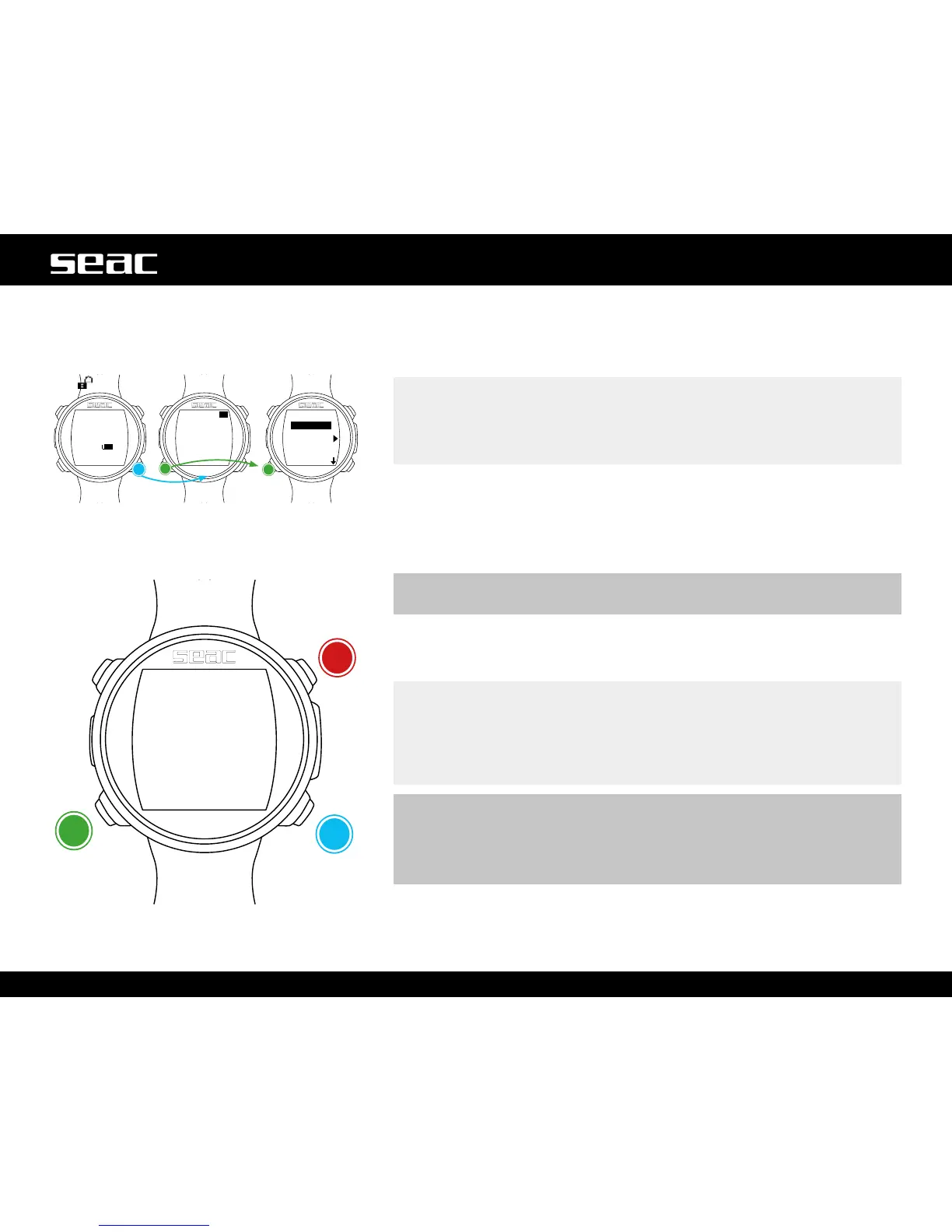
DIVE SET 1 (Dive settings 1)
TheDIVESET1MenudisplaystherstpartoftheJACKdivesettings.
WATER: (SALT/FRESH): Select the water type (SALT/FRESH).
NOTE
Dive computers measure pressure and convert it to depth using water
density as a constant. Without the WATER adjustment, a depth of 10 m in
salt water is detected as 10.3 m in fresh water. Without the SALT/FRESH
setting, the depth reading could be distorted.
UNITS: Select the unit of measure you want to use:
m/°C = meters and degrees Celsius (date format dd/mm/yy).
ft/°F = feet and degrees Fahrenheit (date format mm/dd/yy).
MODE: Set the preferred dive type that JACK will activate upon entering the
water.
m WARNING!
Always check that the dive type matches the dive actually being taken.
SCUBA: JACK begins a dive in scuba mode with tanks.
GAUGE: JACK begins a dive in gauge mode.
FREE: JACK begins a dive in freedive mode.
NOTE
If you should wish to use a different mode without changing the MODE
parameter, you can enter the desired mode by pressing the D button from
the watch screen and taking a dive deeper than 2 m. This way, JACK will
activate the mode that you selected without changing the MODE value for
that one dive.
m WARNING!
For safety reasons, it is NOT possible to set FREE mode as the main mode
unless 12 hours have elapsed since the most recent SCUBA or GAUGE dive.
JACK automatically resets SCUBA mode if you attempt to force an exit with
the main mode set to FREE.
JACK
unlocked
Conrm
Conrm
Next
value



 To Next Page